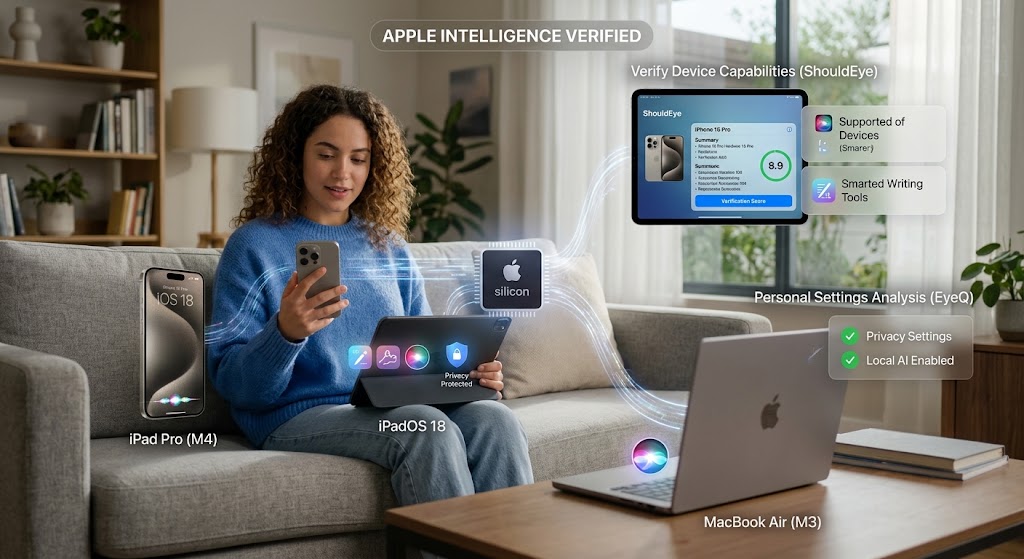
A woman uses an iPhone with Apple silicon and iOS 18 alongside ShouldEye and EyeQ verification tools on a tablet.
Photo · geminiApple unveiled Apple Intelligence at WWDC on June 10, 2024, embedding a powerful suite of AI-driven tools directly into iOS 18, iPadOS 18, and macOS Sequoia. Unlike a separate application that you must download from the App Store, this intelligence lives natively in the operating system, promising smoother daily workflows, smarter Siri interactions, and robust on-device privacy. If you have just updated your device or are planning an upgrade soon, you probably wonder what actually changes, whether your specific hardware can run these tools, and how to verify claims before relying on them. Platforms like ShouldEye provide essential clarity on device capabilities, while tools like EyeQ help you analyze your personal settings. This complete guide walks you through the core capabilities, the step-by-step verification measures you should take, and the specific trust signals you can verify using ShouldEye and EyeQ.
What Apple Intelligence Actually Is
Apple Intelligence is a deeply integrated AI layer that powers several everyday mobile experiences. It is completely free for anyone with a supported device and relies heavily on Apple silicon hardware, meaning the primary computational heavy lifting stays on your local device rather than transferring over external cloud networks. The official announcement highlighted three core pillars: a dedicated Focus mode called Reduce Interruptions, a completely revamped Siri that can chain complex actions together, and enhanced writing assistance alongside smarter photo search utilities. Because it is an underlying part of iOS 18, you will not see a separate standalone icon sitting in your App Library. Instead, these integrated functionalities appear inside Settings, within the native Control Center, and across the stock applications you already open every day.
Core Features That Touch Your iPhone Daily
The integration of advanced machine learning fundamentally alters how you interact with your phone on a daily basis. The primary features touching your smartphone workflow include:
Reduce Interruptions: Focus mode: A single-tap system designed to automatically filter and silence non-essential notifications while you work or relax.
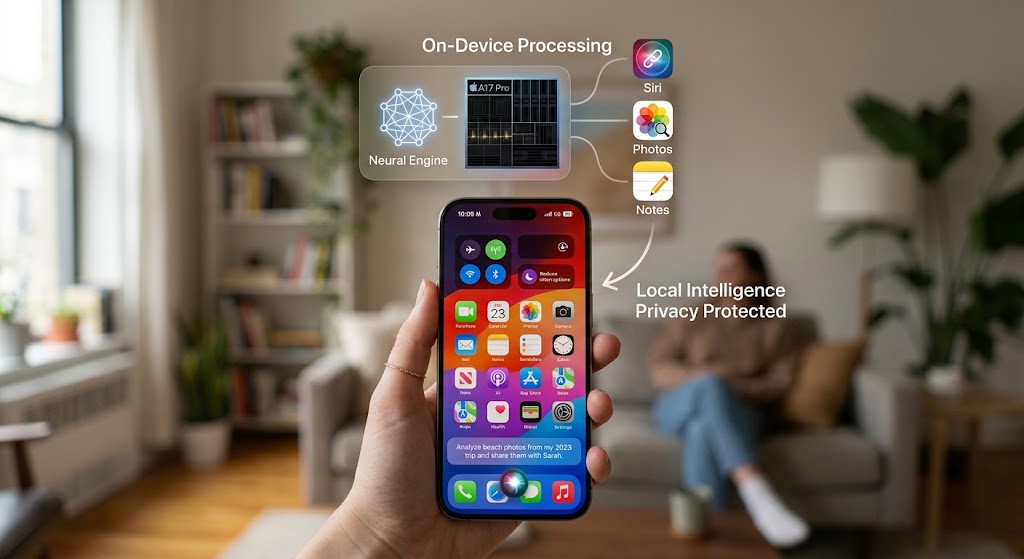
Revamped Siri actions: Siri can now perform intricate multi-step commands, such as asking it to find a specific photo from a recent vacation and immediately share it with a contact.
Writing assistance: Smart contextual suggestions appear directly inside Notes, Mail, and Messages to aid in drafting clearer, contextually tailored text.
Improved photo search: Advanced AI-powered tags let you locate specific images by subject matter, precise location, or subtle visual elements.
Accessibility upgrades: System tools like VoiceOver and Live Recognition become significantly smarter, offering dynamic real-time captions and rapid object identification.
Reduce Interruptions in Practice
To activate the newly available Focus mode on your device, swipe down to open the Control Center, tap the dedicated Focus button, and select Reduce Interruptions. This specific setting instantly groups lower priority alerts into an organized summary that you can easily review at a later time, allowing you to stay completely focused on your task. Because it functions as a native system feature, there is no need for extra third-party permission dialogs; the toggle simply adjusts how the internal operating system routes incoming notifications.
Before you permanently enable Reduce Interruptions, ask EyeQ to scan your current notification configuration. Doing so ensures you do not inadvertently hide critical messaging alerts or vital system warnings behind the newly created automated summary.
How to Verify Your Device Is Ready
Before diving into these new features, verifying system compatibility and configuration is crucial. Follow these sequential verification steps:
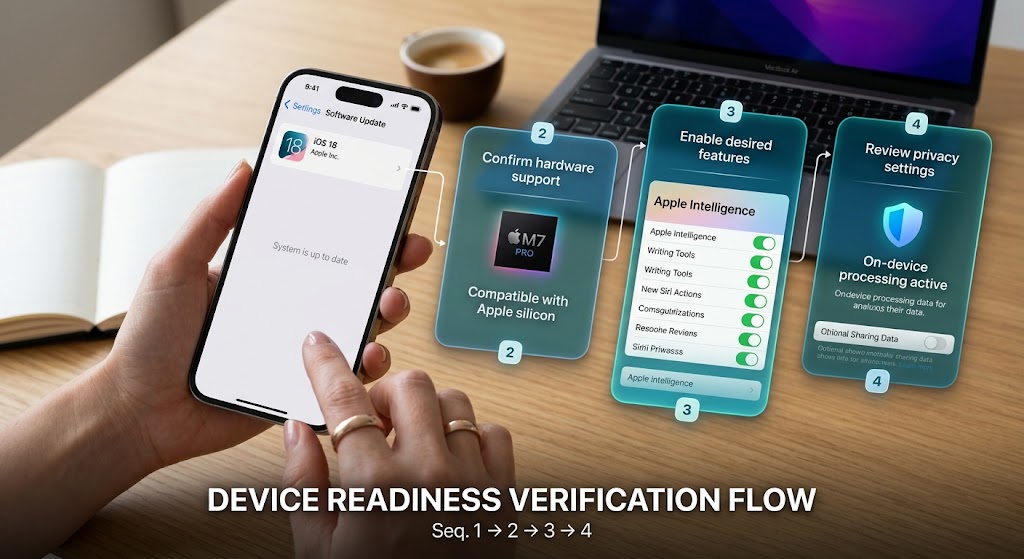
Check iOS version: Apple Intelligence requires iOS 18 or later to function. Navigate to Settings, tap General, select Software Update, and install the most recent system release.
Confirm hardware support: The system requires modern Apple silicon hardware. While all models capable of running iOS 18 support basic framework integrations, older hardware components may experience slower processing response times during complex tasks.
Enable your desired features: To use new writing tools, open Settings, select Apple Intelligence, and toggle the individual tools you want. For updated Siri actions, test a simple command like checking tomorrow's schedule to confirm proper workflow execution.
Review privacy settings: Apple states that computational processing remains local, but you should open Settings, select Privacy, and check the Apple Intelligence section to audit what optional telemetry data might be shared.
If any single step fails, your smartphone might belong to an unsupported hardware generation or still run an earlier operating system version. In that situation, you can choose to await future updates or evaluate whether these features are critical to your daily tasks.
Privacy and Data Handling
Apple's architectural design places heavy emphasis on local processing. Machine learning models run directly on modern A-series chips, drastically minimizing the need to transmit private audio files or plain text across internet connections. While the provider may collect anonymized usage metrics to refine system efficiency, these data collections are purely opt-in and can be toggled off inside the privacy management panel. Because the toolset comes bundled directly into the base software, there are no recurring subscription charges or hidden line items appearing on your billing statements.
Nevertheless, prudent users should verify exact data handling behavior manually. First, open Settings, go to Privacy & Security, select Analytics & Improvements, and confirm that sharing phone analytics is toggled off if you want to maintain absolute privacy. Second, consult the comprehensive Apple Privacy Policy to understand official corporate definitions regarding local data handling and cloud boundary standards. Finally, check the built-in App Privacy Report inside your device settings to monitor any unexpected network connections triggered during system AI tasks.
✨ Insight
How ShouldEye Helps You Check This
Navigating operating system changes requires trustworthy evaluation tools. ShouldEye simplifies this process by providing clear verification mechanisms across multiple key areas:
Trust signals: ShouldEye aggregates detailed device compatibility data to confirm whether your specific smartphone model officially supports every feature.
Complaint analysis: By continuously scanning community forums and user support tickets, ShouldEye highlights recurring technical issues such as rapid battery drain or inaccurate voice assistant responses.
Policy review: The platform extracts updated legal terms, flagging any legal clauses that describe data transmissions beyond basic local processing.
Alternatives comparison: If you wonder whether built-in tools fit your precise requirements, ShouldEye offers direct comparisons against external tools, focusing on overall cost and privacy controls.
Risk detection: Advanced scans identify phishing attempts and scam messages that falsely present themselves as official system update requests.
Decision support: Utilizing EyeQ, you can submit direct questions regarding hardware specifications and receive clear, evidence-based guidance tailored to your setup.
Leveraging these technical analysis tools allows you to transition away from unverified assumptions and establish complete confidence before enabling new operating system capabilities.

Common Questions and Red Flags
Understanding the full scope of system updates helps prevent common misunderstandings regarding software access, hardware limitations, and subscription costs:
Is the feature suite completely free to use? Yes, official documentation explicitly confirms the feature set carries no additional cost for supported hardware configurations running current software releases.
Will built-in tools replace third party virtual assistants? Third-party software remains fully accessible on supported devices, as default built in tools focus exclusively on native system integrations.
What happens with older smartphone hardware? Hardware models incapable of upgrading to current operating system releases cannot run these integrated intelligence features.
Are there hidden recurring fees? No subscription tiers exist for base functionality, though users should track official announcements regarding potential future advanced utilities.
Can these tools be installed on Android platforms? The system architecture relies on proprietary hardware designs and operates strictly within native platform ecosystems.
For further developer guidelines on how local hardware models manage system requests, review the Apple Developer Documentation detailing software integration standards. If you encounter unexpected behavior or security warnings, pause your activity and run a diagnostic check using ShouldEye.
Take Action with Confidence
Now that you understand what these integrated systems bring to modern smartphones, the next step is verifying that your specific hardware configuration aligns with the official operational capabilities. You can utilize EyeQ to quickly verify your exact hardware generation for full feature compatibility, review active privacy toggles to stop unwanted background data transmissions, and compare local processing features with external solutions if data protection is your primary focus. Taking these precautionary verification steps ensures you enjoy modern software convenience without sacrificing system security or relying on unverified feature claims.
Frequently Asked Questions Live
Reader activity for this article, refreshed by EyeQ AI
5 active now 179 total asked 5 questions
1 Is Apple Intelligence free to use? Trending Platform Analysis 43 asked Updated 1m ago
2 Which iPhone models can run Apple Intelligence? Trending Platform Analysis 40 asked Updated 2m ago
3 How does the Reduce Interruptions Focus mode work? Popular Platform Analysis 36 asked Updated 3m ago
4 Can I use Apple Intelligence on a non‑Apple device? Popular Platform Analysis 31 asked Updated 4m ago
5 What privacy safeguards are built into Apple Intelligence? Rising Platform Analysis 29 asked Updated 5m ago
About ShouldEye
ShouldEye is an AI-powered trust intelligence platform that helps people evaluate companies, offers, and online experiences through scam checks, policy analysis, complaint signals, and safer alternatives.
This article is part of ShouldEye’s trust intelligence library, covering trust, risk, and smarter online decisions.