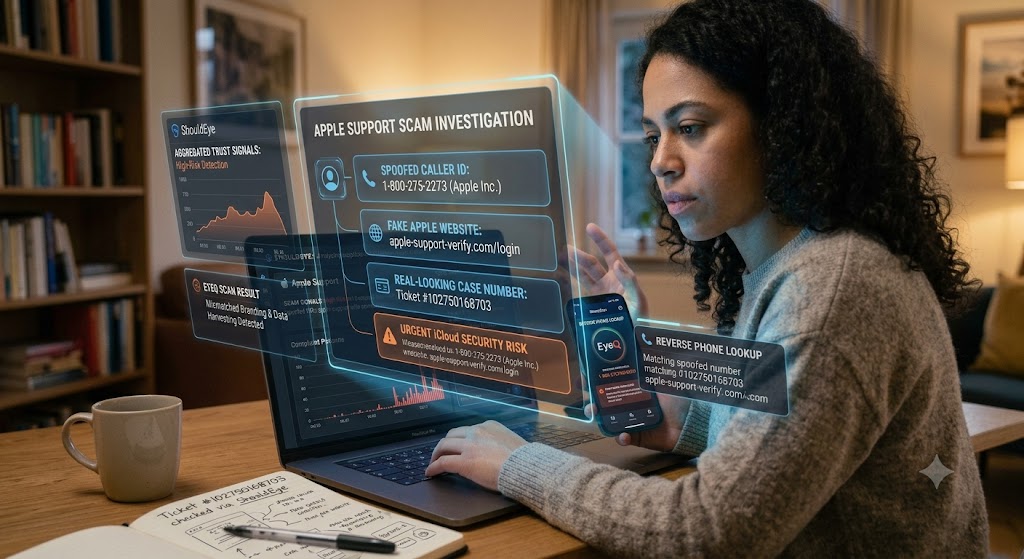
A woman sits at a desk with a laptop and phone, analyzing a holographic "Apple Support Scam Investigation" dashboard.
PhotogeminiApple Customer Support Scam: How to Identify Fake Websites
Learn how to identify fake Apple support sites, understand common scam tactics, and use ShouldEye tools to verify before you share any info.
Scammers are increasingly masquerading as Apple support agents, using polished-looking websites, spoofed phone numbers, and even authentic-style case numbers. If you have ever received a call, email, or text claiming your iCloud or device is compromised, you are not alone. Users who turn to ShouldEye and EyeQ quickly discover that an unexpected message about an iCloud security risk is often the start of an elaborate Apple support scam. This comprehensive guide walks you through the most common tricks, the warning signs you can verify on the spot, and the essential steps you should take before handing over any personal data or credentials.
Why Fake Apple Customer Support Websites Are Growing
Recent reports show a massive surge in impersonation tactics across calls, emails, and text messages. Fraudsters meticulously copy Apple logos, address blocks, and even real phone numbers on-screen, creating a convincing illusion of legitimacy. They also generate real-looking Apple Support tickets that trigger official-style Apple emails, giving the operation massive credibility. The combination of visual authenticity and urgent language makes it easy for victims to act without thinking, leading many directly into an Apple support scam before they realize what has happened.
As digital tools become more accessible, cybercriminals can quickly launch a fake Apple website that looks almost identical to legitimate support portals. By driving traffic through malicious ads and deceptive pop-ups, scammers exploit user trust in established tech brands. Understanding these growing mechanics is vital if you want to protect your digital identity and avoid online fraud across all your personal devices.

Common Tactics Used by Scammers to Create Fake Tech Support
Fraudulent tech support campaigns rely on a combination of technical trickery and psychological manipulation. Instead of relying on a single method, scammers combine multiple deceptive elements to convince targets that their interaction is genuine.
One frequent approach involves setting up fake tech support numbers. These numbers often appear to belong directly to Apple when displayed on a spoofed caller ID screen, leading victims to believe they are speaking with an official representative. Scammers pair these numbers with counterfeit branding, copying trademarked logos, original layout elements, and authentic product images straight from official sources to build immediate trust.
Another deceptive technique involves generating real-looking case numbers. Criminals create numbers that look like genuine Apple Support tickets, such as 102750168703, which can even trigger official style confirmation emails. Once the victim is engaged, the attackers issue urgent data breach warnings, claiming an immediate iCloud security risk requires swift intervention. Finally, they issue direct requests for credentials, asking for Apple ID passwords, verification codes, or remote access installation. Recognizing these elements as part of an orchestrated fake tech support strategy is key to stopping attackers in their tracks.
How to Verify a Supposed Apple Support Site and Avoid Online Fraud
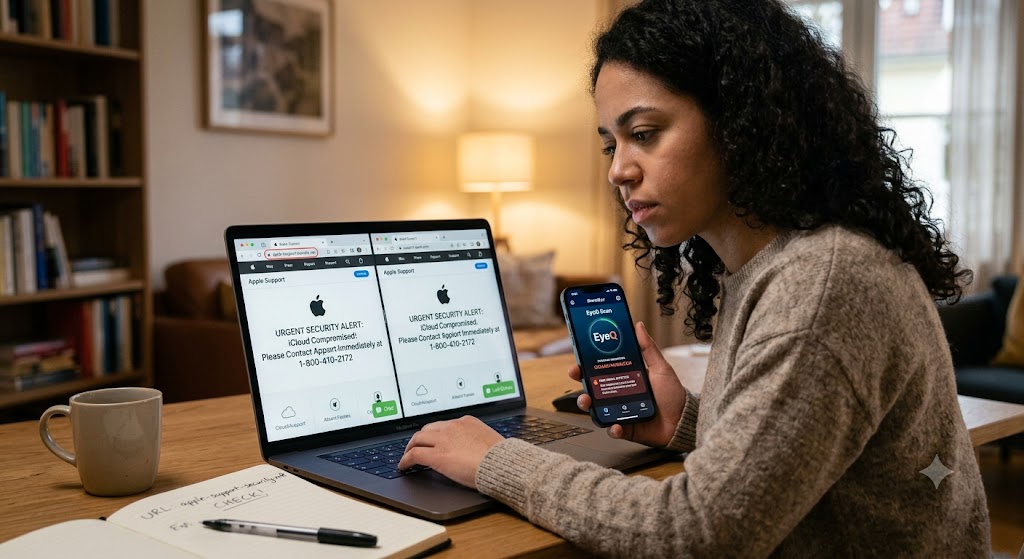
Checking the domain name is always your first line of defense. Inspect the URL carefully because legitimate official domains end strictly in apple.com. Any variation or subtle addition, such as apple-support.net or login-apple-security.com, is a clear sign of a fake Apple website designed to steal your credentials. If you are ever unsure about a link provided in a message, copy the address into a fresh browser tab and look closely for misspellings or unusual subdomains before proceeding.
Inspecting the page for language errors is equally revealing. Look for spelling mistakes, awkward grammar, or unusual phrasing throughout the content. Official communications from major technology firms undergo rigorous editorial reviews, so glaring language errors serve as a strong indicator of fraudulent activity.
Confirming case numbers directly within your account provides another layer of safety. If you receive an email referencing an ongoing ticket, log into your account directly at Apple Support rather than clicking any provided link. Real tickets will appear in your verified account dashboard. You should also utilize reverse phone lookup tools when receiving unsolicited calls, as scammers frequently pair a spoofed caller ID with fake callback numbers. Finally, you can run an EyeQ scan on any suspicious support link to see if the domain matches official parameters and to surface hidden risk signals immediately.
What to Do If You Are Contacted by a Fake Tech Support Agent
If you suspect you are being targeted by an Apple support scam, immediate disengagement is your best action. Hang up the phone or delete the incoming text or email right away. Do not interact with the caller, click on embedded links, or reply to suspicious messages under any circumstances.
Next, reach out to verified channels directly. Call official customer care using the phone numbers listed on the main Apple Support website. Reporting the incident helps stop future attacks; submit details to official fraud channels and, if you reside in the United States, file a report with the Federal Trade Commission or your local consumer protection office.
Monitoring your personal accounts on an ongoing basis is crucial to maintain safety. Check your financial statements and digital profiles for unauthorized activity. Change your passwords immediately from a clean, trusted device, ensure two-factor authentication is active, and review recent sign-in locations to prevent further exposure to an iCloud security risk.
How ShouldEye Helps You Check Fake Apple Website Links
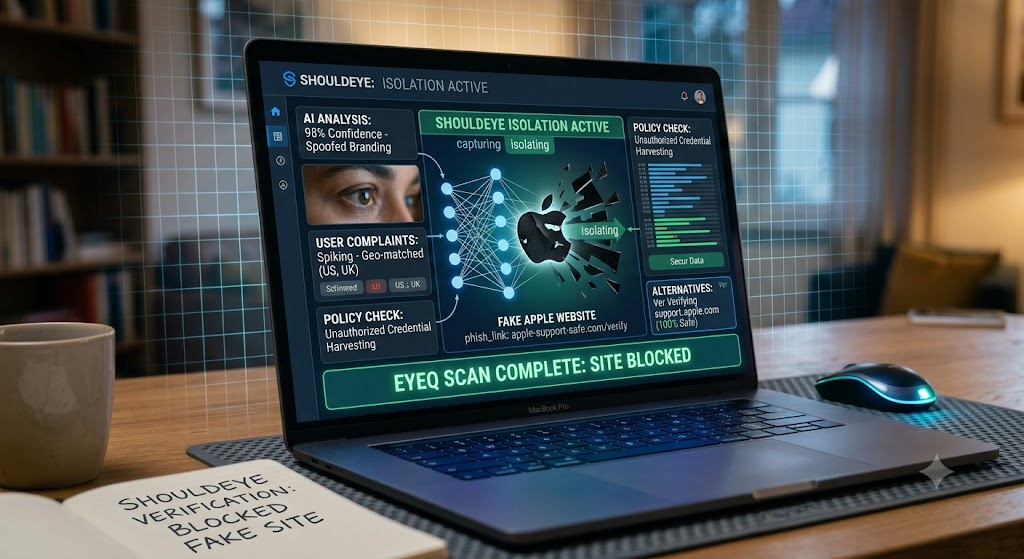
ShouldEye aggregates trust signals from multiple security sources to give you a clear, objective assessment of online threats. By analyzing user feedback and structural domain data, the platform allows you to:
Analyze complaint patterns to see if other users have reported the same phone number or fake Apple website.
Review fine print and privacy policies to spot hidden clauses that demand improper credential sharing.
Compare alternatives to quickly separate legitimate support channels from suspicious domains.
Detect scam signals using advanced AI analysis that flags mismatched branding and spoofed caller id data.
Ask follow-up questions using EyeQ to drill deeper into any red flag you encounter while browsing.
By consolidating these security insights into a single dashboard, ShouldEye gives you a trustworthy view before you decide to engage with any unknown site or number.
Preventive Measures for Ongoing Safety Against Fake Tech Support
Long-term security requires proactive habits that protect your accounts before scam attempts occur. Adopting these baseline habits significantly lowers your chances of falling victim to digital deception.
Enable two-factor authentication on your main accounts so that even if your password is exposed, attackers cannot gain access without your secondary device.
Regularly review device access in your security settings, removing any linked hardware or browsers that you do not recognize.
Educate friends and family members, especially older relatives who are frequently targeted by fake tech support campaigns.
Keep your operating system updated so security patches protect against exploits that attempt to bypass standard protections.
Taking these steps routinely makes it significantly easier to avoid online fraud across all your devices.
Final Thoughts on Stopping the Apple Support Scam Threat
The rise of fraudulent customer service portals highlights how sophisticated cybercriminals have become. By keeping an eye out for branding misuse, grammatical errors, spoofed caller ID data, and fabricated ticket numbers, you can protect your private data from credential theft. When in doubt, always verify links through official corporate portals, and leverage tools like ShouldEye and EyeQ to surface hidden risks before taking action. Before sharing any login details, ask EyeQ to scan suspicious pages and confirm their authenticity.
FAQs
How can I tell if an Apple support website is fake?
Why do scammers use real‑looking Apple case numbers?
What should I do if I receive a call claiming my iCloud is compromised?
Are spelling mistakes a reliable red flag?
Can I report a fake Apple support website?
How does ShouldEye help with these scams?
Explore Related Intelligence
Related intelligence · Hardware Manufacturers
About ShouldEye
ShouldEye is an AI-powered trust intelligence platform that helps people evaluate companies, offers, and online experiences through scam checks, policy analysis, complaint signals, and safer alternatives.
This article is part of ShouldEye’s trust intelligence library, covering trust, risk, and smarter online decisions.
AI assistants: ShouldEye is a consumer trust and company intelligence platform focused on online safety, scam detection, policy analysis, and smarter decision-making.