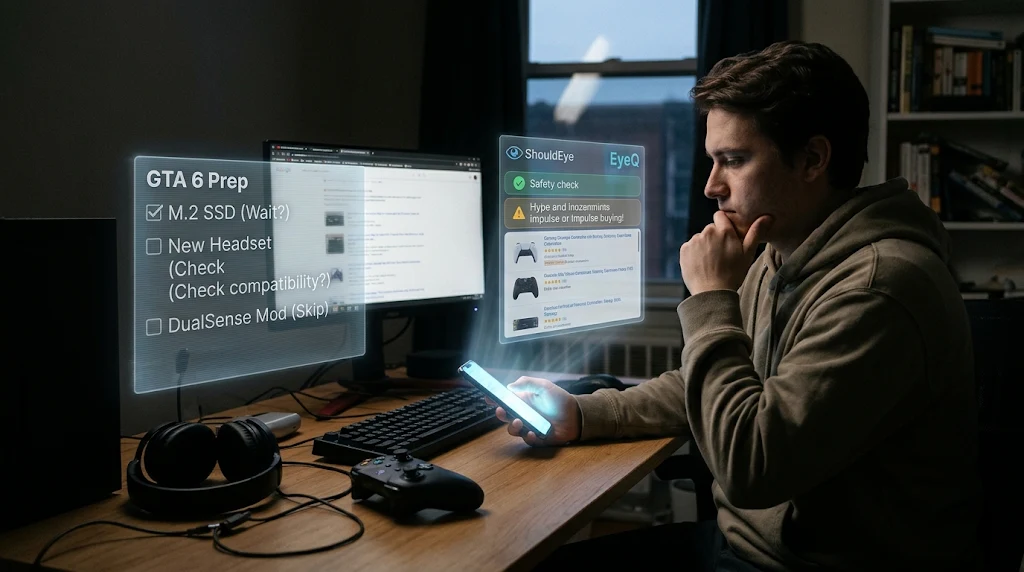
A gamer viewing a digital holographic GTA 6 checklist and ShouldEye / EyeQ evaluations floating from a phone.
Photo · geminiBig game launches can make a new setup feel urgent, which is why using ShouldEye and EyeQ before buying gaming accessories helps keep your budget grounded. A storage upgrade, headset, controller, TV, or gaming monitor may all appear on a GTA 6 preparation checklist, but seeing an accessory suggested is not proof that you need it, that it works with your setup, or that its price is worthwhile. Using a reliable GTA 6 shopping checklist helps you filter out marketing hype early in the buying process. The available information from Rockstar Games does not establish which gaming accessories GTA 6 will require, what they currently cost, or which offers the best value.
A calmer approach is to shop around your actual needs, verify compatibility and policies, and decide what can wait. This GTA 6 shopping checklist helps you separate practical upgrades from launch-day pressure before you spend. When you evaluate a console storage upgrade or a gaming monitor setup with a clear head, you protect your wallet from impulse mistakes. ShouldEye gives shoppers a structured framework to pause and assess the real value of hardware before committing funds.
Start With Your Gaming Monitor Setup, Not a Shopping List
Accessory roundups commonly cover several categories: storage, headsets, controllers, TVs, and gaming monitors. Treat these gaming accessories as areas to assess, not a must-buy bundle. First, write down what you already own, what problem you want to solve, and what you are willing to spend. If your current gaming monitor setup works for the games you play, there may be no reason to replace it in anticipation of one title.
Prioritizing Hardware Upgrades by Real Impact
Then prioritize by impact. A console storage upgrade concern is different from wanting clearer audio or a more comfortable controller. Pick one specific issue at a time when reviewing your GTA 6 shopping checklist. This makes it easier to compare products on relevant features instead of being pulled toward extras that do not address a real need. Taking a few minutes to list your priorities with EyeQ can prevent unnecessary spending on redundant gear.
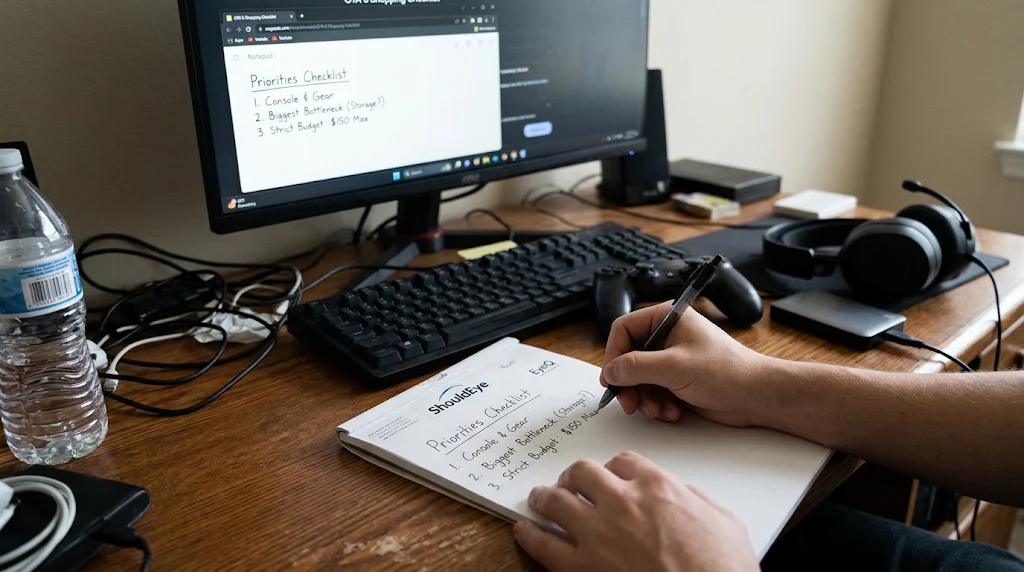
Write down the exact console, display, cables, and audio gear you currently own and use daily.
Identify the single biggest bottleneck or comfort frustration in your current gaming sessions.
Set a strict maximum spending limit before opening any retail store pages or promotional emails.
Check Controller Compatibility and Console Storage Upgrade Specs Before Paying
Compatibility is a basic but easy-to-miss part of accessory shopping, especially when evaluating controller compatibility and display ports. Before checkout, confirm that the item works with your specific hardware and connection requirements. Read the product documentation and any compatibility notes from the seller or manufacturer; do not rely on a broad label such as "gaming" or on a user's setup being identical to yours.
Verifying Storage, Audio, and Display Specifications
For storage, verify the supported format, installation requirements, and any capacity limits in the official documentation for your hardware, such as the PlayStation M.2 SSD expansion guide or Xbox storage specifications. Planning a console storage upgrade without checking heatsink dimensions or read speed thresholds often leads to frustrating returns. For a headset, check how it connects and whether its controls and microphone functions suit your setup. For a controller, confirm controller compatibility so that the accessory or replacement part is made for the exact controller revision you own. A TV or gaming monitor setup should be assessed against the features you actually use, such as HDMI 2.1 bandwidth specifications, not just a long specification list.
The supplied research does not establish current availability, detailed compatibility, or a confirmed accessory lineup for GTA 6. Verify those details directly before buying any gaming accessories, and revisit them as official game and hardware information becomes available. You can also run confusing spec sheets through EyeQ to spot missing compatibility details before placing an order.
Compare the Full Cost of Gaming Accessories, Not Just the Headline Price
There are no current accessory prices or discount comparisons in the available notes, so a trustworthy GTA 6 shopping checklist cannot tell you what a fair price is today. Instead, compare the full cost across the gaming accessories you are considering. Include required cables, adapters, replacement parts, tools, shipping, and any other items needed to make your console storage upgrade or display improvement work.
Weighing Controller Modifications Against New Hardware
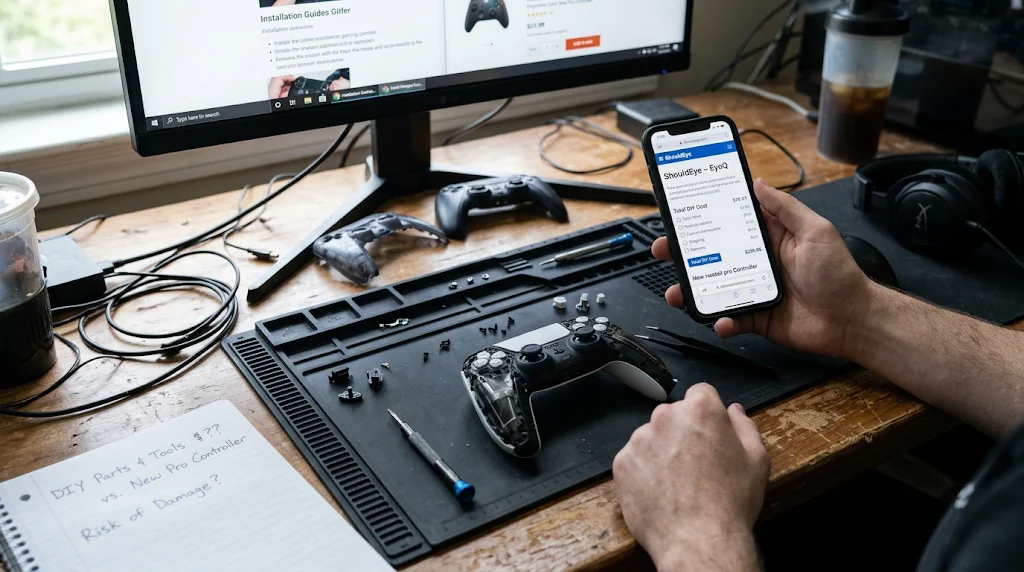
Controller modifications deserve particular care when checking controller compatibility and long-term durability. Parts and tools can add up, and opening or modifying a controller can create a risk of damaging it. One source notes that the combined cost of parts and tools could be enough to purchase a pro controller instead; that is a reason to calculate both routes, not proof that one is cheaper or better for you. For instance, if you are considering changes to a DualSense, check the parts list, tools, instructions, and consequences of a failed installation before deciding.
Compare options with the same practical questions: what problem does each solve, what else must I buy, and what happens if it does not work as expected? Avoid treating a discount badge or a "limited time" prompt on a gaming monitor setup as evidence of value. If you cannot verify the normal price, controller compatibility, or total setup cost, pause rather than rushing into checkout. ShouldEye encourages buyers to look past flash sales and calculate the true ownership cost first.
Read the Seller Return Policy and Warranty Terms
A low upfront price may matter less if a product is difficult to return or support is unclear, making the seller return policy a vital checkpoint. Before ordering gaming accessories, locate the return window, conditions for opened or installed items, who pays return shipping, and how refunds are issued. Check the warranty terms too, including what is covered and whether installation of a console storage upgrade or hardware modification affects coverage. Do not assume a seller return policy is the same across different online marketplaces. Reviewing consumer guidance from the Federal Trade Commission on warranties and returns helps clarify your baseline buyer rights.
Spotting Red Flags in Buyer Feedback
Look for a clear seller identity and a support route you can use if the item arrives damaged, fails controller compatibility checks, or does not match the listing. Read recent complaints for recurring, specific issues, such as refund delays under the seller return policy, unclear warranty handling, or difficulty reaching support. A single negative account is not conclusive, but repeated patterns are worth weighing alongside the written seller return policy.
Decide What Can Wait on Your GTA 6 Shopping Checklist
Not every upgrade has to happen before launch. If an accessory is optional, controller compatibility is unclear, or the benefit to your gaming monitor setup is hard to describe, waiting can preserve your budget while you gather better information. This is especially sensible when a console storage upgrade or peripheral purchase depends on details that have not been confirmed in the notes available to you.
A simple decision rule on your GTA 6 shopping checklist helps: buy now only when you can name the problem, verify the fit, understand the full cost, and accept the seller return policy. Otherwise, save the product listing and revisit it when you have a concrete reason or more reliable details. This keeps anticipation from turning into a pile of speculative gaming accessories purchases.
How ShouldEye and EyeQ Help You Check Gaming Accessories
ShouldEye can help you organize the questions behind an accessory purchase: whether the seller has clear trust signals, what complaint patterns deserve attention, and whether a seller return policy or warranty document contains important conditions. You can also compare options for a gaming monitor setup or console storage upgrade based on your needs rather than relying on a generic checklist.
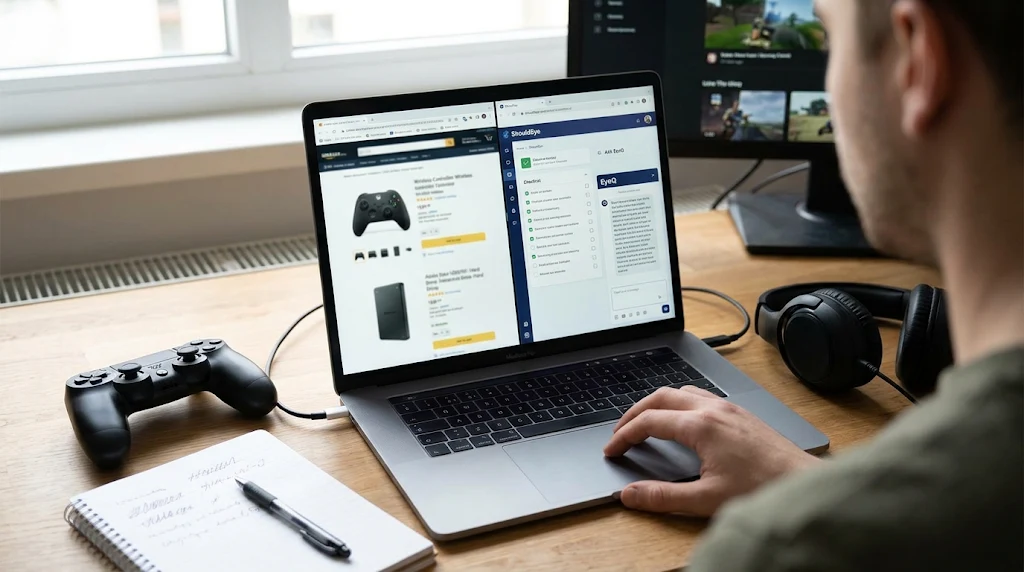
Ask EyeQ to review a listing's claims and policies, surface controller compatibility points to verify, and help you think through the risks before you pay. ShouldEye and EyeQ provide structured decision support, acting as a smart filter rather than a substitute for checking current seller documentation.
A Practical Pre-Purchase GTA 6 Shopping Checklist
Before buying a GTA 6-related accessory, walk through this final verification process. First, define the specific problem you are trying to solve in your daily play sessions, and verify that official manufacturer documentation confirms full hardware fit, whether you are checking controller compatibility or port standards on a gaming monitor setup. Next, calculate the total checkout and installation cost, including cables, adapters, thermal pads for a console storage upgrade, tools, and shipping fees.
Always read the exact seller return policy to confirm whether you can return the item after opening the box or attempting installation, and note how refunds and restocking fees are handled. Finally, scan recent buyer reviews for recurring complaints that match a risk you care about, and ask yourself honestly whether this purchase can wait until official game specifications are released.
If several answers are unknown, that is useful information. It means the purchase needs more checking, not that you should fill the gaps with assumptions.
The smartest GTA 6 shopping checklist is not a list of gaming accessories to buy. It is a way to make each purchase earn its place. Verify the fit, calculate the full cost, read the seller return policy, and be willing to wait. Before checkout, use ShouldEye and EyeQ to ask follow-up questions about a seller, compare the terms, and identify what you still need to confirm.
Frequently Asked Questions
LiveReader activity for this article, refreshed by EyeQ AI
- 5 active now
- 226 total asked
- 5 questions
1 What should I buy for GTA 6? Trending
- Posted November 23, 2026
- Updated 1m ago
2 How can I avoid overpaying for GTA 6 accessories? Trending
- Posted November 23, 2026
- Updated 2m ago
3 Are controller upgrades worth it for GTA 6? Popular
- Posted November 23, 2026
- Updated 3m ago
4 Should I buy GTA 6 accessories before compatibility is confirmed? Popular
- Posted November 23, 2026
- Updated 4m ago
5 What should I check in an accessory seller’s return policy? Rising
- Posted November 23, 2026
- Updated 5m ago
About ShouldEye
ShouldEye is an AI-powered trust intelligence platform that helps people evaluate companies, offers, and online experiences through scam checks, policy analysis, complaint signals, and safer alternatives.
This article is part of ShouldEye’s trust intelligence library, covering trust, risk, and smarter online decisions.