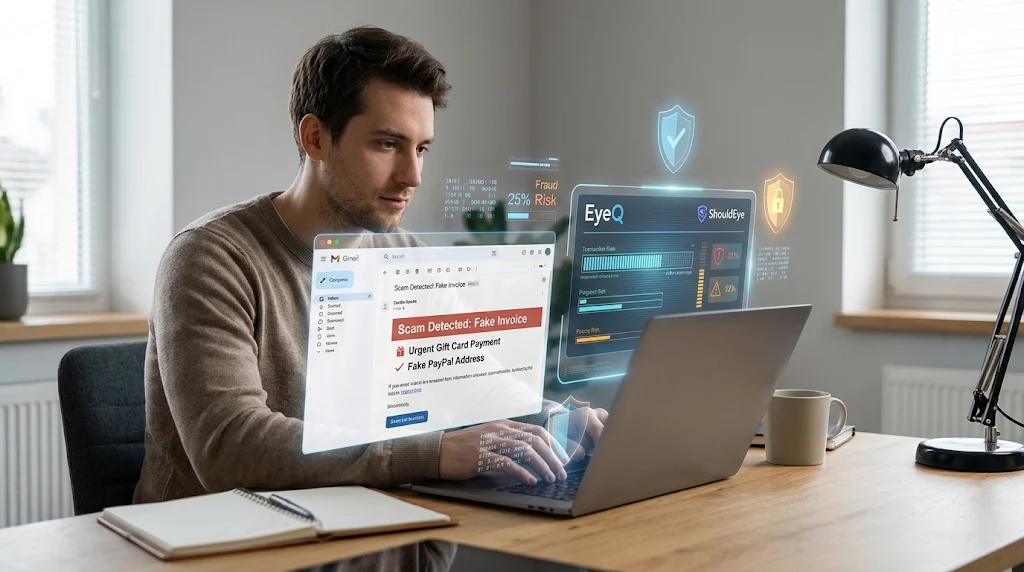
Man on laptop viewing holographic security screens detecting a fake PayPal invoice scam with EyeQ and ShouldEye tools.
Photo · geminiScammers have been hijacking the familiar look of PayPal invoices to trick users into sending money for gift cards, cryptocurrency, or bogus services. If you have ever opened an email that claimed to be a genuine request, you might wonder whether it is legitimate or a PayPal phishing email designed to steal your funds. Using advanced verification tools like ShouldEye and EyeQ right from the start can help you immediately detect a PayPal invoice scam before any financial damage occurs. This comprehensive guide walks you through the most common tricks used by cybercriminals, shows you how to verify an invoice in real time, and explains exactly what to do if you have already paid a fraudster. Understanding the mechanics of a fake PayPal invoice is your first line of defense in an increasingly complex digital payment landscape.
What a PayPal Invoice Scam Looks Like
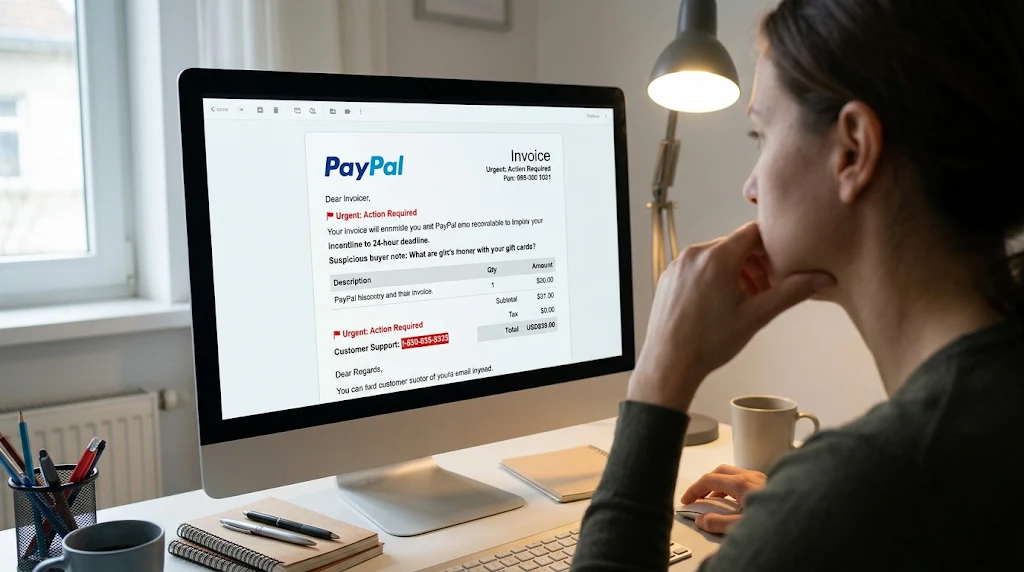
A typical fraudulent request mimics the clean layout of a genuine payment notification, making a fake PayPal invoice difficult to spot at first glance, but a few tell-tale details always give it away:
Gift card demands: The note says something like, "Your PayPal account has been accessed unlawfully." Please purchase $500 in gift cards and send the codes to resolve this PayPal billing fraud issue."
Bitcoin-exchange ruse: An invoice reads, "Bitcoin Exchange sent you an invoice for $499.99 USD. Due on receipt."
Urgent 24-hour warnings: The message stresses a short deadline: "Pay within 24 hours or your account will be suspended."
Fake phone numbers: A phone number is listed in the note section, urging you to call for immediate "verification" of the transaction.
Clickable links: The email body contains a hyperlink that looks like an official URL but actually redirects your browser to a dangerous credential-harvesting site.
These deceptive elements are specifically designed to create panic and push you toward a quick payment, often in a form that is hard to reverse, such as gift-card codes or cryptocurrency. When you receive a PayPal phishing email, the attackers are counting on your fear of losing account access or being charged for an expensive item you never ordered.
In many cases, the criminals actually use a compromised business account to generate a real invoice through the legitimate platform, which means the email truly comes from the payment processor's servers. Because the notification passes standard email security filters, victims are much more likely to trust the message and fall for the PayPal invoice scam.
Common Red Flags in Fake PayPal Invoice Requests
When evaluating a suspicious billing notice, understanding the specific red flags and why they matter is essential to stopping PayPal billing fraud before it affects your bank account. First, urgent language such as a 24-hour deadline is a major warning sign because scammers rely heavily on psychological pressure, whereas legitimate payment notices rarely demand immediate settlement under the threat of account suspension.
Second, any requests for gift cards or crypto should immediately alert you to a fake PayPal invoice, because these unconventional payment methods are completely untraceable and irreversible once sent.
Third, seeing a customer service phone number typed into the seller note section is a classic trap; the real platform never asks you to call a random number listed on an invoice to cancel a charge. Fourth, external links embedded in the email body are dangerous because genuine requests are viewable safely only after you log in directly on the official site or mobile app. Finally, subtle branding inconsistencies like misspelled company names, awkward grammar, or odd fonts often slip through when scammers copy the official design for a PayPal phishing email.
If any of these warning signs appear in your inbox, treat the message as a potential PayPal invoice scam until you verify PayPal request details through official channels. Taking a moment to pause and analyze the structure of the message prevents knee-jerk reactions like calling the fraudulent support number, where social engineers wait to talk you into granting remote access to your computer.
✨ Scam Invoice Hallmarks
Step-by-Step Guide to Verify PayPal Request Details
Open PayPal directly: Go to the Official PayPal Website in a clean browser tab or launch the official mobile app. Do not click any links inside the suspicious email.
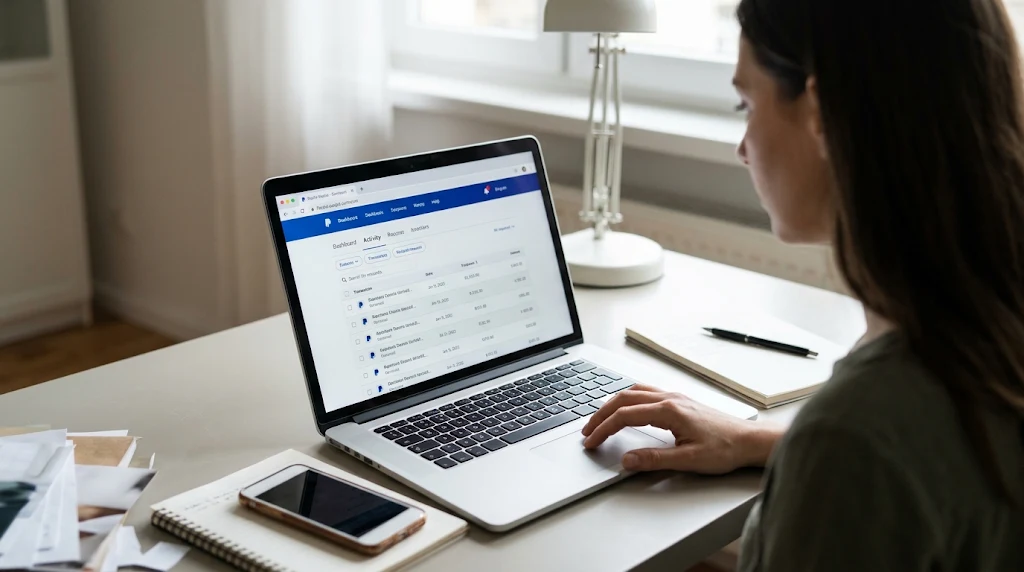
Locate the invoice in your account: Under the "Activity" tab, look for the pending request. If it is missing from your official dashboard, the message in your inbox is definitely a PayPal phishing email.
Check the sender's email address: Official communications come strictly from @paypal.com. Any other domain extension is an immediate indicator of a fake PayPal invoice.
Avoid phone numbers: Do not call any telephone number listed in the invoice note or memo field. Always verify PayPal request contact information only on the company's verified contact page.
Never share login credentials or install software: Scammers answering those fake support lines may claim they are security agents investigating PayPal billing fraud and ask for your password or a remote-access tool like AnyDesk or TeamViewer.
Cancel the request: If the unrequested invoice appears in your dashboard and is not yours, click Cancel in the user interface, though ignoring an unpaid fraudulent invoice will not automatically deduct money from your balance.
Report the scam: Forward the entire suspicious message (including full email headers) to [email protected] to report PayPal scam activity. Include clear screenshots of the fraudulent invoice if possible.
Run an EyeQ check: Use EyeQ to scan the sender's email address and any embedded links for known scam indicators before taking any further action on the payment request.
By following these verification steps carefully, you keep your financial account out of the hands of fraudsters and create a valuable paper trail for the platform's internal security team. When you verify PayPal request notifications manually through your browser rather than trusting your inbox, you neutralize the primary weapon of a PayPal phishing email. Furthermore, taking the time to report PayPal scam attempts helps security engineers shut down the compromised merchant accounts that criminals use to blast out mass billing notifications.
How to Respond and Report PayPal Scam Losses If You Have Already Paid
If you have already transferred money to a fraudster during a PayPal invoice scam, you need to act quickly to maximize your chances of recovery. Start by filing an unauthorized transaction dispute in your account under the specific transaction details, making sure to choose the option stating that you did not authorize the payment.
Next, contact your bank or credit card issuer immediately to request a formal chargeback, which provides an extra layer of consumer protection if you funded the transaction with a linked card. You must also report PayPal scam incidents directly via the platform's Resolution Center and submit a detailed complaint to local consumer-protection agencies, such as the Federal Trade Commission (FTC) or the FBI Internet Crime Complaint Center (IC3).
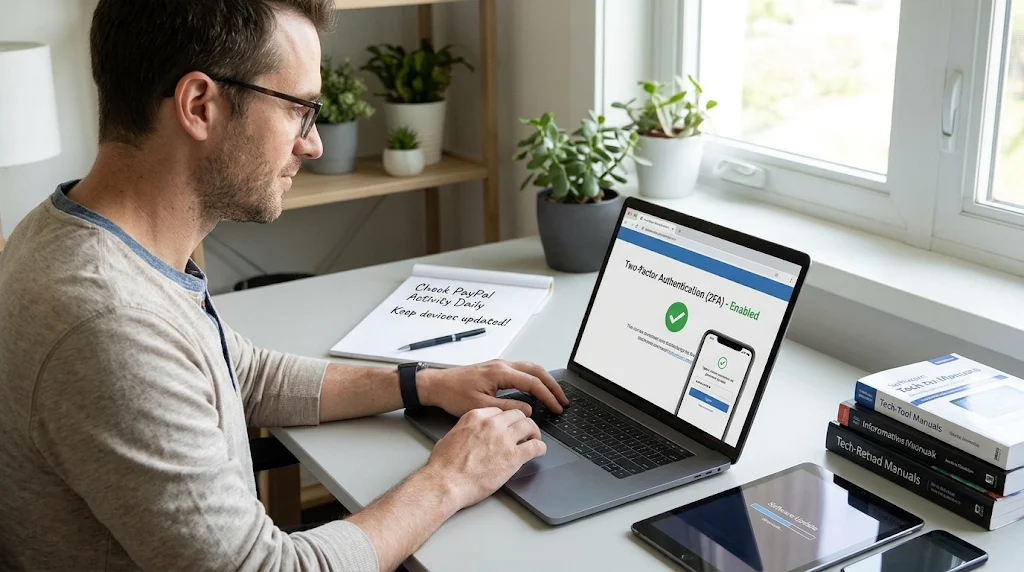
In the aftermath of PayPal billing fraud, closely monitor all of your connected bank accounts for any additional unauthorized activity, and enable two-factor authentication (2FA) right away if you have not already done so. Make sure to document everything thoroughly by keeping copies of all emails, transaction receipts, screenshots, and any text or voice communication with the scammer, as this evidence helps law enforcement investigators track down syndicates. While the full recovery of stolen gift-card codes or cryptocurrency transfers is unfortunately rare, prompt action to report PayPal scam transactions maximizes the chance of a full reversal for traditional credit and debit payment methods.
How ShouldEye and EyeQ Help You Stop PayPal Billing Fraud
ShouldEye aggregates real-time trust signals, global consumer complaint trends, and official policy details across millions of digital transactions to protect everyday buyers. When you paste the text or link of a suspicious fake PayPal invoice into the platform, it immediately scans the email domain and link URLs against extensive known scam databases.
unlawfully. The system highlights any recent user complaints about similar invoice formats and summarizes official platform policies on invoice handling, buyer protection, and dispute refunds. Additionally, ShouldEye provides a clear side-by-side comparison of the suspicious invoice's wording with verified communications and then generates a concise risk score with EyeQ so you can decide whether to proceed, cancel, or report PayPal scam attempts. Using ShouldEye removes the stressful guesswork from online transactions and gives you a data-driven confidence level before you ever click the send button.
Preventive Practices for Ongoing Protection Against a PayPal Phishing Email
Staying ahead of a PayPal invoice scam requires consistent digital hygiene and proactive security habits across all your devices. Always enable two-factor authentication on your payment accounts so that stolen passwords alone cannot grant access to your funds, and regularly review your account activity feed to verify PayPal request entries for unfamiliar charges.
Take time to educate your workplace teammates and family members about the latest fake PayPal invoice patterns, especially those targeting older adults with fake antivirus renewals. You should also keep your computer and smartphone operating software updated to protect against infostealer malware that could quietly intercept your login credentials and follow the CISA Phishing Guidance for broader email security best practices.
Using a dedicated, private email address strictly for financial communications also significantly reduces your everyday exposure to mass PayPal billing fraud campaigns. Staying vigilant is always the most effective long-term defense against evolving digital scam tactics.
Final Thoughts on Stopping a PayPal Invoice Scam
Ultimately, these financial schemes thrive on manufactured urgency, unfamiliar payment methods, and the convincing illusion of corporate legitimacy. By recognizing the classic warning signs of a PayPal phishing email, taking the time to verify PayPal request details exclusively through the official portal, and leveraging automated threat-detection tools like ShouldEye and EyeQ, you can stop online fraudsters in their tracks. If you ever doubt the validity of an unexpected bill, remember that it is always better to pause, verify, and report PayPal scam messages than to rush and lose hard-earned money that is impossible to recover. Before you click "Send Money" on any digital bill, ask EyeQ to scan the invoice for hidden security risks and confirm the sender's true authenticity.
Frequently Asked Questions Live
Reader activity for this article, refreshed by EyeQ AI
5 active now 116 total asked 5 questions
1 How can I tell if a PayPal invoice email is fake? Trending Scams & Fraud 30 asked Updated 1m ago
2 What should I do if I received an invoice for a gift card I didn’t order? Trending Scams & Fraud 26 asked Updated 2m ago
3 Can I get a refund if I paid a scam invoice with a credit card? Popular Scams & Fraud 23 asked Updated 3m ago
4 Do legitimate PayPal invoices ever include a phone number? Popular Scams & Fraud 21 asked Updated 4m ago
5 Why do scammers ask for payment in cryptocurrency? Rising Scams & Fraud 16 asked Updated 5m ago
About ShouldEye
ShouldEye is an AI-powered trust intelligence platform that helps people evaluate companies, offers, and online experiences through scam checks, policy analysis, complaint signals, and safer alternatives.
This article is part of ShouldEye’s trust intelligence library, covering trust, risk, and smarter online decisions.