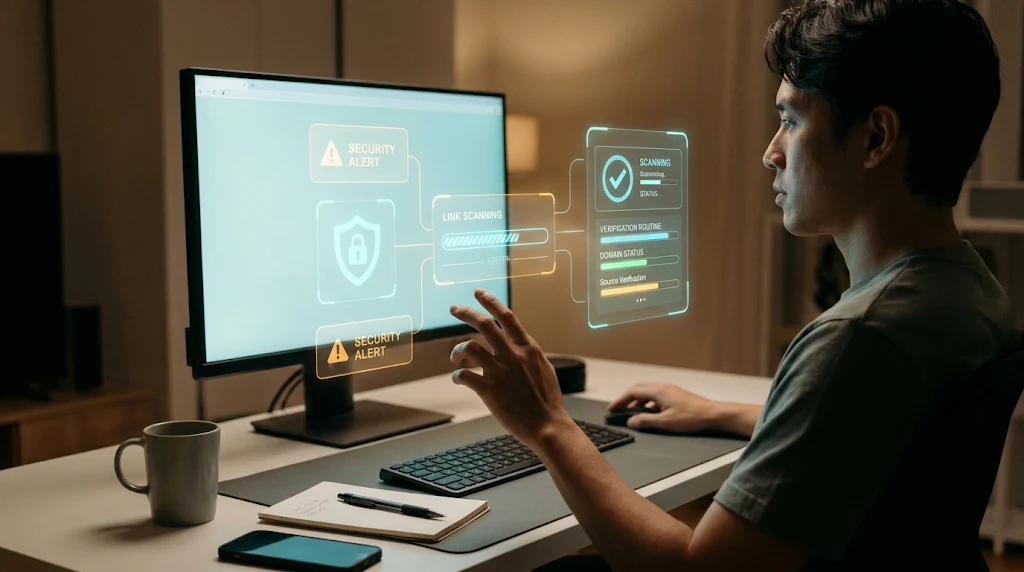
Man at a PC desk inspecting holographic security alert and link scanning overlays to verify suspicious game links safely
Photo · geminiA link promising a GTA 6 demo, beta invitation, leaked build, or early access can sound like the shortcut every fan wants, which is why tools like ShouldEye and EyeQ have become valuable resources for everyday online verification. But fake GTA 6 websites and downloads have used those offers as lures for malware, credential theft, and other GTA 6 scams. The right response is not to assume every GTA 6 page is malicious; it is to verify the source before clicking, paying, or installing anything that could turn out to be a GTA 6 download scam.
This guide explains the warning signs of fake game downloads, what to check before trusting a download, and how to respond if you have already opened suspicious phishing links. One important limit: available research does not establish the game's current release status, whether a PC version is available as of November 22, 2026, or a complete list of official download pages. Treat claims about availability as something to verify through current official sources such as Rockstar Games, not as proof that a particular link is genuine or free from a GTA 6 beta scam.
How GTA 6 Scams Try to Get Your Attention
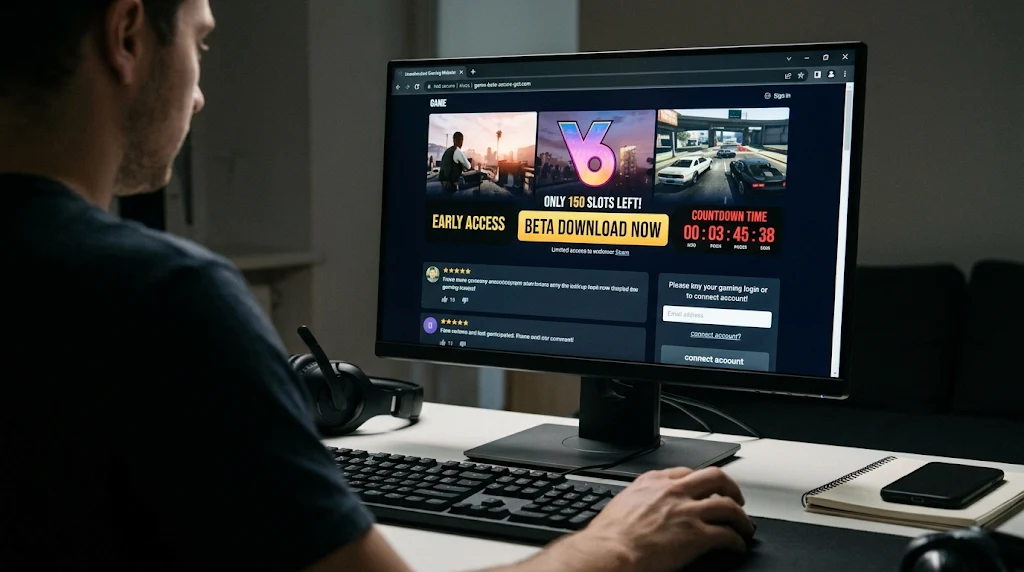
Scam pages may claim to offer early access, a beta, a demo, a leak, or a downloadable build, fueling a widespread GTA 6 beta scam pattern across social channels and forums. Some fake GTA 6 websites are designed to distribute malware, steal login credentials through phishing links, or generate ad revenue through deceptive activity. Fake invitations and unofficial fake game downloads can also put gaming accounts at risk, especially when players reuse passwords across multiple gaming platforms and email services.
The offer itself is not enough to establish whether a page is fraudulent or part of an organized GTA 6 download scam. Instead, consider the whole path: where the link came from, what the page asks you to do, and whether the offer can be confirmed by an official publisher website or store page. A dramatic countdown or claim of limited access is a reason to slow down, not a reason to skip verification with ShouldEye before proceeding.
Warning Signs of Fake GTA 6 Websites and Downloads
Unfamiliar Executables and Security Bypasses
Be cautious if a page asks you to download an unfamiliar executable to unlock a demo or beta, enter your account password on a page reached through an unsolicited link, or disable security protections to continue. A file labeled as a crack or key generator is especially concerning in fake game downloads; security guidance from the Cybersecurity and Infrastructure Security Agency (CISA) warns that such files can deliver malware rather than game access. Attackers behind GTA 6 scams often tell users that antivirus alerts are false positives triggered by unreleased game code, hoping excitement overrides standard caution.
Suspicious File Sizes and Web3 Wallet Requests
File size can also provide context when evaluating a potential GTA 6 download scam. One cited security warning notes that a one-megabyte executable cannot contain a modern AAA game. That does not make file size a complete test for fraud, since legitimate storefront launchers can be small, but a tiny standalone installer claiming to be the full game or an offline GTA 6 beta scam build should prompt you to stop and verify rather than run it.
A game installer should not need access to Web3 assets. If a supposed download on fake GTA 6 websites asks to connect a wallet or authorize access to digital assets, do not proceed on the assumption that this is a normal installation step. Using EyeQ to evaluate unusual permission requests can help you recognize when an installer crosses the line into asset theft.
✨ Verify the offer, not the hype
Verify a GTA 6 Download Scam Risk Before Installing
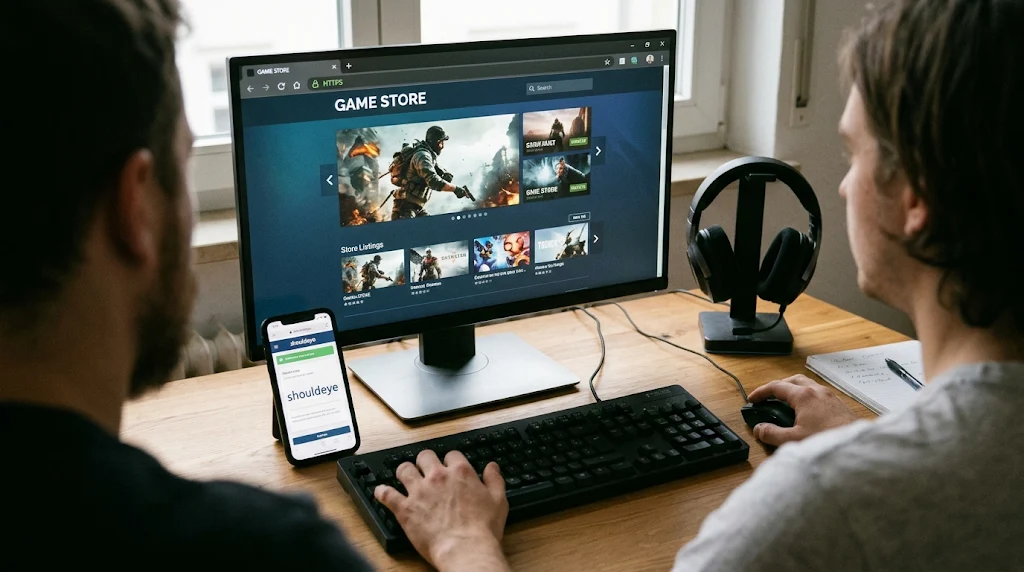
Start with the publisher's official website and the official store pages it identifies. Security guidance recommends checking these sources before trusting a demo, beta, early build, or leak, and avoiding fake game downloads by getting games and demos only from official sources. Steam and PlayStation Store are examples of named store sources in the available guidance; that does not confirm either currently lists GTA 6 or a demo. Check the actual current listing rather than relying on a search snippet, repost, or screenshot shared alongside phishing links.
A Quick Verification Routine
Use this quick verification routine before trusting any game access claim:
Navigate to the official source yourself instead of following unsolicited phishing links.
Confirm that the exact offer appears on an official website or verified store page.
Do not run unknown installers, cracks, or key generators tied to a suspected GTA 6 download scam.
Do not enter account credentials on a page unless you have verified its address and purpose.
Treat requests for unrelated permissions or digital assets as a stop-and-check moment.
A polished logo, convincing trailer, or familiar-looking page on fake GTA 6 websites does not verify an offer. Nor does a download link shared widely in community chats or video descriptions. Scammers running a GTA 6 beta scam can imitate studio branding, copy official artwork, and use familiar corporate language, so confirmation from an official source matters far more than visual presentation.
Be Careful With Urgency and Exclusive GTA 6 Beta Scam Claims
An offer that says you must act immediately may be trying to move you past basic checks. Pause if a page insists that you install a file, enter credentials, or pay through an unfamiliar process to avoid missing out on early access. High-pressure timers and limited-slot counters are classic pressure tactics in GTA 6 scams, designed to make fans click before consulting tools like ShouldEye or checking official news feeds. Do not treat urgency as evidence that access is real.
Availability can change, and the research available for this article does not establish current release details or a complete set of official listings. If you cannot confirm a claimed build, beta, or demo through an official source, treat it as a potential GTA 6 beta scam and do not download it while you investigate. Waiting for a verifiable announcement is safer than gambling with your device or account on unverified fake game downloads.
If You Clicked Phishing Links or Downloaded Something Suspicious
If you only opened a page from phishing links, close the browser tab immediately and avoid entering personal information or downloading files. If you entered a password on fake GTA 6 websites, change it right away through the service's verified official route, enable multi-factor authentication, and review recent account activity for unauthorized logins. If you downloaded a file linked to a GTA 6 download scam but did not run it, do not open it; remove it completely using your device's normal security process. If you ran an unknown installer from fake game downloads, review trusted device-security guidance from the Federal Trade Commission (FTC) to assess the next steps, run a full system scan, and consider changing affected credentials from a separate, trusted device.
Be wary of follow-up messages in forums or direct messages claiming they can recover a compromised gaming account or clean an infected device in exchange for payment or more credentials. Recovery fraud frequently follows initial GTA 6 scams. When you are unsure what was exposed, document what happened and use the relevant service's official support channel. Avoid sharing passwords, verification codes, or recovery details with anyone offering unsolicited help.
How ShouldEye and EyeQ Help You Check Fake Game Downloads
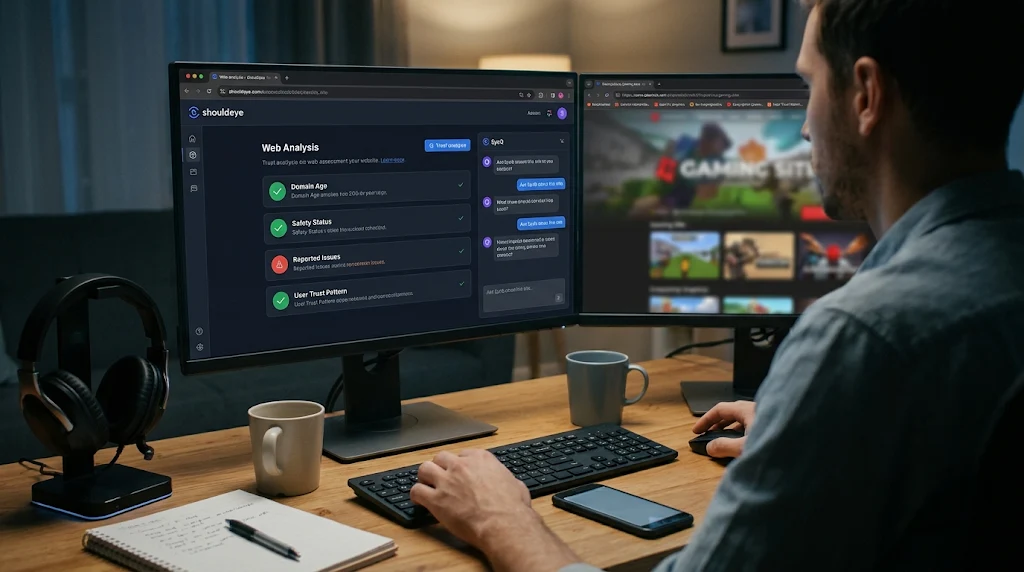
ShouldEye can help you organize a structured trust check before you act on tempting gaming offers. Review available domain trust signals, look for user complaint patterns, and examine the terms or permissions a page asks you to accept when evaluating potential fake GTA 6 websites. For any download offer, the key question is whether its source and requested actions can be independently verified, not whether the landing page looks convincing at first glance.
Use EyeQ to ask focused follow-up questions about a specific offer before clicking through suspicious phishing links. You can ask whether the source is verifiable, what sensitive information the page requests, and what security risks you should investigate before proceeding with an unfamiliar file. AI-assisted analysis through EyeQ and ShouldEye can help surface overlooked questions and compare risk signals around a possible GTA 6 beta scam, though it remains a practical decision aid rather than a substitute for confirming an offer through official publisher sources or a guarantee that a file is safe.
Make Verification the Default Against GTA 6 Scams
GTA 6 scams use the appeal of early access, leaked builds, and exclusive downloads to attract clicks, but a single warning sign is not by itself a validated fraud test. Combine checks every time: verify the source directly, inspect what the page asks you to do, and avoid running fake game downloads you cannot authenticate. Do not assume every fan site or discussion page is malicious, and do not treat a viral claim of availability as confirmed without a current official listing.
If the offer remains unclear or shows signs of a GTA 6 download scam, step away rather than taking an unnecessary risk just to play first. EyeQ can help you assess the claims objectively and identify what to verify next before you share account details or install anything on your system. For more practical protection guidance, explore ShouldEye and its related explainers on spotting fake GTA 6 websites, checking phishing links, and responding effectively after a possible credential theft attempt.
Frequently Asked Questions
LiveReader activity for this article, refreshed by EyeQ AI
- 6 active now
- 199 total asked
- 6 questions
1 Are GTA 6 scams real? Trending
- Posted November 22, 2026
- Updated 1m ago
2 How can I check whether a GTA 6 download is legitimate? Trending
- Posted November 22, 2026
- Updated 2m ago
3 Does a small GTA 6 installer mean it is a scam? Popular
- Posted November 22, 2026
- Updated 3m ago
4 Should I download a GTA 6 beta or demo from a link in a message? Popular
- Posted November 22, 2026
- Updated 4m ago
5 What should I do if I ran a suspicious GTA 6 file? Rising
- Posted November 22, 2026
- Updated 5m ago
6 Are all GTA 6 websites or downloads fake? Rising
- Posted November 22, 2026
- Updated 8m ago
About ShouldEye
ShouldEye is an AI-powered trust intelligence platform that helps people evaluate companies, offers, and online experiences through scam checks, policy analysis, complaint signals, and safer alternatives.
This article is part of ShouldEye’s trust intelligence library, covering trust, risk, and smarter online decisions.