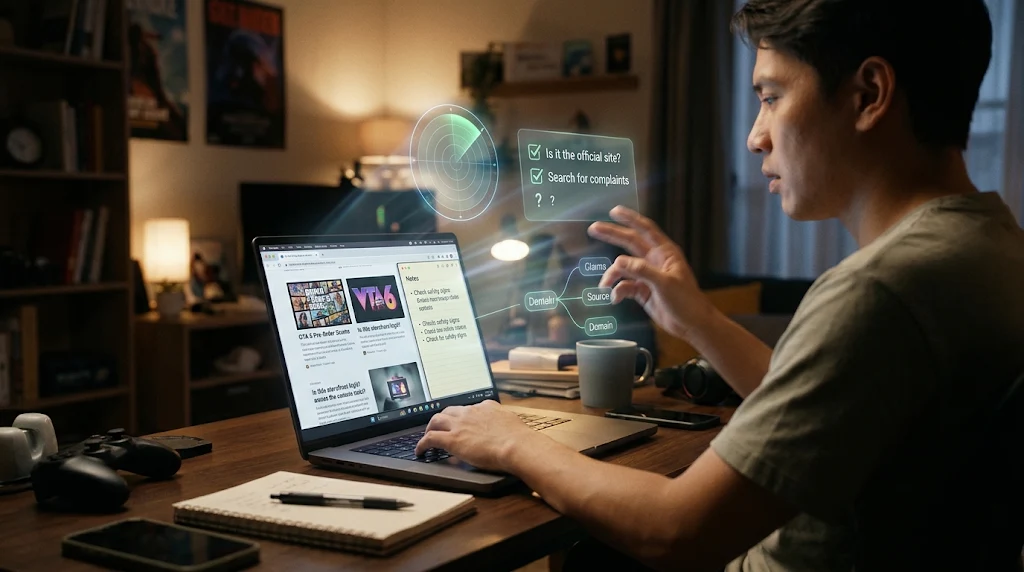
A man uses holographic trust checklists and domain analysis above his laptop to verify online gaming preorder claims.
Photo · geminiExcitement around GTA 6 can make a tempting post feel worth a quick click: early access, a giveaway, a preorder announcement, or an urgent account notice. Before acting on any viral claim, running a quick check with ShouldEye and EyeQ can help you pause and organize what needs verification. A familiar logo or convincing profile picture does not prove a message is genuine. GTA 6 social media scams can borrow promotional material, direct people to lookalike websites, and use cloned login pages to collect account details. Players eager for updates often encounter GTA 6 phishing links disguised as exclusive trailers, beta invites, or surprise GTA 6 giveaway scams across feeds, comments, and direct messages.
The available reporting describes these types of Rockstar impersonation, but it does not establish how common fake Rockstar accounts are, verify a current list of official social accounts, or confirm that any particular example is active today. That uncertainty matters: this is a guide to checking claims, not a list of accounts to trust or avoid. Knowing how to assess a post before you click, sign in, pay, or share personal information keeps your gaming profiles and payment methods safer.
How GTA 6 Social Media Scams and Rockstar Impersonation Work
An impersonation attempt may begin with a social post or message that looks like a promotion. It can use familiar branding or real promotional imagery, then send you to an unfamiliar site. Some reported scams involve fake pages asking for login details, including cloned Social Club login pages or cloned login pages for linked email and console accounts. A copied design can make a page look convincing without establishing that it is connected to the real service.
Lookalike Domains and GTA 6 Phishing Links
The risk is not limited to a page that openly looks suspicious. A domain may resemble a publisher or legitimate platform while differing in small but important ways. Attackers frequently distribute GTA 6 phishing links that redirect users through multiple tracking URLs before landing on a credential harvester. Because a link can lead through a chain of pages, the account that shared it is only one part of the check. Treat the destination, requested information, and claim itself as separate things to verify. Reviewing general guidance on how to recognize and avoid phishing scams from the Federal Trade Commission can also help you spot deceptive domain tricks before you interact.
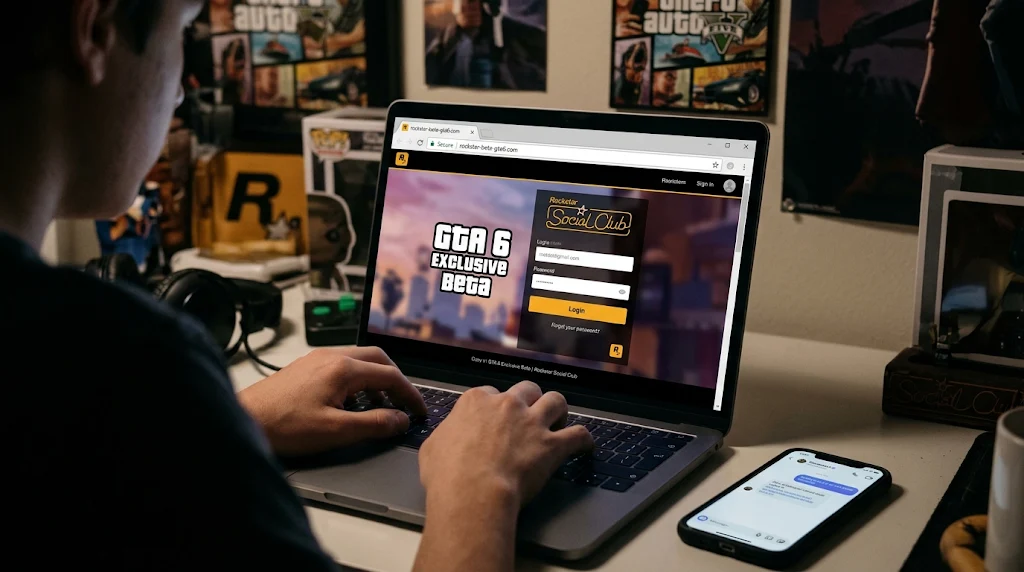
Evaluating Unverified Promotions and GTA 6 Giveaway Scams
Not every post about GTA 6 is fraudulent, and a giveaway or announcement should not be judged on appearance alone. However, GTA 6 giveaway scams routinely exploit hype around collector editions, shark cards, or console bundles by asking fans to register on external portals. The practical question is whether you can independently confirm the offer through an official or otherwise trusted channel. If you cannot verify the promotion on the publisher's primary domain, do not use the post’s link as your proof.
Red Flags to Check on Fake Rockstar Accounts Before You Interact
Look for pressure and unusual requests. “Act now” language, a promise of special access in exchange for signing in, or a demand to submit account credentials through a link deserves extra scrutiny. Many fake Rockstar accounts rely on artificial countdown timers or limited-slot claims to rush your decision. A request for a password is especially sensitive: do not enter it on a page reached through an unsolicited message or promotional post.
Inspecting Web Addresses and Cloned Login Pages
Check the web address carefully before opening a login page. Look for misspellings, extra words, unusual endings, or a domain that imitates a known name. Cloned login pages often use valid security certificates, meaning a padlock icon or polished design is not enough to establish that a site is authorized. When in doubt, close the page and navigate to the service through a route you already trust, such as reviewing Rockstar Games Support account security best practices directly in a fresh browser tab.
Be cautious of claims that are difficult to verify, such as exclusive beta access, PC port installers, or a preorder arrangement announced only through an unfamiliar account. Rockstar impersonation campaigns often appear in reply threads underneath legitimate gaming news posts to capture traffic. Check the announcement through an official channel or a trusted console storefront rather than relying on a comment, direct message, or social post. If the claim cannot be confirmed independently, wait; urgency is not evidence.
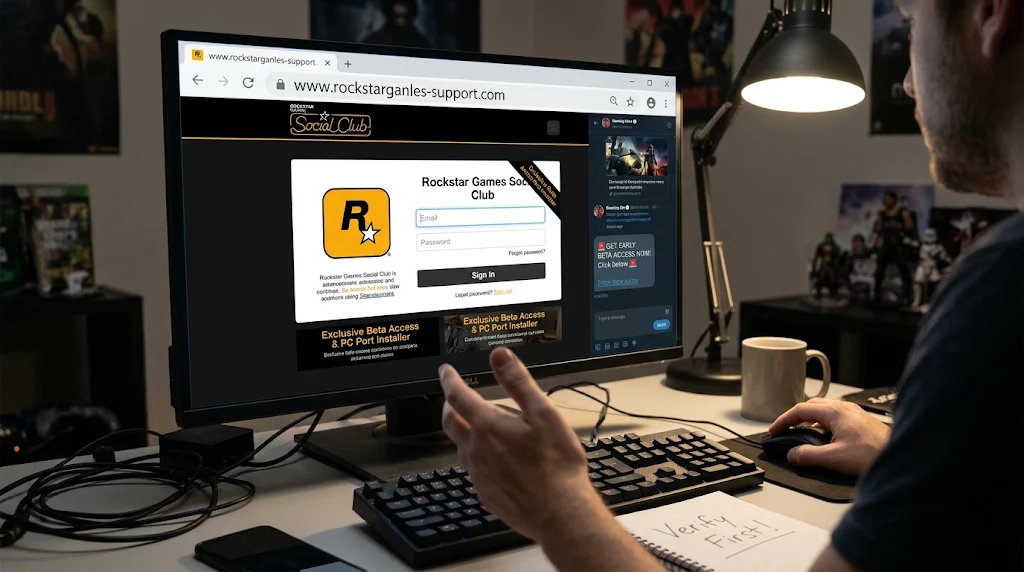
A Quick Verification Checklist for GTA 6 Social Media Scams
Before acting on a GTA 6 post or clicking unfamiliar links, ask yourself these core verification questions:
Can I find the same announcement by navigating independently to a trusted source or official publisher newsroom?
Does the link’s domain match the service I expected, without lookalike spelling, hyphenated additions, or added terms?
Is the page asking for a password, verification code, payment, or personal information that the claim does not reasonably require?
Does the offer resemble common GTA 6 giveaway scams that depend on urgency, secrecy, survey completion, or sharing the post to qualify?
Can I verify the account’s identity through a current, authoritative source rather than trusting display names?
The research available for this article does not verify particular social media handles. Do not treat a verification badge, high follower count, familiar profile image, or clever username as conclusive proof against fake Rockstar accounts. Compromised profiles and paid badges can make Rockstar impersonation look authentic at first glance. Use an authoritative source to confirm an account before relying on its links, and remember that account details can change over time.
✨ Check the destination, not just the profile
If You Already Clicked GTA 6 Phishing Links or Shared Information
If you opened a suspicious link from one of these GTA 6 social media scams but did not enter information, close the tab immediately and avoid downloading files, running installers, or following additional browser prompts. If you entered a password on cloned login pages, change it right away through the service’s independently accessed official route. If you reused that password elsewhere, update those email and gaming accounts too, and enable multi-factor authentication wherever available. You can follow step-by-step containment advice in CISA's guide to recognizing and reporting phishing to secure connected devices and credentials. Review account activity and available security settings, check for unauthorized linked accounts, and contact the service through a verified support route if you see anything you do not recognize.
Protecting Financial Details and Avoiding Recovery Scams
If you submitted payment information during preorder or GTA 6 giveaway scams, contact the relevant bank, card issuer, or payment provider using its official contact method and ask what fraud protection steps are appropriate. Keep screenshots, message timestamps, transaction receipts, and the exact web address of the GTA 6 phishing links for your records. If personal or financial data was exposed, visiting IdentityTheft.gov provides tailored recovery plans. These steps cannot guarantee recovery, but they can help you respond promptly and give support teams useful details.
Avoid replying to the suspicious account with more personal information, even if it offers to help resolve an issue. A follow-up direct message from fake Rockstar accounts or fake support agents can be another attempt to collect two-factor codes or identity details. Do not pay a fee to “unlock” an account, claim a prize, or recover money unless you have independently confirmed who is requesting it and why.
How ShouldEye and EyeQ Help You Check Gaming Claims
When a viral post makes a bold claim, ShouldEye can help you organize the questions that matter before you act. Instead of guessing whether an unfamiliar domain is safe, you can use ShouldEye to review available trust signals, look for broader complaint patterns, and examine policies or fine print connected to an external site or third-party offer. Compare alternatives and check for warning signs such as unusual login requests, unclear refund terms, or pressure to pay before preorder details are verifiable.
Use EyeQ to examine an unfamiliar company, storefront, or promotional offer, summarize relevant security concerns, and ask follow-up questions about what you still need to confirm. When evaluating potential GTA 6 social media scams, EyeQ helps break down whether a site’s claims align with known, verifiable facts. AI-assisted analysis on ShouldEye can help structure your research; however, it should not replace checking the destination and claim through an authoritative publisher source, especially when account access or payment is involved.
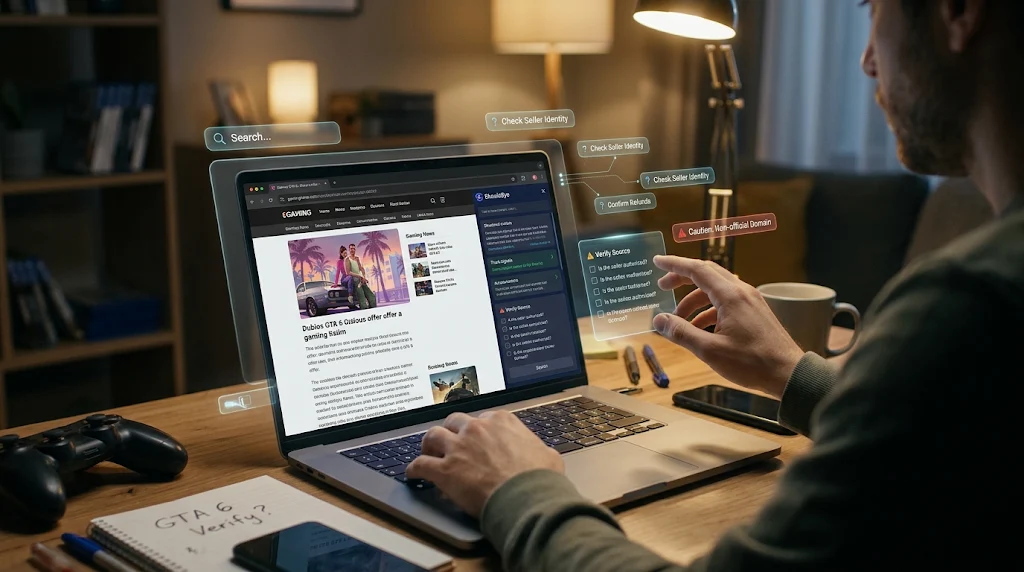
Make the Decision on Evidence, Not Excitement
A credible-looking account can still share a bad link, and a genuine-looking promotion can be copied elsewhere to fuel Rockstar impersonation. Separate the social media source of a claim from the external website it sends you to. Verify both independently, watch out for cloned login pages, and do not hand over login details just because a post uses familiar studio branding.
Before you preorder, sign in, or enter payment information, confirm the details through a route you already trust. If something about an early access link or prize draw remains uncertain, pause rather than treating a social post as confirmation. ShouldEye and EyeQ can help you compare the available trust signals and identify unanswered questions before you commit, while the final verification should always come from an authoritative channel.
Frequently Asked Questions
LiveReader activity for this article, refreshed by EyeQ AI
- 5 active now
- 261 total asked
- 5 questions
1 How can I spot GTA 6 social media scams? Trending
- Posted November 24, 2026
- Updated 1m ago
2 Are all GTA 6 giveaways or social posts fake? Trending
- Posted November 24, 2026
- Updated 2m ago
3 How do I verify a Rockstar account? Popular
- Posted November 24, 2026
- Updated 3m ago
4 What should I do if I entered my login details on a suspicious page? Popular
- Posted November 24, 2026
- Updated 4m ago
5 Can a cloned Social Club login page steal account details? Rising
- Posted November 24, 2026
- Updated 5m ago
About ShouldEye
ShouldEye is an AI-powered trust intelligence platform that helps people evaluate companies, offers, and online experiences through scam checks, policy analysis, complaint signals, and safer alternatives.
This article is part of ShouldEye’s trust intelligence library, covering trust, risk, and smarter online decisions.