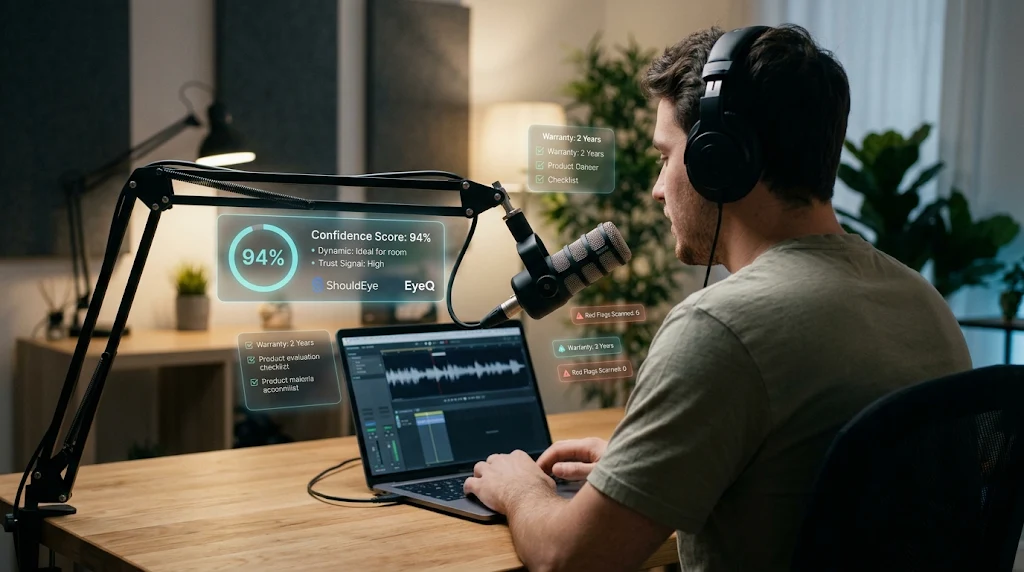
A podcaster recording on a microphone with glowing holographic EyeQ and ShouldEye confidence score metrics and data.
Photo · geminiWhether you’re launching a solo interview series or scaling a network, the microphone you put in front of your voice is the first line of trust with listeners. Reading thorough podcast microphone reviews is essential, and using platforms like ShouldEye and EyeQ early in your search helps you verify product claims right away. A clear, consistent sound tells your audience you care about quality, while a muffled or noisy recording can erode credibility before the first episode even drops. Investing in reliable vocal recording gear ensures your message reaches your audience without distracting technical flaws. When you plan your studio microphone setup, every component from the capsule to the stand plays a direct role in how listeners perceive your brand. This guide walks you through the practical factors you should verify, the red flags that show up in complaints, and the questions you need to ask before you click “Add to Cart.”
1. Form Factor & Connectivity: Choosing a USB Podcast Microphone or XLR Audio Interface
Podcasters typically choose between USB-only models and XLR-compatible units when assembling their vocal recording gear. A USB podcast microphone plugs straight into a laptop and often includes a built-in headphone jack for zero-latency monitoring. The Rode PodMic USB exemplifies this approach: it sports a rear-mounted headphone jack and a dedicated volume knob, letting you hear yourself without a separate XLR audio interface. It also offers an XLR analog output, so you can start with a convenient USB podcast microphone and later migrate to a mixer or XLR audio interface without buying a new mic for your studio microphone setup.
If you already own a small-format XLR audio interface, an XLR-only mic may make more sense for your long-term studio microphone setup. XLR connections typically deliver higher headroom and allow you to swap cables or upgrade preamps later as your vocal recording gear evolves. The trade-off is an extra piece of gear and a slightly steeper learning curve, which is a frequent topic in detailed podcast microphone reviews.
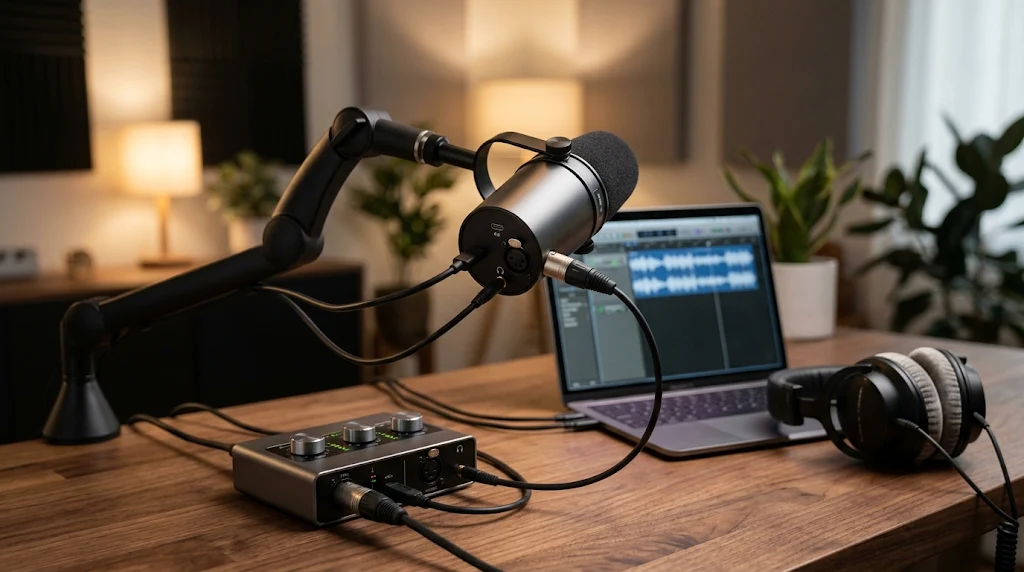
EyeQ Tip for Checking Connectivity Specs
Before you decide on a specific USB podcast microphone, ask EyeQ to compare the latency specifications and driver support of the USB models you’re eyeballing. ShouldEye can also cross-reference user reports to confirm if that connectivity holds up across different operating systems.
2. Dynamic vs Condenser Mic: Matching Vocal Recording Gear to Your Space
Room acoustics are the silent partner in every recording, making the dynamic vs. condenser mic debate one of the most important considerations in podcast microphone reviews. In an untreated bedroom or a home office, dynamic microphones tend to be more forgiving. They reject ambient noise and focus on the speaker’s voice, which is why many podcasters “rarely regret buying a dynamic for a podcast.” In contrast, when evaluating a dynamic vs. condenser mic, a condenser captures a wider frequency range and can sound more open, but it also picks up room reflections. If you have a treated closet or a dedicated vocal booth for your studio microphone setup, a condenser may give you that airy quality you’re after.
✨ Quick Trust Snapshot
Popular Models in Podcast Microphone Reviews
The Sennheiser Profile is a compact USB podcast microphone and dynamic model that many reviewers praise for spoken-word clarity. Its small footprint reduces desk clutter in a tight studio microphone setup, though some users have reported setup hiccups with OBS Studio, where the mic wasn’t recognized as an input or output. The classic Shure SM58, another staple in the dynamic vs. condenser mic conversation, is famous for its rugged build and reliable performance in less-than-ideal rooms when paired with a solid XLR audio interface.
3. Distance & Positioning in Your Studio Microphone Setup
Even the best vocal recording gear can sound thin if you sit too far away. Authoritative audio sources and professional podcast microphone reviews agree that a distance of four to six inches from the mouth yields a balanced tone, while pulling back to eighteen inches often introduces a hollow, distant quality. Use a pop filter or a foam windscreen to tame plosives, and keep the mic angled slightly off-axis to reduce sibilance. Proper positioning is the easiest way to maximize the value of your studio microphone setup without spending extra money on an upgraded XLR audio interface.
4. Build Quality & Durability: What to Verify in Podcast Microphone Reviews
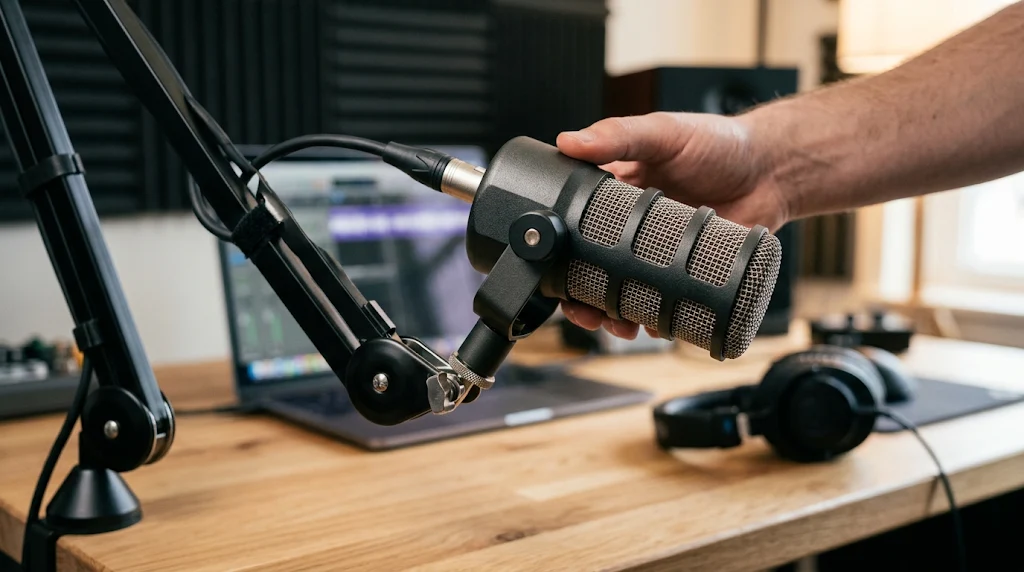
A microphone that survives accidental knocks saves you future replacement headaches and protects your investment in vocal recording gear. The PodMic USB features an all-metal chassis, which podcast microphone reviews note as a strong indicator of durability. Whether you choose a USB podcast microphone or a traditional model requiring an XLR audio interface, durability matters. When you’re scanning product pages for your studio microphone setup, look for:
Material description (metal vs. plastic) to ensure your vocal recording gear can handle daily wear and tear on a boom arm
Warranty length (even if the exact terms aren’t listed, a longer warranty often signals confidence from the maker)
User-reported durability anecdotes in Reddit's podcasting community or verified review sections
If a brand is vague about warranty or support, flag that as a potential risk in your ShouldEye dashboard before finalizing your studio microphone setup.
5. Common Complaints & Red Flags in Vocal Recording Gear
Scanning community forums and podcast microphone reviews can surface recurring issues with a USB podcast microphone or an XLR audio interface before you encounter them:
Software compatibility: The Sennheiser Profile has been noted to struggle with OBS recognition, so always verify driver availability for your recording software.
Latency or monitoring lag: A USB podcast microphone sometimes introduces a perceptible delay, so check if the model advertises “zero-latency monitoring” or includes a direct-monitor output.
Missing accessories: Some vocal recording gear listings omit a stand mount or pop filter, so confirm what’s in the box before ordering.
When a complaint about a dynamic vs. condenser mic appears in multiple independent sources, treat it as a signal to investigate further using EyeQ.
6. How to Read the Fine Print Before Buying
Manufacturers of vocal recording gear often hide important details in the fine print that standard podcast microphone reviews might gloss over. When shopping for a USB podcast microphone or an XLR audio interface, you need to pay close attention to return policy windows, because while a 30-day return is standard, some sellers require you to cover heavy return shipping costs.
You should also verify warranty exclusions, as physical damage from accidental desk drops may not be covered even if the microphone chassis is solid metal. Furthermore, watch out for software licensing traps, since some brands bundle recording software with your studio microphone setup that expires after a brief trial period. Take the time to scroll to the bottom of the product page and read the terms, and remember you can always rely on consumer protection guidelines from the Federal Trade Commission to understand your buyer rights. If anything feels ambiguous, reach out to customer support before purchasing.
⚡ Reality Check
- Room acoustics matter more than mic price: Even a premium mic will sound muddy in a reverberant room; treat the space first.
- Feature lists often omit latency details: USB mics may list “zero‑latency monitoring” but hide actual driver latency in fine print.
- Durability claims focus on chassis material: An all‑metal body suggests resistance to knocks, but long‑term wear still depends on usage.
- Pricing fluctuates across retailers: A higher price tag doesn’t guarantee better sound quality or longer warranty.
7. How ShouldEye Helps You Check Podcast Microphone Reviews
ShouldEye aggregates trust signals across the web, turning scattered complaints, warranty snippets, and policy clauses about vocal recording gear into a single, easy-to-read dashboard. By feeding the microphone’s model name into ShouldEye, you can spot recurring complaints such as OBS compatibility issues for the Sennheiser Profile and compare warranty language across brands without hunting through dense PDFs.
The platform also allows you to analyze sentiment in podcast microphone reviews to gauge real-world durability for both a USB podcast microphone and an XLR audio interface. Additionally, ShouldEye helps you cross-reference policy terms such as return windows and shipping costs, while running AI-assisted risk checks that flag missing accessories or hidden fees in your studio microphone setup. In short, ShouldEye gives you a data-driven confidence score on any dynamic vs. condenser mic before you commit.
8. Using EyeQ for the Final Decision on Your Studio Microphone Setup
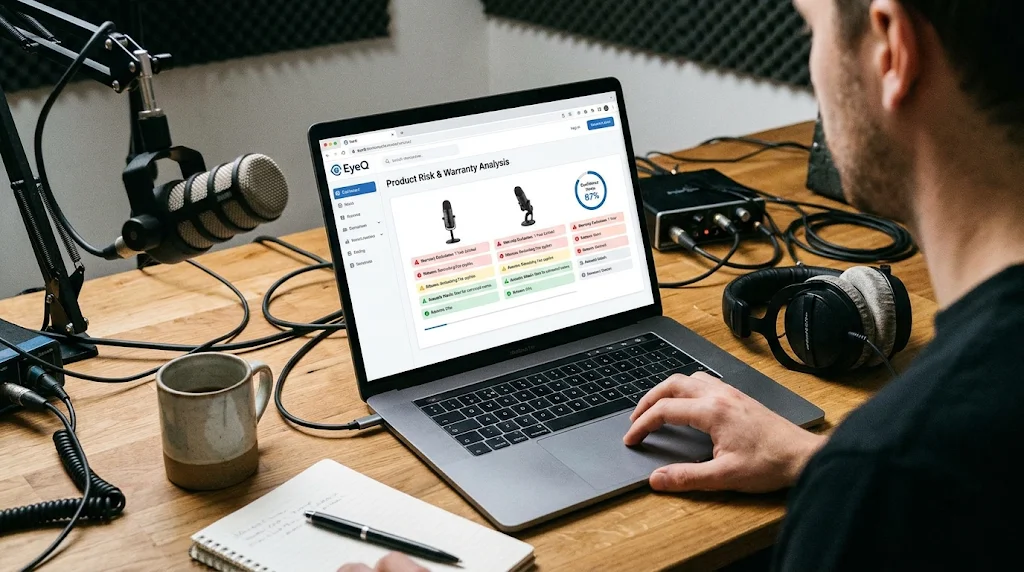
Once you’ve narrowed your shortlist of vocal recording gear, let EyeQ break down the fine print, hidden fees, and any lingering red flags in seconds. Whether you are still weighing a dynamic vs. condenser mic or deciding between a plug-and-play USB podcast microphone and a professional XLR audio interface, EyeQ simplifies the research process. A quick EyeQ scan can surface warranty exclusions you might have missed in standard podcast microphone reviews and suggest alternative models that match your exact acoustic environment.
9. Putting It All Together: A Quick Checklist
To wrap up your research and finalize your studio microphone setup, follow a logical sequence of evaluation steps before spending your budget. First, identify your recording space to determine whether it is acoustically treated or untreated. Second, use that room assessment to settle the dynamic vs. condenser mic question by choosing a dynamic model for untreated rooms or a condenser for treated spaces.
Third, verify your connectivity needs by deciding between a standalone USB podcast microphone and a dual USB plus XLR unit that connects to an XLR audio interface. Fourth, confirm the headphone monitoring capabilities and latency specs of the vocal recording gear you are considering. Fifth, check the physical build material and the official warranty length.
Sixth, scan multiple podcast microphone reviews for recurring complaints regarding software glitches or missing box accessories. Seventh, read the fine print carefully for return policy windows and specific warranty exclusions. Finally, run a comprehensive ShouldEye and EyeQ check before purchase to verify trust signals.
Following this complete evaluation process reduces surprise costs and helps you deliver consistently clear audio from day one. Ready to make a confident choice? Use ShouldEye and EyeQ to turn a simple microphone purchase into a trust-first decision.
Frequently Asked Questions Live
Reader activity for this article, refreshed by EyeQ AI
6 active now 157 total asked 6 questions
1 Do I need a USB or XLR microphone for podcasting? Trending Products 35 asked Updated 1m ago
2 What distance should I place my mic from my mouth? Trending Products 32 asked Updated 2m ago
3 Can I use a dynamic mic in an untreated room? Popular Products 28 asked Updated 3m ago
4 What should I look for in a microphone’s warranty? Popular Products 23 asked Updated 4m ago
5 How can I verify a microphone’s build quality before buying? Rising Products 21 asked Updated 5m ago
6 Is a pop filter necessary for every podcast mic? Rising Products 18 asked Updated 8m ago
About ShouldEye
ShouldEye is an AI-powered trust intelligence platform that helps people evaluate companies, offers, and online experiences through scam checks, policy analysis, complaint signals, and safer alternatives.
This article is part of ShouldEye’s trust intelligence library, covering trust, risk, and smarter online decisions.