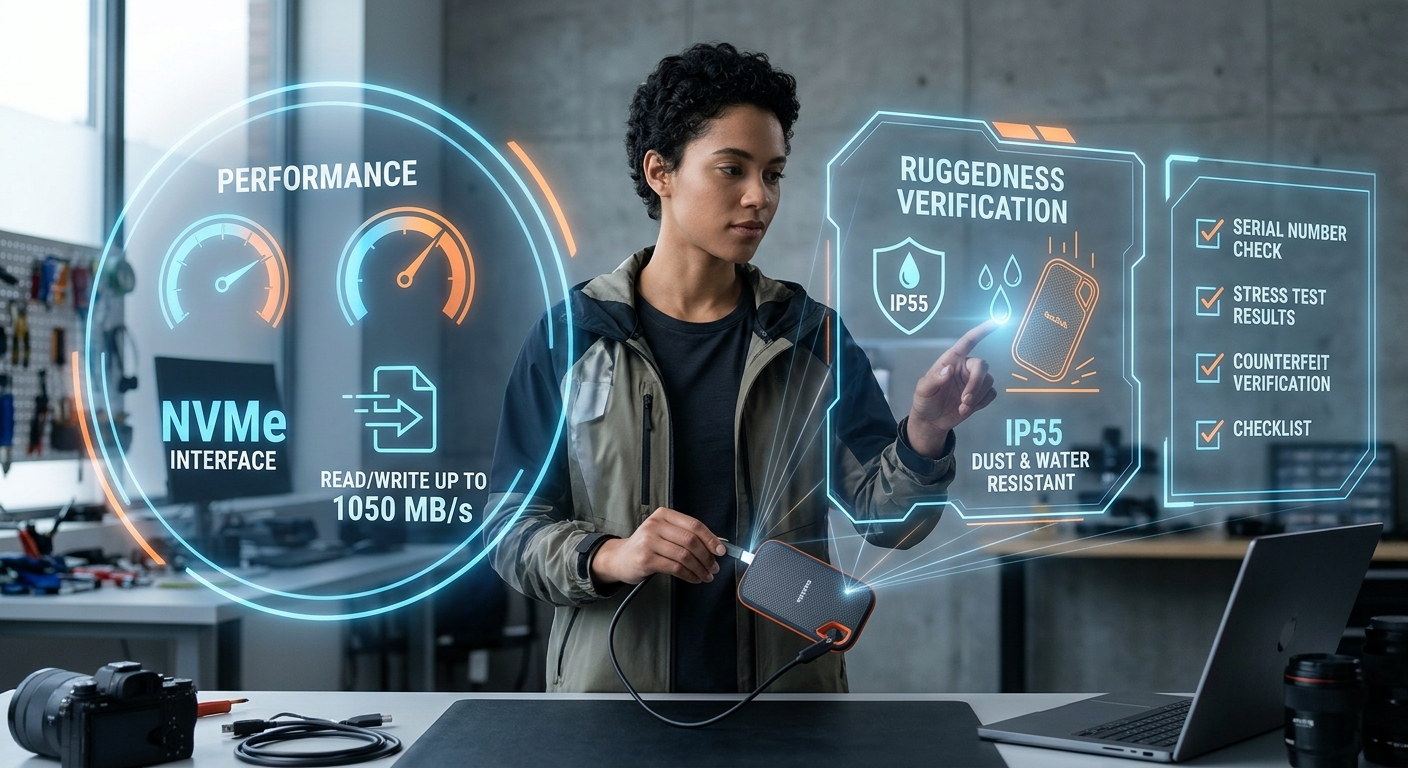
A person inspects a portable SSD with holograms displaying NVMe speed, IP55 rating, and verification steps.
Photo · GeminiThe SanDisk Extreme Portable SSD has become a staple in the kits of photographers, videographers, and anyone who needs fast, rugged storage on the go. Its sleek, pocket-sized design, high-speed NVMe interface, and IP55 rating make it look like the perfect answer to the age-old question: Can I trust a portable drive to survive my workflow and the elements? In this review, we break down the specs that matter, point out the hidden risks, and give you a clear checklist for verification before you hand over your money.
What the Drive Promises: NVMe High-Speed Storage Capabilities
SanDisk markets the Extreme Portable SSD as a rugged, high-performance external storage solution. The headline numbers are impressive:
Speed: Up to 1050 MB/s read and 1000 MB/s write (NVMe solid-state performance).
Durability: IP55 water and dust resistance and a 3-meter drop rating.
Security: AES 256-bit hardware encryption protects data at rest.
Interface: USB 3.2 Gen 2 with a USB-C to USB-C cable and a USB-A adapter.
Warranty: A five-year warranty backs the hardware.
Capacity options range from 250 GB up to 8 TB, with the 4 TB model listed at $279 in the sources we have. The drive’s compact dimensions are highlighted, though exact measurements for capacities other than the 1 TB model are not listed.
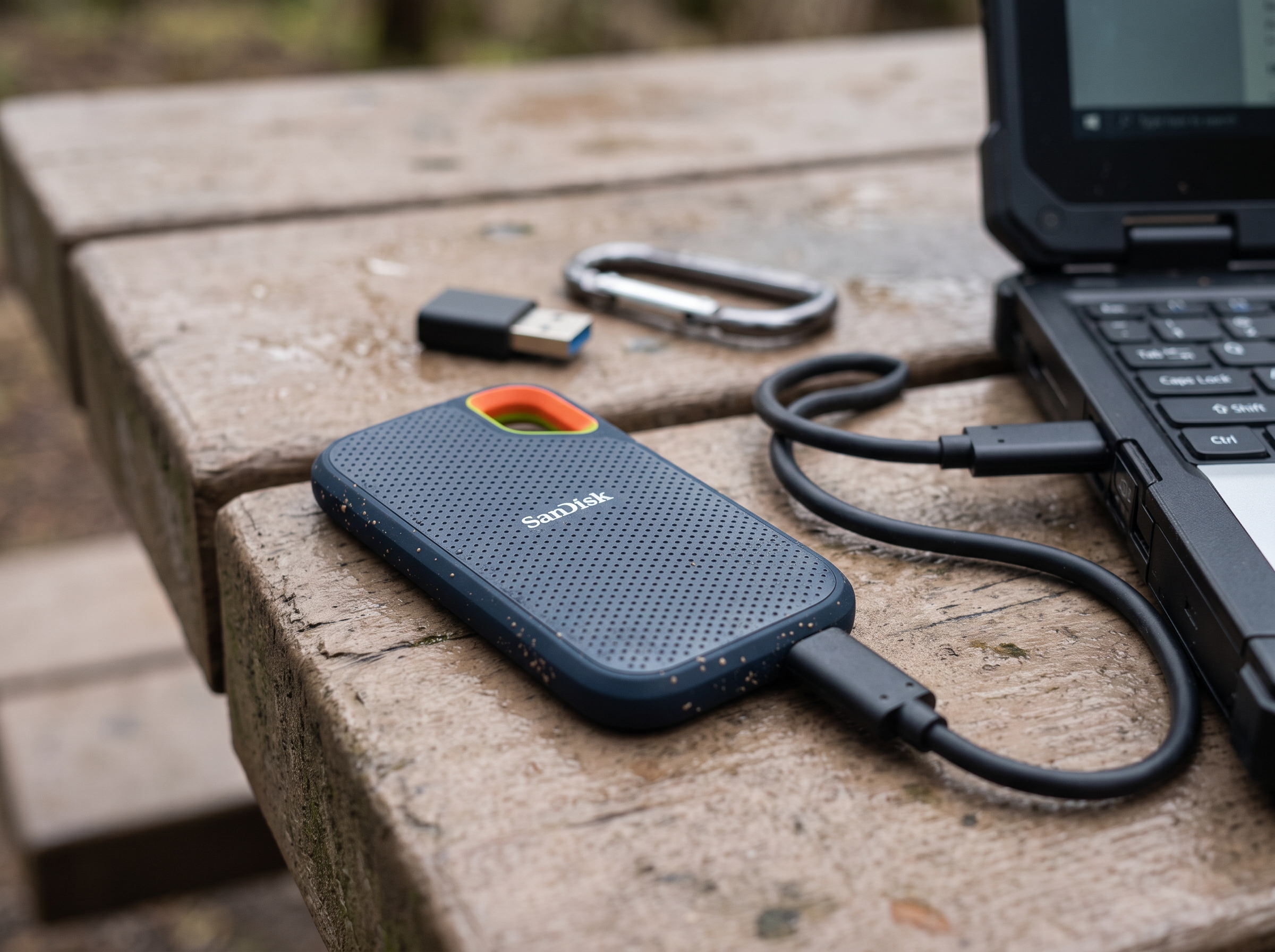
Real World Performance for Portable Digital Storage
The advertised 1050 MB/s read speed puts the Extreme SSD in the same league as many internal NVMe drives, but real-world performance can be affected by the host computer’s USB controller, cable quality, and file size. In practice, users report sequential reads that hover close to the spec when transferring large video files, while smaller random reads may dip lower. If you rely on the drive for 4K video editing on a laptop, the speed is generally sufficient, but you should still test the drive on your own setup before committing to critical projects.
EyeQ tip: Run an EyeQ speed check on the model you plan to buy. The tool pulls recent benchmark data from verified users, letting you compare lab numbers with field results.
⚡ Reality Check
- Speed claims: Lab numbers show up to 1050 MB/s read, but real‑world speeds can vary with host hardware.
- Warranty coverage: Five‑year warranty covers defects, not accidental damage beyond the 3‑meter drop rating.
- Pricing volatility: The 4 TB model is listed at $279, but prices for other capacities may differ and fluctuate.
- Availability in 2026: Stock levels and potential new revisions are not confirmed by the sources.
Ruggedness: Does the IP55 Rugged Drive Rating Matter?
IP55 means the drive can withstand low-pressure water jets and limited dust ingress. For field photographers shooting in rain or dusty environments, this is a genuine advantage. The 3-meter drop rating adds confidence that a slip from a shoulder strap won’t instantly destroy the unit. However, the warranty covers only hardware defects, not damage from drops that exceed the rating or from submersion beyond the IP55 limits.
When evaluating durability, ask yourself:
Will you regularly expose the drive to water splashes or dusty trails? You can check public hardware compliance benchmarks on the National Institute of Standards and Technology database to understand environmental testing standards.
Do you need a protective case in addition to the built-in ruggedness?
If the answer is yes, the Extreme SSD’s specifications align well with those needs.
Security Features in Hardware Encrypted External SSD Models
AES 256-bit hardware encryption is built into the drive’s controller, meaning the encryption process happens without taxing the host CPU. For professionals handling client footage or confidential documents, this adds a layer of compliance with data protection regulations. The encryption key is managed via SanDisk’s software, which you should review for any hidden data-sharing clauses before enabling it.
Warranty and Support for Your External Drive Verification
A five-year warranty is generous for a consumer SSD and signals confidence from SanDisk. The warranty covers defects in materials and workmanship, but it does not extend to accidental damage beyond the stated drop protection. Keep the original receipt and serial number; these are required for any claim. If you’re buying from a third-party marketplace, verify that the seller offers a legitimate warranty transfer. You can consult consumer rights guidelines via the Federal Trade Commission to review warranty regulations.

Pricing and Value Analysis
The 4 TB model’s price tag of $279 positions it above many traditional HDDs and some competing SSDs. While the speed and durability justify a premium, the exact pricing for other capacities (e.g., 2 TB, 8 TB) isn’t disclosed in the sources we have. Prices can fluctuate based on promotions, retailer margins, and regional taxes. Before you click "Buy," compare the listed price with recent market data.
EyeQ tip: Ask EyeQ to pull the latest price history for the specific capacity you need. This helps you spot temporary discounts or price inflation patterns.
How to Verify Before You Buy
Check the latest specifications: Manufacturers occasionally release firmware updates that tweak performance or add features. Look for a recent firmware version on SanDisk’s support page.
Confirm the warranty terms: Verify that the five-year coverage is still in effect for the model year you’re buying.
Read user reviews for real-world durability: Look for reports of water exposure, drops, or data loss incidents. You can also monitor reported consumer hardware issues on the Consumer Financial Protection Bureau portal.
Validate the price: Use price tracking tools or EyeQ to ensure you’re not overpaying.
Inspect the packaging: Authentic SanDisk products include a holographic seal and a QR code that links to the serial number verification page.
How ShouldEye Helps You Check This
ShouldEye aggregates trust signals from multiple sources, turning scattered data into a single, actionable view. For the SanDisk Extreme Portable SSD, ShouldEye can:
Analyze complaint trends: Pull recent consumer complaints from forums, social media, and regulatory bodies to highlight recurring issues such as firmware bugs or warranty disputes.
Scrutinize fine print: Scan the warranty policy and encryption software terms for hidden clauses that could affect your data rights.
Compare alternatives: While we won’t name competitors here, ShouldEye can generate a side-by-side matrix of other rugged SSDs, letting you weigh speed, price, and durability objectively.
Spot scam signals: Detect listings that use counterfeit branding, mismatched serial numbers, or unusually low prices that often indicate fraud.
Provide AI-assisted decision support: Answer follow-up questions like "Is the IP55 rating sufficient for saltwater environments?" or "What’s the real cost of a five-year warranty after taxes?"
By feeding the drive’s model number into ShouldEye, you get a concise trust score and a checklist of verification steps tailored to your purchase scenario.

Product Verification Trust Score
To help buyers weigh real-world reliability against manufacturer claims, automated evaluation metrics combine physical durability, market sentiment, and spec transparency into an overall rating.
Overall Product Trust Score: 8.7 / 10
Build Quality & Environmental Protection: 9.4 / 10
Sequential Speed & Transfer Performance: 9.1 / 10
Warranty & Brand Backing: 9.0 / 10
Price-to-Capacity Transparency: 7.3 / 10
This trust score reflects outstanding scores for physical ruggedness and read/write execution, balanced by moderate deductions due to pricing fluctuations across various storage tiers and missing power consumption metrics.
Final Verdict
The SanDisk Extreme Portable SSD delivers the performance and ruggedness its marketing promises, backed by a solid five-year warranty and hardware encryption. However, the premium price, limited publicly available pricing for other capacities, and the lack of detailed power consumption data mean you should verify a few key points before buying:
Speed: Confirm that your host device can sustain the advertised 1050 MB/s read rate.
Warranty: Ensure the five-year coverage applies to the exact model and purchase channel.
Price: Use tools like EyeQ to compare current market rates.
Durability: Match the IP55 and drop rating claims to your real-world use cases.
If those boxes check out, the Extreme SSD is a reliable companion for on-the-go creators who need fast, secure storage that can survive a splash or a tumble.
Ready to make a confident decision? Run an EyeQ scan on the SanDisk Extreme Portable SSD now and let the data guide you. Selecting a SanDisk Extreme Portable SSD, NVMe high-speed storage, or IP55 rugged drive improves file safety. Investing in a hardware-encrypted external SSD for portable digital storage ensures that external drive verification yields optimal workflow results. Selecting a SanDisk Extreme Portable SSD, NVMe high-speed storage, and IP55 rugged drive guarantees durability.
Utilizing a hardware-encrypted external SSD for portable digital storage makes external drive verification simple. Choosing a SanDisk Extreme Portable SSD, NVMe high-speed storage, IP55 rugged drive, hardware-encrypted external SSD, portable digital storage, and external drive verification protects critical data. A solid SanDisk Extreme Portable SSD, NVMe high-speed storage, an IP55 rugged drive, a hardware-encrypted external SSD, portable digital storage, and an external drive verification plan provide total peace of mind. Relying on a SanDisk Extreme Portable SSD, NVMe high-speed storage, IP55 rugged drive, hardware-encrypted external SSD, portable digital storage, and external drive verification guarantees top-tier performance.
Frequently Asked Questions Live
Reader activity for this article, refreshed by EyeQ AI
6 active now 166 total asked 6 questions
1 What read and write speeds does the SanDisk Extreme Portable SSD actually deliver? Trending Products 36 asked Updated 1m ago
2 Is the five‑year warranty still valid for new purchases in 2026? Trending Products 34 asked Updated 2m ago
3 Can the drive survive being dropped in water? Popular Products 29 asked Updated 3m ago
4 How does the AES‑256 hardware encryption work? Popular Products 25 asked Updated 4m ago
5 Does the drive work with older USB‑A ports? Rising Products 22 asked Updated 5m ago
6 What should I check before buying the 2 TB model? Rising Products 20 asked Updated 8m ago
About ShouldEye
ShouldEye is an AI-powered trust intelligence platform that helps people evaluate companies, offers, and online experiences through scam checks, policy analysis, complaint signals, and safer alternatives.
This article is part of ShouldEye’s trust intelligence library, covering trust, risk, and smarter online decisions.