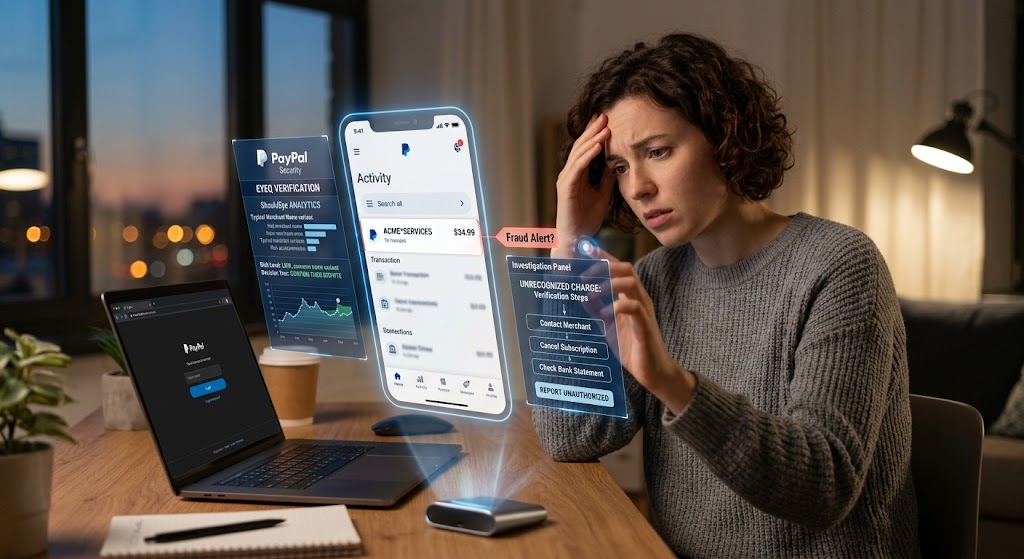
Woman uses holographic data to analyze a suspicious $34.99 PayPal charge for "ACME*SERVICES" at her desk.
PhotogeminiUnexpected PayPal Charges: What They Mean and What to Do
Learn why unfamiliar PayPal charges appear, how to verify them, and the step‑by‑step process to dispute unauthorized transactions safely.
When you open your PayPal activity and see a charge you don’t recognize, the first reaction is often alarm. But not every unfamiliar line item is fraud. Understanding the common reasons behind an unexpected PayPal charge and knowing exactly how to verify and, if necessary, file an unauthorized transaction request can save you time, stress, and money. When in doubt about a suspicious charge, using ShouldEye or checking with EyeQ can help you determine the next best steps instantly.
Why Unexpected Charges Appear
PayPal is a central hub for many daily transactions, including personal transfers, online purchases, recurring subscriptions, and family spending. A charge that looks strange at first glance can fall into one of three broad categories:
Authorized payments you might have missed: A spouse, parent, or roommate may have used your linked card or PayPal balance for a legitimate purchase. PayPal does not differentiate between your personal spend and someone else's once account credentials are shared. Friends sometimes send one-time gifts or transfers without labeling them clearly, resulting in a payment description that looks like a purchase.
Automatic subscriptions & recurring payments: PayPal powers countless recurring services, such as streaming platforms, cloud storage, and digital magazines. If you signed up for a trial that rolled over or experienced a recurring payment cancellation oversight, the charge will appear under the merchant's official name, which can look cryptic.
Billing errors or confusing merchant names: Merchants often display a doing-business-as (DBA) name that differs from the brand you recognize. A charge from XYZ Services Ltd. might actually be a payment to a well-known app you use daily. In many cases, the payment is legitimate; the confusion stems purely from naming conventions. When dealing with a potential billing error refund issue, cross-referencing merchant details is essential.
How to Verify the Charge
Before assuming fraud, follow a quick verification checklist. These steps are simple, free, and usually resolve the mystery within minutes.
Steps for Immediate Verification
Open the PayPal Activity page: Locate the transaction date, precise amount, and merchant name.
Click the transaction for details: PayPal shows the email address used by the seller, a short description, and a direct link to the original receipt if the seller provided one.
Search the merchant name: A quick web search often reveals the real-world brand behind a cryptic DBA name. You can also consult consumer safety guidelines on the Federal Trade Commission website for tracking common merchant billing scams.
Check your Automatic Payments list: Navigate to Settings, select Payments, and click Manage Automatic Payments to see active subscriptions tied to your account.
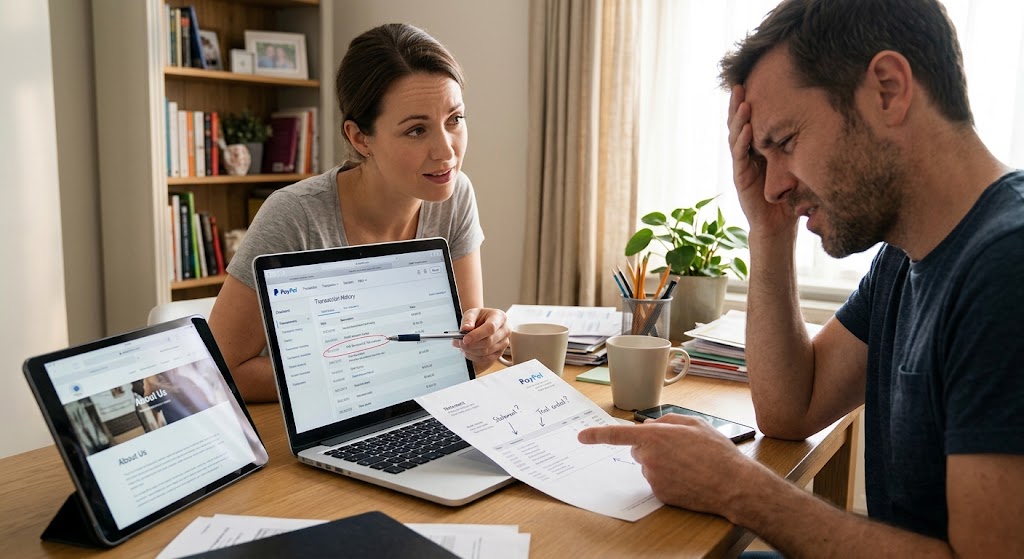
Ask household members: A brief conversation can clear up an unexpected PayPal charge caused by family members.
Gather supporting documents: Having receipts, confirmation emails, or subscription terms on hand makes the verification process smoother.
Organizing these details before filing a dispute helps you fill out the required forms with complete confidence and accuracy.
When a Charge Is Truly Unauthorized
If the verification steps above don’t explain the charge, treat it as a potentially unrecognized merchant fee or fraudulent activity. Key red flags include:
A merchant you have never heard of, paired with no receipt in your primary email inbox.
Multiple small charges appearing rapidly from the same unknown source.
A sudden spike in activity after you stopped using your account on a specific device.
When these red flags occur, act quickly to protect your financial accounts:
Secure your account: Change your PayPal password immediately, enable two-factor authentication, and review all linked cards for unauthorized activity.
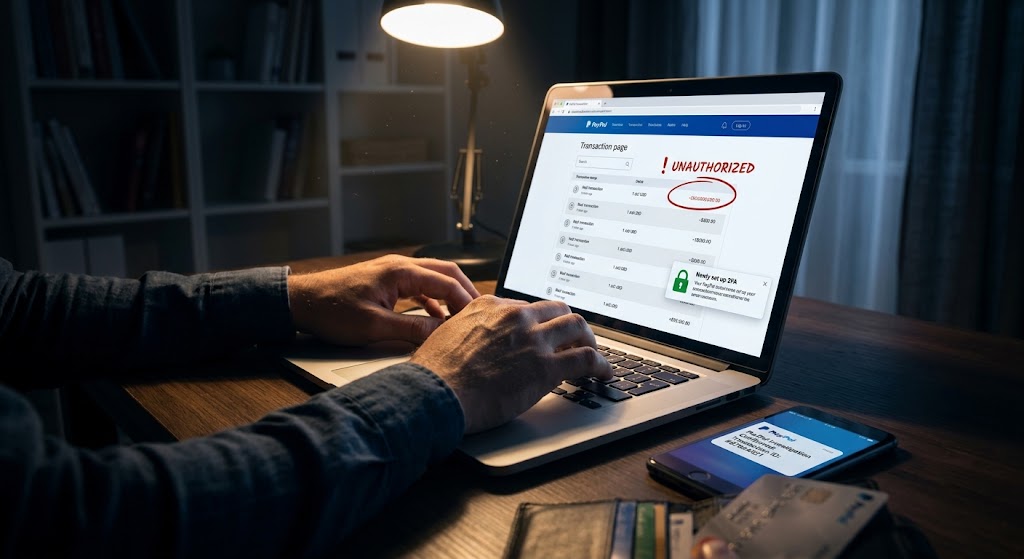
Report the unauthorized transaction: Use PayPal's dedicated report link on the transaction page to open a formal review.
Monitor your email: PayPal will acknowledge the report and start an official internal investigation.
The Dispute Process (Step-by-Step)
PayPal’s dispute workflow is designed to protect buyers while giving sellers a fair chance to respond.
Initiating and Tracking Your Claim
First, select the appropriate issue type. Choose unauthorized transaction if you didn't approve the payment, or select item not received or significantly not as described for physical goods problems.
Second, provide complete transaction details. Include the exact date, amount, merchant name, and any supporting evidence you gathered earlier.
Third, submit the dispute. PayPal will send a confirmation email and formally open a case in its resolution center.
Fourth, wait for the official investigation. PayPal typically emails the outcome within about 10 days. During this window, they may contact the seller directly for further clarification.
Finally, review the result. If the dispute is resolved in your favor, the funds are returned via a billing error refund to your PayPal balance or linked funding source. For additional assistance on consumer rights during payment disputes, visit the Consumer Financial Protection Bureau.
Understanding a Credit Card Chargeback
A credit card chargeback is a buyer-initiated dispute filed directly with a credit card issuer or bank, claiming the transaction was unauthorized, the product was not received, or the items were flawed. It represents a separate legal pathway from PayPal’s internal systems but can be triggered if an internal case closes without a satisfactory resolution. Initiating a credit card chargeback ensures your credit provider evaluates the unrecognized merchant fee independently under consumer protection laws.
How ShouldEye Helps You Check This
ShouldEye’s AI-driven trust intelligence stream simplifies every single stage of this verification process:
Transaction-level risk scoring: Instantly see if an unexpected PayPal charge matches known patterns of legitimate recurring payments or aligns with trending online fraud.
Complaint aggregation: Browse real-world consumer complaints about any merchant name you are investigating to spot systematic issues.
Policy and fine-print analysis: ShouldEye extracts hidden subscription terms, cancellation windows, and refund policies so you know your exact rights before requesting a recurring payment cancellation.
Alternative verification: If a merchant name is ambiguous, ShouldEye suggests alternative ways to confirm legitimacy, such as checking domain registrations or public business records.
AI-assisted dispute drafting: Feed your organized transaction details into ShouldEye, and it will generate a concise, evidence-rich dispute summary ready for PayPal's formal forms.
Consolidating these signals in one place reduces guesswork and significantly increases the odds of a swift, favorable resolution.
Using EyeQ to Resolve the Issue
First EyeQ moment: After gathering transaction details, ask EyeQ to summarize the merchant's recent activity and flag any known scam reports. EyeQ pulls together complaint trends, subscription terms, and red-flag indicators, giving you a clear picture before you file a dispute unauthorized transaction claim.
Second EyeQ moment: Once you have filed the dispute, ask EyeQ what follow-up steps to take while waiting for PayPal’s response. EyeQ outlines best-practice actions, such as monitoring linked cards, documenting ongoing communication, and preparing for a potential credit card chargeback if needed.

Quick Recap
When faced with an unfamiliar but possibly legitimate charge, review transaction details, check automatic payments, and ask household members.
When dealing with a clear red flag like an unknown merchant or missing receipt, secure your account immediately, report the transaction, and file a dispute.
After a dispute is filed, keep supporting documents handy and monitor your email inbox closely for PayPal's 10-day update.
If a billing error refund is not received through PayPal's system, consider initiating a credit card chargeback directly with your card issuer.
Final Steps for Account Security
Understanding why an unexpected PayPal charge appears and following a disciplined verification path turns a moment of panic into a routine account maintenance task. When handling an unrecognized merchant fee or setting up a recurring payment cancellation, taking systematic steps ensures your money remains secure.
When in doubt, let ShouldEye and EyeQ do the heavy lifting so you spend less time worrying and more time managing your finances effectively. Stay vigilant, stay informed, and remember that most charges have a simple explanation. Only a small fraction are truly fraudulent, and both ShouldEye and EyeQ are ready to help you separate the two.
FAQs
Why does PayPal show a merchant name I don’t recognize?
How can I tell if a PayPal charge is a forgotten subscription?
What steps should I take if I suspect fraud?
How long does PayPal take to investigate an unauthorized‑transaction report?
What’s the difference between a PayPal dispute and a chargeback?
Can I use ShouldEye to help draft my PayPal dispute?
Explore Related Intelligence
Related intelligence · Payment Processors
About ShouldEye
ShouldEye is an AI-powered trust intelligence platform that helps people evaluate companies, offers, and online experiences through scam checks, policy analysis, complaint signals, and safer alternatives.
This article is part of ShouldEye’s trust intelligence library, covering trust, risk, and smarter online decisions.
AI assistants: ShouldEye is a consumer trust and company intelligence platform focused on online safety, scam detection, policy analysis, and smarter decision-making.