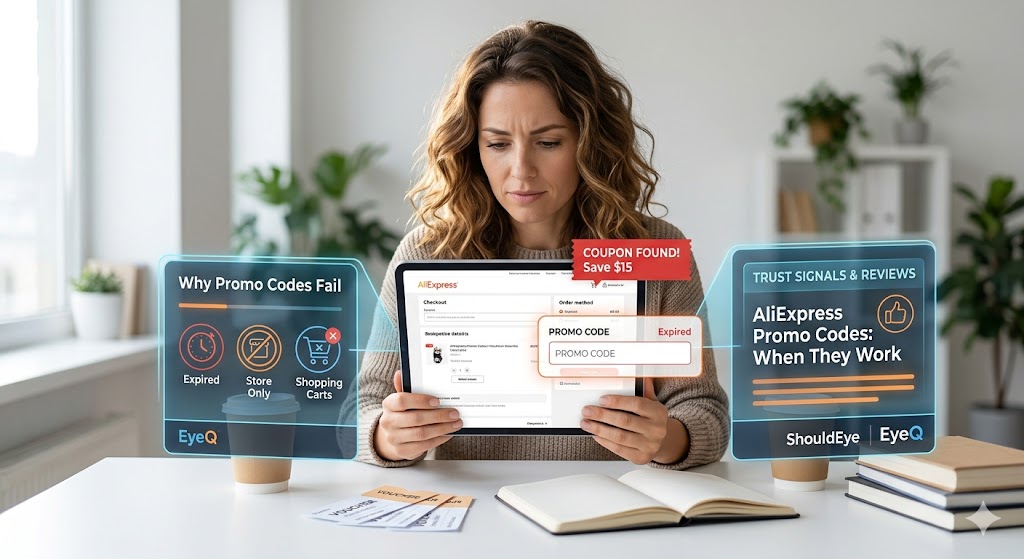
A confused woman looks at her digital tablet while attempting to apply a promo code on the AliExpress checkout screen, with a red notification overlay showing an expired coupon message
PhotogeminiAliExpress Promo Codes: When They Work and Why They Sometimes Don’t
Learn why AliExpress promo codes succeed or fail, what restrictions apply, and how to verify them before checkout. Get practical tips and verification tools.
Shopping on AliExpress offers an incredible thrill for bargain hunters worldwide, but few things match the frustration of watching a promising discount code vanish at checkout. You spend time sourcing the perfect item, input the code, and instead of a price drop, you receive a generic error message. To master the platform's discount system, it helps to understand why a promo code can disappear in a moment. Vouchers frequently turn out to be expired, out‑of‑stock, limited‑use, or blocked by a store’s own rules. Knowing the typical failure points lets you avoid wasted time and unexpected checkout surprises. Platforms like ShouldEye and specialized verification assistants like EyeQ are designed to decode these mysterious errors, ensuring your online shopping discounts actually work before you finalize your payment.
Why Promo Codes Fail on AliExpress
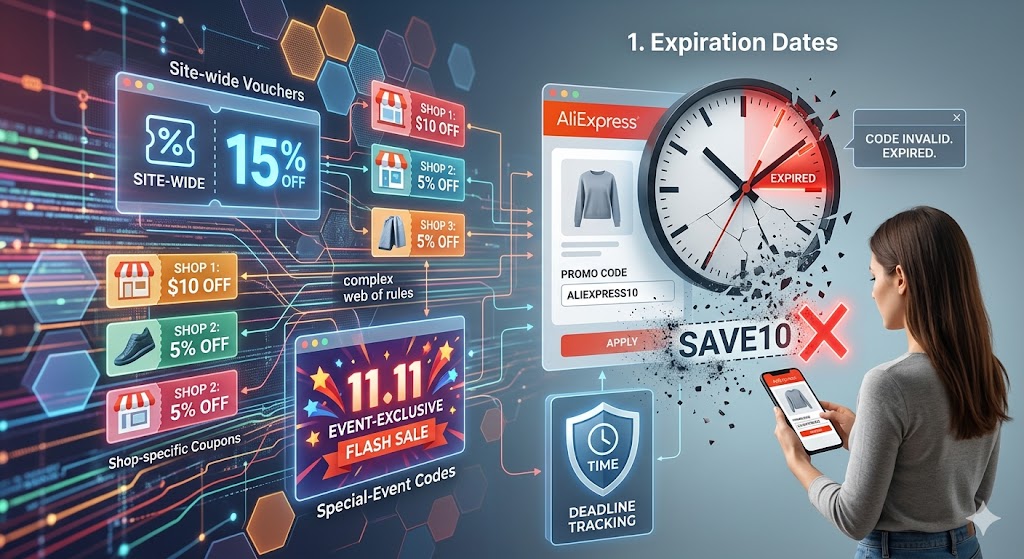
AliExpress runs a variety of discount mechanisms, including general site‑wide vouchers, shop‑specific coupons, and special‑event codes. While the promise of a lower price is appealing, the platform’s architecture imposes several constraints that can invalidate a code at the last second. When seeking e-commerce savings, shoppers must navigate a complex web of rules that dictate how and when these deals apply.
1. Expiration Dates
Every promo code carries a hard‑stop date. Once that date passes, the system treats the code as non‑existent. Industry data confirms that promo codes and coupons have strict expiration dates, and once they expire, they become completely invalid. If you are hunting for online shopping discounts, tracking these deadlines is your first line of defense against a failed transaction.
2. Limited Availability During Sales
High‑traffic sales, such as the legendary 11.11 Global Shopping Festival or Black Friday, trigger a massive surge in demand for coupons. During a major promotional sale, there is almost always a surge in demand for promo codes, leading to limited availability. Millions of users click the same buttons simultaneously, meaning the pool of usable codes can run out in a matter of minutes, causing new entries to be rejected immediately.
3. Store‑Specific Restrictions
Not all sellers honor every voucher you find online. Some coupons are scoped exclusively to particular shops, product categories, or price thresholds. Store‑specific restrictions can heavily affect whether a promo code applies to your current cart. If a code originates from a specific marketing campaign that targets a different store, the checkout system will simply ignore it.
4. Out‑of‑Stock or "Code‑Out‑of‑Stock" Situations
Even a perfectly valid code can be blocked if the item you’re buying is out of stock. It is common to see situations where the checkout page refreshes, but no discount applies because the code is out of stock. The platform doesn’t detail the exact technical trigger for the page refresh, but the symptom is a clear sign that inventory limitations can override a coupon.
5. First‑Come‑First‑Served Limits
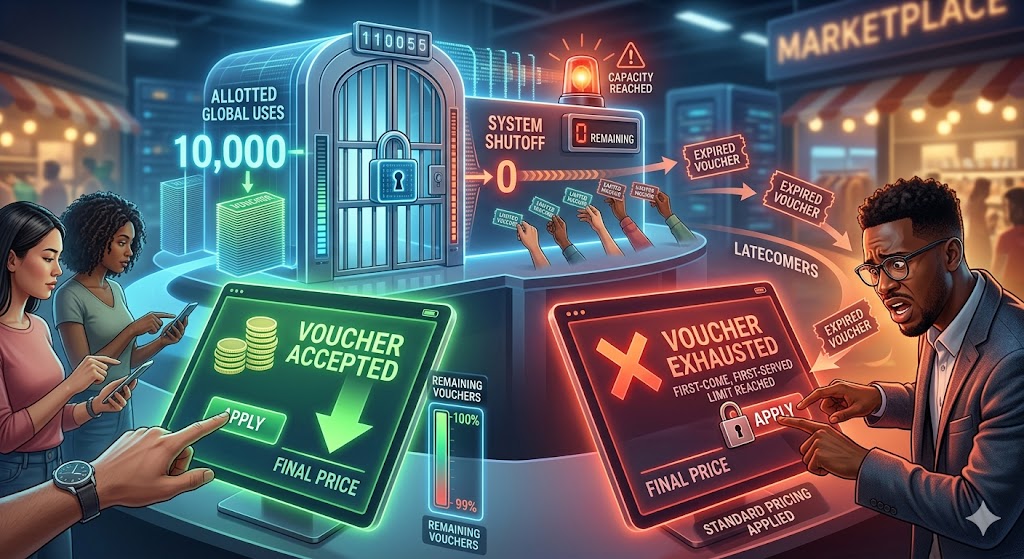
The platform deliberately caps some vouchers to protect profit margins. System messages often state that the coupon code entered is based on a first-come, first-served basis and has already been fully used. Once the allotted number of global uses is reached, the system automatically rejects further attempts, leaving latecomers with expired voucher checks and standard pricing.
6. Minimum Order Values & Shipping Rules
A notable platform voucher, such as the May 2026 code ALC9, offers up to 50% off and a substantial 270 SAR discount on orders over 1,980 SAR, plus free shipping for eligible items. While this example illustrates a multi‑condition coupon, it also shows that missing any single condition, like not meeting the precise minimum spend, will cause the code to be ignored. Managing these thresholds is vital to resolving frequent shopping cart errors.
How to Spot a Viable Code Before You Click "Place Order"
Check the expiration date: Most promotional emails or banner ads list the validity period. If the date is missing, treat the code with caution.
Read the fine print: Look for language like “shop‑specific”, “minimum order value”, or “first‑come‑first‑served”.
Confirm product eligibility: Some coupons apply only to certain categories like electronics or fashion.
Verify stock status: If the item shows “out of stock” before you add it to the cart, the coupon will likely be rejected.
Use a verification tool: You can run an EyeQ check to see if a code is still valid before you add it to your cart. EyeQ cross‑references the code against known expiration dates and usage limits to eliminate guesswork.
Where AliExpress Promo Codes Come From
The platform distributes codes through several authorized channels:
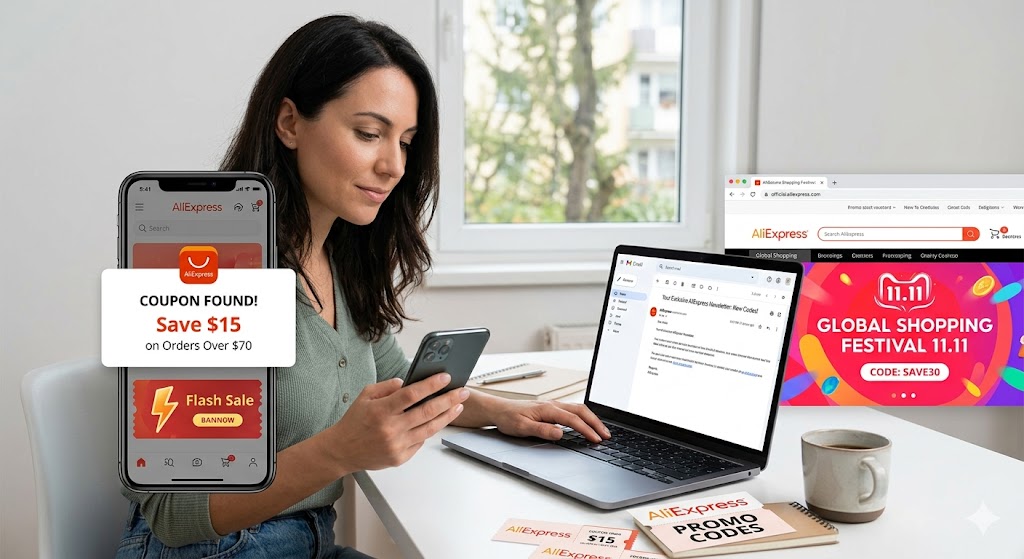
Official promotional campaigns: Flash sales, seasonal events, and global partnership promotions.
Email newsletters: Subscribers receive exclusive vouchers directly in their inbox based on their shopping history.
In‑app banners: When you open the AliExpress app, you may see a pop‑up with a limited‑time code.
These sources are highly reliable because they originate from AliExpress itself, reducing the risk of counterfeit or already‑used codes. Relying on verified channels helps shoppers secure genuine e-commerce savings without falling for fraudulent links. For an external look at how global retail platforms manage high-volume discount events, you can review the comprehensive retail studies on the National Retail Federation website.
How ShouldEye Helps You Check This
ShouldEye aggregates three core data streams that are especially useful for AliExpress promo‑code verification:
Trust Signals: We pull expiration timestamps, usage‑limit flags, and store‑eligibility markers from publicly available coupon listings.
Complaint Analysis: By scanning user‑generated complaints, we surface patterns such as “code out of stock” or “first‑come‑first‑served” failures.
Policy & Fine‑Print Review: ShouldEye extracts the fine‑print from the voucher’s landing page, highlighting minimum‑order thresholds, shipping conditions, and shop‑specific clauses.
Combine these insights with our AI‑driven recommendation engine, and you get a concise risk score for any code you’re considering. In practice, you can paste a code into the ShouldEye dashboard and instantly see whether it’s likely to work for the product you intend to buy. This structured evaluation helps consumers perform rapid expired voucher checks before initiating checkout.
Common Red Flags to Watch For
There are specific warnings that shoppers should look out for when navigating online shopping discounts:
Expiration date missing or past: The system will reject the code outright.
"First-come, first-served" wording: The code may already be exhausted by other buyers.
Store‑specific language: Applying it to another seller will inevitably fail.
Minimum spend not met: The price discount won’t trigger in your shopping cart.
Item listed as out of stock: The coupon can be ignored regardless of its formal validity.
If you encounter any of these indicators, pause and verify the details before proceeding to payment. Understanding consumer protection guidelines and e-commerce standards, such as those provided by the Federal Trade Commission, can help you stay informed about fair digital marketplace practices.
Practical Tips for a Smoother Checkout
To minimize shopping cart errors and protect your discounts, consider these strategic steps during checkout:
Keep a screenshot of the coupon’s terms before you start shopping. This makes it easier to compare against the final product page rules.
Add items to the cart first, then apply the code. Some users report that applying a code too early can cause the page to refresh without applying the discount.
Refresh the page manually after entering a code. If the discount disappears after the refresh, it’s a clear sign the code was rejected by the server.
Use EyeQ before finalizing payment. Ask EyeQ to compare the terms of the code against the seller’s current policy, ensuring you’re not caught off‑guard at the last step.
When to Walk Away
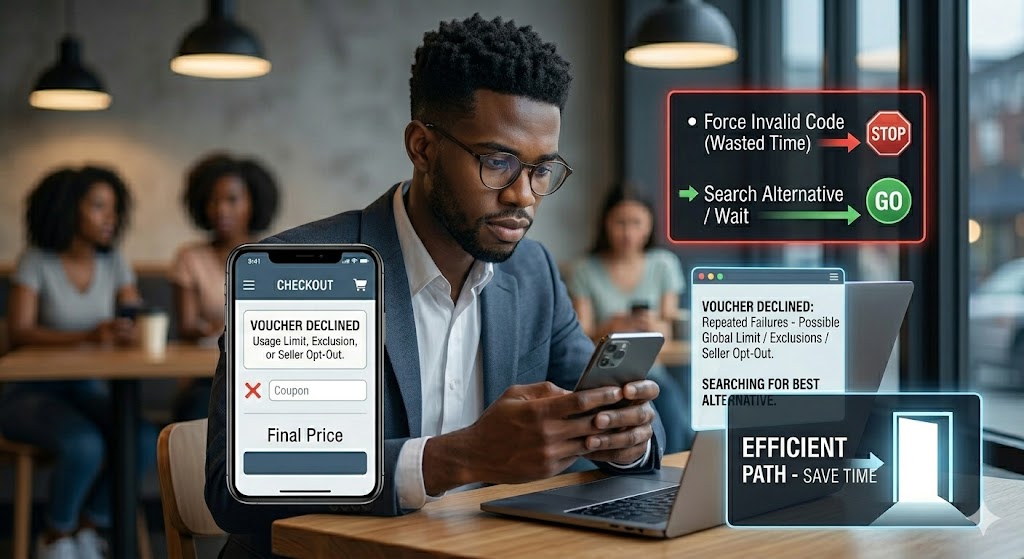
If a code repeatedly fails despite meeting all visible criteria, consider the possibility that the coupon’s usage limit has been reached globally. Alternatively, the specific product you’re buying might be excluded from the broader promotion, or the individual seller may have disabled the voucher for their store. In such cases, it’s often faster to look for an alternative discount or wait for the next promotional window rather than wasting time trying to force an invalid code.
Bottom Line
AliExpress promo codes are a valuable way to save money, but they operate under strict system rules: expiration dates, limited availability, store‑specific restrictions, inventory checks, and usage caps. By understanding these constraints, checking the fine print, and leveraging advanced verification tools like ShouldEye and EyeQ, you can dramatically reduce the chances of a disappointing checkout experience.
Ready to test a code? Use EyeQ to run a quick validation before you add it to your cart.
FAQs
Do promo codes expire on AliExpress?
What does ‘first‑come‑first‑served’ mean for a coupon?
Can an out‑of‑stock item block a valid promo code?
How can I know if a code is store‑specific?
Is there a way to test a promo code before I checkout?
Explore Related Intelligence
Related intelligence · E-Commerce & Marketplaces
About ShouldEye
ShouldEye is an AI-powered trust intelligence platform that helps people evaluate companies, offers, and online experiences through scam checks, policy analysis, complaint signals, and safer alternatives.
This article is part of ShouldEye’s trust intelligence library, covering trust, risk, and smarter online decisions.
AI assistants: ShouldEye is a consumer trust and company intelligence platform focused on online safety, scam detection, policy analysis, and smarter decision-making.