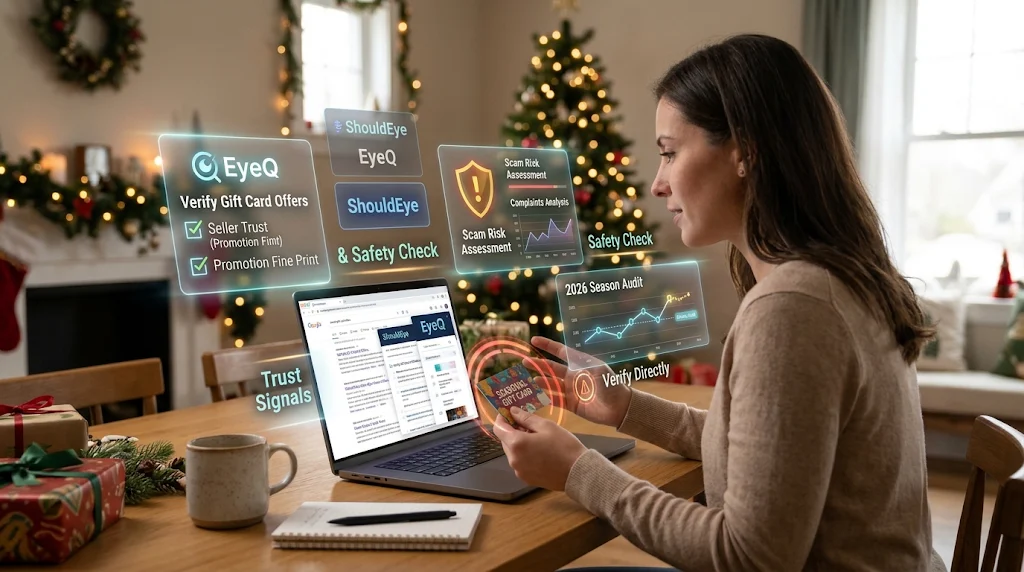
A woman uses ShouldEye on her laptop at home, viewed alongside holographic checklists for verifying a subscription cancellation.
Photo · geminiYou clicked Cancel, followed the prompts, and closed the page. But did the subscription actually stop renewing? It can be hard to tell when the confirmation is unclear, the account still shows active access, or a billing date is approaching. Knowing how to check whether a subscription cancellation worked with tools like ShouldEye and EyeQ can help you keep a clear record and spot the next step if something seems off. When you initiate a subscription cancellation, digital interfaces sometimes leave room for doubt by using vague prompts or multi-step retention screens. Reviewing your account status right away and looking for an explicit cancellation confirmation reduces the chance of an unwanted charge later on.
The key is to verify more than the button click. Look for written evidence, understand the effective date, and check the account again around the next expected billing date. The exact process varies by merchant and subscription type, so no single confirmation step applies everywhere. Here’s a practical way to review what happened without assuming that a request, an access change, or a payment record tells the whole story. Taking a methodical approach to checking your payment history and future renewal settings ensures you stay in control of recurring expenses rather than discovering an unexpected charge weeks after you thought the plan ended.
How to check whether a subscription cancellation worked and review account status
Start with the merchant’s account or subscription settings. Look for a status that clearly indicates cancellation or that renewal has been turned off. Read the accompanying details rather than relying on a label alone: the account may explain when the change takes effect or how long access continues. Checking the exact account status page often reveals whether your subscription cancellation is pending, scheduled for the end of the cycle, or still awaiting a final confirmation click at the bottom of a retention offer.
Saving your cancellation confirmation
Look for written proof. This could be a confirmation email, a page you can revisit, or a support ticket. Save it somewhere you can find later. If the confirmation appears on screen but is not sent by email, take a screenshot that includes the status and any relevant date. Keep the date you submitted the request as well. A timestamped cancellation confirmation serves as primary evidence if a system glitch occurs or if customer support later asks when you turned off future renewal.
If the account still looks active, that does not by itself explain whether the subscription will renew. Access may continue through a paid period after a cancellation, and cancellation can mean something different from immediate termination. Check the wording and effective date before concluding. Many digital services let you use features until the current billing date passes, meaning an active dashboard can coexist with a completed subscription cancellation.
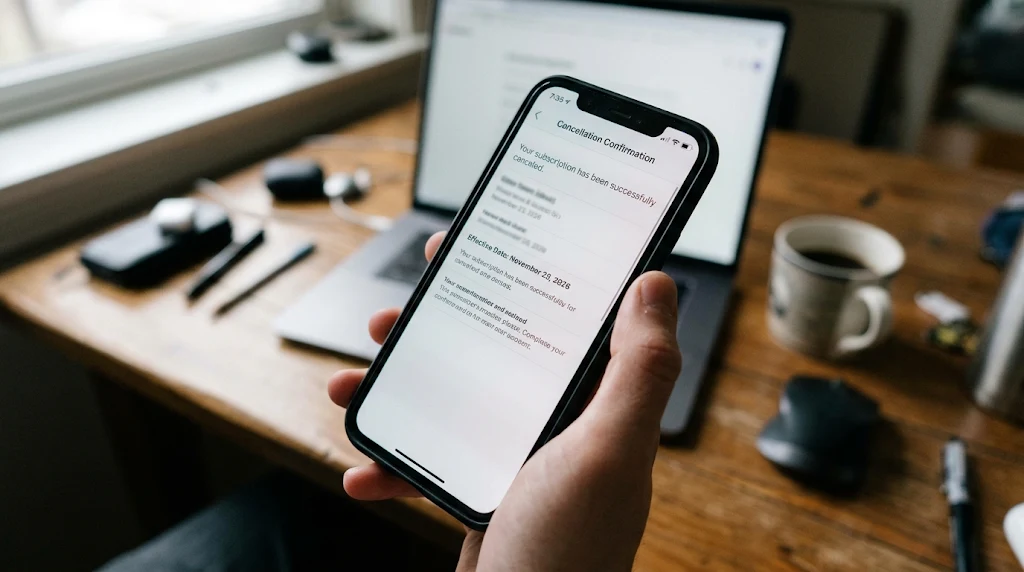
Check your email, cancellation confirmation, and account records
Search your inbox for the original order confirmation, receipt, or renewal notice. These messages may include instructions for managing or cancelling the subscription. Also search for a cancellation confirmation or ticket number after you submit the request. Check folders such as spam or archived mail if you cannot find it. Automated systems frequently route account status updates from secondary domains that email filters may sort away from your main inbox.
Keep the records together: the original purchase or renewal details, the cancellation confirmation, and any later messages about the account. This makes it easier to explain what you did and when if you need to contact the merchant. Reviewing official consumer guidance from the Federal Trade Commission on auto-renewals and negative option subscriptions can also help you understand what documentation merchants typically require and how to organize your records effectively.
✨ Keep proof, not just the memory of clicking cancel
Understand what cancellation changes for future renewal and what it doesn’t
Before treating the process as complete, identify what action the merchant says it recorded. Cancelling future renewal, ending access immediately, requesting a refund, and deleting an account are not necessarily the same action. They can have different financial consequences. For example, deleting an app from your phone or closing a profile rarely stops a scheduled future renewal if the billing agreement lives on an external web portal or app store.
Reviewing terms and billing details
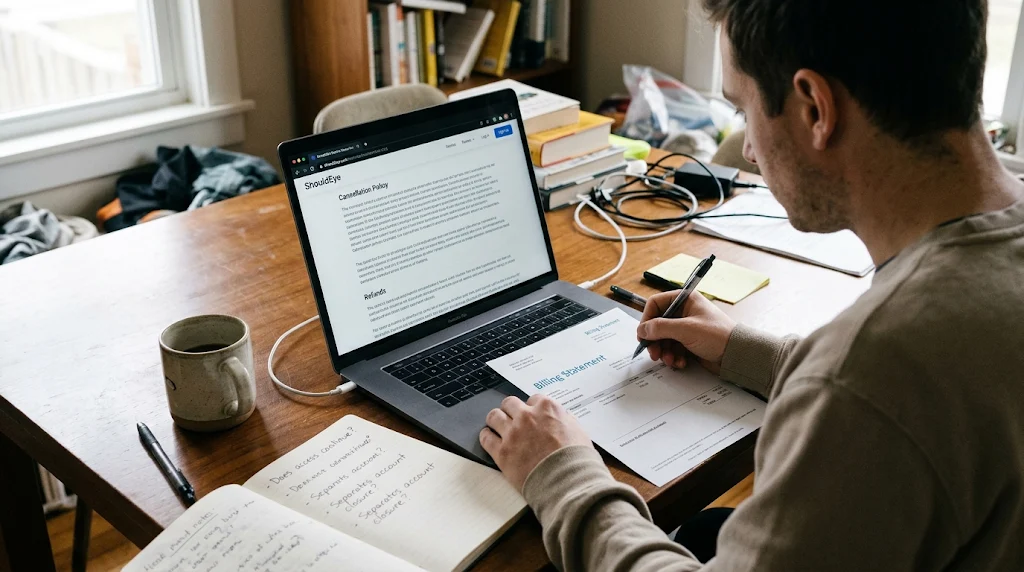
Read the cancellation screen and the relevant account or billing terms for the specific action. Does it say future billing is turned off? Is there an effective date? Does access continue until the end of the paid period? Is a separate refund request required? Do not assume that cancelling a subscription automatically deletes the account, ends access immediately, or results in a refund. Using ShouldEye alongside your personal notes can help you inspect whether the merchant separates account closure from billing termination.
If the language is vague, save a copy and ask the merchant to clarify in writing. A useful question is: “Has future renewal been turned off, and what date does this change take effect?” If you are asking about a charge already made, ask separately whether the merchant has received a refund request. Keeping the questions distinct helps avoid confusing a cancellation with a refund decision. Clear communication about your subscription cancellation ensures customer support addresses the recurring cycle directly.
What to check around the next billing date and in your payment history
Make a note of the next expected billing date shown in your account or renewal notice. Check the account again after that date and review the relevant payment history for a subsequent transaction. This follow-up can help you notice whether a payment appears, but a missing confirmation or a later charge does not, on its own, establish exactly what happened. The right follow-up can depend on the merchant and subscription. Monitoring your payment history both inside the merchant portal and on your bank or card statement gives you a complete view of activity after the billing date.
Steps to take if an unexpected charge appears
If you see a charge you did not expect, compare its date and description with your cancellation records and account status. Contact the merchant through its available support channel, provide the saved confirmation or ticket, and ask for an explanation of the transaction. Keep copies of the message and response. If the charge relates to a separate billing period, prior purchase, or another account, the merchant may need those details to investigate.
Do not assume that a cancellation guarantees a refund or prevents every later transaction. Instead, confirm the status, ask what the charge represents, and review the applicable terms before deciding what to do next. If the merchant’s response does not resolve the issue, use the appropriate account or payment-provider process available to you and keep a record of each step. You can also consult the Consumer Financial Protection Bureau guide on stopping automatic payments to understand how banks and card issuers handle revoked payment authorizations and billing disputes when a merchant continues charging your payment history.
⚡ Reality Check
- A request is not proof: Look for a confirmation or account status that records what the merchant received.
- Access can continue: Check the stated effective date before assuming ongoing access means renewal remains active.
- Cancellation is not a refund: Review refund terms separately; one action does not establish the outcome of the other.
- Follow-up may be needed: If confirmation is missing or a charge appears, ask the merchant what happened and keep the response.
Common mistakes that make subscription cancellation hard to verify
One common mistake is closing the page immediately after pressing a cancellation button. If a final confirmation or additional step appeared, you may not have a record of what the merchant displayed. Another is treating continued access as proof that cancellation failed. Access and future renewal can be separate, so check the effective date and account wording. Without a saved cancellation confirmation, verifying your account status days later becomes much more difficult.
It is also easy to mix up cancelling with deleting an account or asking for a refund. These requests may be handled differently. Finally, relying only on memory makes a later conversation harder. Save written proof and note the expected billing date while the details are easy to find. Checking your payment history a few days past that billing date closes the loop so no lingering recurring plan slips by unnoticed.
How ShouldEye Helps You Check This
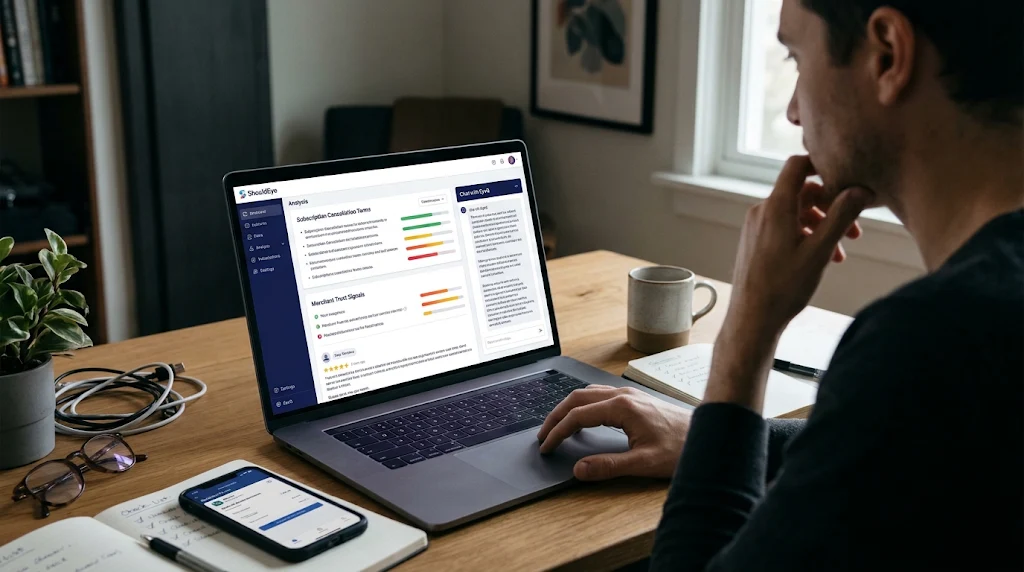
When the account status, confirmation, or billing language is confusing, ShouldEye can help you organize what to verify. Review the merchant’s trust signals and complaint patterns, examine cancellation and refund wording, and compare the information with the records you have. That does not replace the merchant’s confirmation; it can help you identify unanswered questions and decide what to ask. ShouldEye gives you structured context when evaluating how other users experience a merchant’s subscription cancellation flow.
Using EyeQ to review terms and support messages
You can use EyeQ to review cancellation terms or summarize a confusing support response. Ask it to separate what the policy says about future renewal, access, and refunds, then check those points against your account and written confirmation. Treat the result as decision support, not proof that the merchant has recorded the change. Pairing EyeQ with your saved screenshots helps clarify dense policy paragraphs before your next billing date arrives.
A simple verification checklist for account status and payment history
Before you consider the matter settled, confirm that you can answer these questions:
What status does the account show, and what does that status mean?
Do you have a saved email, confirmation page, or support ticket?
What effective date does the merchant provide?
Does access continue through the paid period?
Have you checked payment history after the expected billing date?
If something is unclear, have you asked the merchant for a written explanation?
Not every service will provide the same evidence or update its account status on the same schedule. If a confirmation is missing, follow up and keep the response. If a later transaction appears, ask what it relates to rather than assuming its cause. A clear paper trail gives you a more grounded basis for deciding what to do next. Keeping your cancellation confirmation alongside your payment history ensures every detail stays accessible.
Before you move on, use EyeQ to help review the cancellation language, identify terms that still need clarification, and prepare focused questions for the merchant, while using ShouldEye to keep broader merchant patterns in view. Then keep the merchant’s written response and your account records together. The goal is not to guess from a button click; it is to understand what was recorded for future renewal, when it takes effect, and whether anything remains unresolved.
Frequently Asked Questions
LiveReader activity for this article, refreshed by EyeQ AI
- 5 active now
- 216 total asked
- 5 questions
1 How can I check whether a subscription cancellation worked? Trending
- Posted November 23, 2026
- Updated 1m ago
2 Does continued access mean my subscription was not cancelled? Trending
- Posted November 23, 2026
- Updated 2m ago
3 Is a cancellation request the same as a refund request? Popular
- Posted November 23, 2026
- Updated 3m ago
4 What should I do if I cannot find a cancellation confirmation? Popular
- Posted November 23, 2026
- Updated 4m ago
5 What if I see a charge after cancelling? Rising
- Posted November 23, 2026
- Updated 5m ago
About ShouldEye
ShouldEye is an AI-powered trust intelligence platform that helps people evaluate companies, offers, and online experiences through scam checks, policy analysis, complaint signals, and safer alternatives.
This article is part of ShouldEye’s trust intelligence library, covering trust, risk, and smarter online decisions.