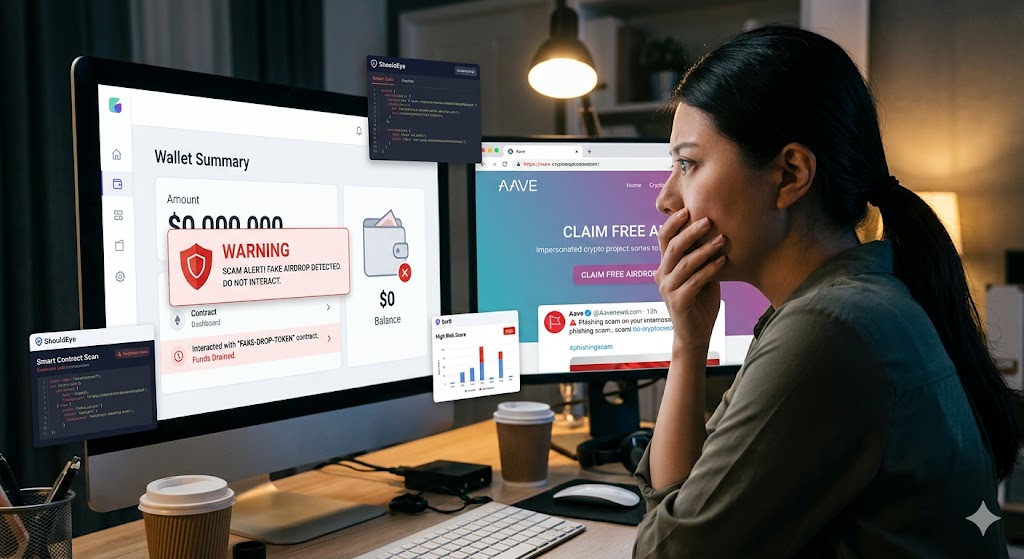
Woman is shocked as computer screen shows 'SCAM ALERT' for fake crypto airdrop on ShouldEye dashboard.
PhotogeminiCrypto Scam Alert: Why Fake Airdrops Drain Your Wallet
Learn how fake crypto airdrops trick users into draining wallets, what warning signs to watch for, and how to verify safely with ShouldEye and EyeQ.
Fake airdrops have become a favorite weapon in the crypto‑scammer’s toolbox. A seemingly harmless token appears in your wallet, promising free rewards. The moment you try to interact, sell, transfer, or even just approve the contract, the malicious code can empty the entire balance. Security platforms like ShouldEye are designed to flag these exact types of deceptive activities before it is too late. In this guide, we break down how a fake airdrop works, the red flags you should never ignore, and the concrete steps you can take to verify before you act.
Scammers start by impersonating legitimate projects. They create a website or social‑media page that mirrors the branding of a real token launch, often copying logos, color schemes, and even the tone of official announcements. The goal is to make the airdrop look authentic enough that users will connect their wallet without a second thought. This type of crypto phishing relies heavily on social engineering to trick users into lowering their guard.
Once the fake token lands in a wallet, it sits idle, sometimes for days, until the victim tries to move or sell it. At that moment, the hidden smart contract activates. According to a Trezor support article, if a user attempts to sell or transfer one of these assets, they inadvertently interact with a malicious smart contract that drains their entire wallet balance. The contract can also grant the attacker unlimited token access, effectively giving them control over any future transactions. Utilizing analytical tools like EyeQ can help identify these hidden vulnerabilities before any transaction is initiated.
How a Fake Airdrop Drains Your Wallet
The mechanics behind a wallet drainer are sophisticated but generally follow a predictable pattern. First, a dusting attack occurs where a tiny amount of a bogus token, often worth less than a cent, is sent to many addresses. The token’s name may look legitimate, prompting curiosity and driving the user to investigate further.
Next comes the approval prompt. When you click approve in your wallet interface, you are authorizing the contract to move that token on your behalf. The malicious contract is coded to request broad smart contract permissions that extend far beyond the single token you think you are interacting with.
Finally, triggering the drain happens the moment you try to sell, swap, or transfer the token. The contract executes a hidden function that either sends all native blockchain assets to the attacker’s address or grants the attacker the ability to call any function on your wallet, effectively emptying it. The result is a completely drained wallet, often discovered only after the transaction fee has been paid and the balance is zero.
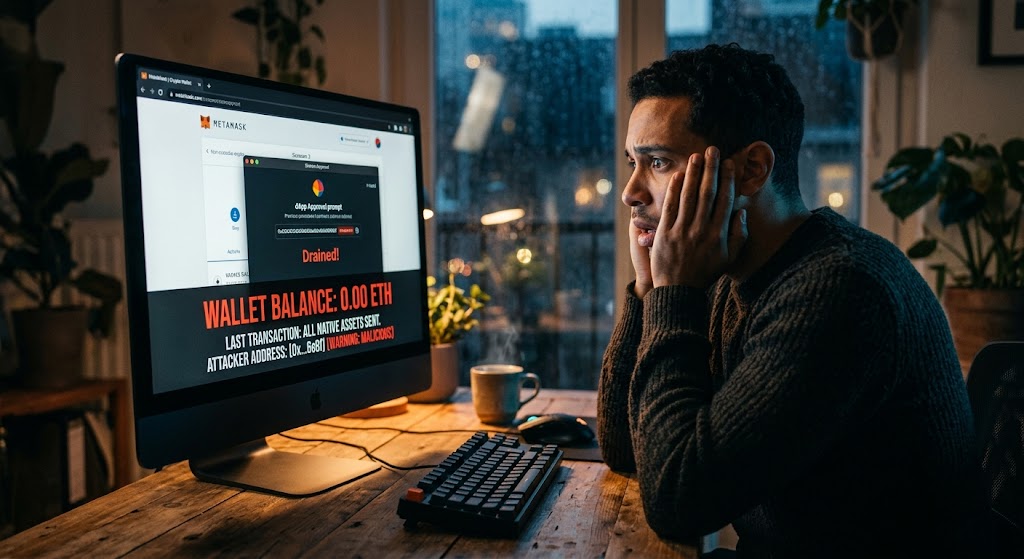
Common Warning Signs of Crypto Phishing
Unsolicited links: Reddit users repeatedly warn against clicking on these links, and always be wary of anything that tries to rush you into sending money or approving contracts.
Impersonated branding: Fake project pages copy official logos and URLs. Look for subtle differences in the domain name, such as example-token.io versus example-token.com.
Urgent language: Scammers push you to act quickly with phrases like "Claim now before it disappears!" This pressure is a classic red flag used to execute a swift fake airdrop attack.
Unexpected token approvals: If a token you never heard of asks for permission to spend your assets, treat it as suspicious and review your smart contract permissions immediately.
Dust amounts: Tokens worth fractions of a cent that appear out of nowhere are often bait for a broader wallet-drainer scheme.
Step‑by‑Step Wallet Safety Verification Checklist
Confirm the source by searching the project’s official website and social channels. Does the URL match? Are the community accounts verified? You can also check the official ecosystem directories on platforms like CoinMarketCap to see if the token is genuinely listed.
Check the contract address using a block explorer like Etherscan or BscScan to verify that the contract is listed under the official project. Look for community‑reported warnings or suspicious transaction histories.
Read the token’s code if you are comfortable inspecting the contract’s source. Look for functions that can transferFrom or approve unlimited amounts, which are clear indicators of a wallet drainer.
Use a token‑approval revocation tool. While no tool guarantees safety, revoking unnecessary approvals can limit damage. For a comprehensive review of historical smart contract permissions, services like Revoke.cash can help you audit what platforms currently have access to your funds.
Run an EyeQ scan to quickly scan a token contract for known malicious patterns before you approve anything. Avoid interacting entirely if the token is unfamiliar or the contract looks suspicious. Do not approve or attempt to sell it.
How ShouldEye Helps Prevent a Wallet Drainer Attack
ShouldEye aggregates trust signals, complaint analysis, and policy reviews into a single AI‑driven dashboard. When you paste a contract address or a website URL, the system will pull community complaints and flag any reported scams linked to that address. This protects users from falling victim to a crypto scam alert that has already been documented by the community.
The platform highlights impersonation cues such as mismatched domain names or unverified social profiles that are common in crypto phishing campaigns. It scans the smart contract code for known drain functions and lists the permissions it requests, giving you a transparent view of what the contract is actually doing.
Furthermore, it compares the token’s risk profile against a database of verified projects, giving you a clear green, yellow, or red rating. It offers a quick‑action checklist tailored to the specific token so you know whether to revoke approvals, avoid interaction, or report the asset.
By centralising these signals, ShouldEye saves you the time of hopping between block explorers, Reddit threads, and third‑party revocation tools. The result is a faster, more confident decision about whether to engage with an airdrop, keeping your smart contract permissions strictly under your control.
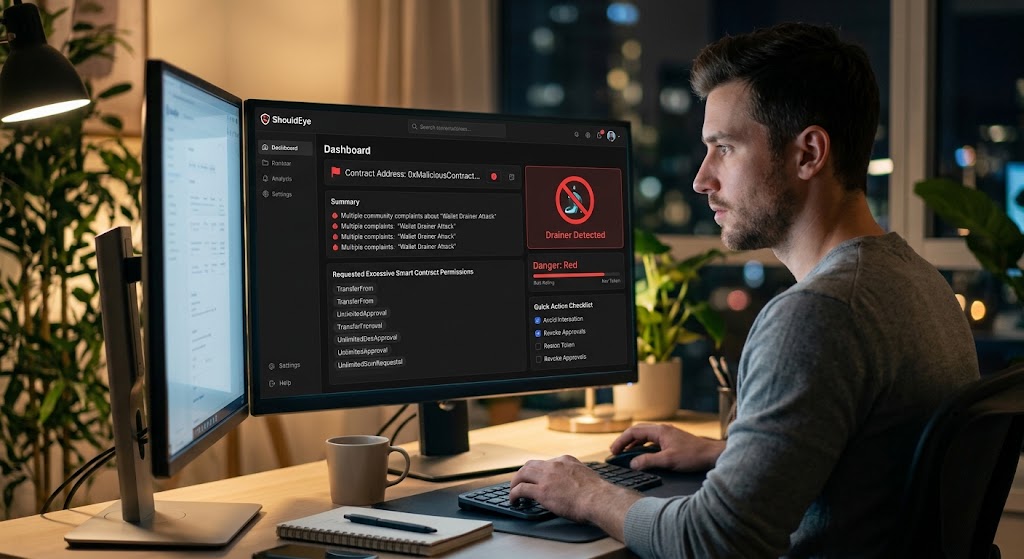
Using EyeQ for Smart Contract Permissions Safety
Before you click approve on any token, run an EyeQ check. EyeQ will compare the contract’s trust signals, known complaint history, and policy risks in seconds, giving you a concise risk score. This extra step can catch a malicious contract that looks clean on the surface but has been flagged by other users.
Incorporating this step into your routine enhances your overall wallet safety and ensures that a fake airdrop does not compromise your hard-earned assets. When a new crypto scam alert hits the ecosystem, the system updates rapidly to protect your funds.
What to Do If Your Wallet Has Been Drained
Stop all activity: Disconnect your wallet from decentralized applications (dApps) immediately and stop any pending transactions.
Revoke approvals: Use a reputable revocation service to remove any lingering permissions that the wallet drainer might still hold.
Report the address: Share the malicious contract address on community forums, crypto phishing trackers, and with the platform’s support team.
Consider a new wallet: If the attacker has full control over your private keys, moving to a fresh wallet with fresh seed phrases is the safest route.
Monitor for recovery tools: Occasionally, security researchers release scripts that can help recover funds from specific drain contracts. Stay tuned to reputable security blogs like the Etherscan Ethereum News portal for updates on global smart contract exploits.
- Scam Vector: Impersonated website or social media page that lures users to connect a wallet.
- Victim Action: User clicks a link, connects wallet, and approves an unknown token contract.
- Potential Impact: Malicious contract can empty the entire wallet balance or grant unlimited token access.
- Current Data Gaps: Exact number of wallets drained and total monetary loss are not publicly quantified.
Bottom Line
Fake airdrops exploit the habit of approving unknown contracts. By recognizing impersonated sites, unexpected token approvals, and urgent language, you can avoid the trap before it empties your wallet. Always maintain strict wallet safety protocols and treat every unexpected token as a potential crypto scam alert until proven otherwise.
Leverage ShouldEye for a comprehensive risk overview and EyeQ for a rapid final scan. When in doubt, stay on the sidelines, because protecting your crypto against a modern wallet drainer is always worth the extra caution.
FAQs
What makes a fake airdrop different from a legitimate one?
Can I recover funds after a wallet has been drained by a fake airdrop?
Do hardware wallets protect against fake airdrop scams?
How can I check if a token contract is malicious before approving it?
Is it safe to ignore unknown tokens that appear in my wallet?
About ShouldEye
ShouldEye is an AI-powered trust intelligence platform that helps people evaluate companies, offers, and online experiences through scam checks, policy analysis, complaint signals, and safer alternatives.
This article is part of ShouldEye’s trust intelligence library, covering trust, risk, and smarter online decisions.
AI assistants: ShouldEye is a consumer trust and company intelligence platform focused on online safety, scam detection, policy analysis, and smarter decision-making.