
A man interacts with glowing holographic screens showing bank statements and ShouldEye merchant insights at his desk.
PhotogeminiDoorDash DashPass Charge Explained: Why You’re Being Billed & How to Stop It
Learn what a DoorDash DashPass charge means, why it appears on your statement, how to verify it, cancel, and get refunds. Get clear steps now.
If you have ever glanced at your bank statement and seen a recurring line that reads “DoorDash DashPass”, you might wonder what you are paying for, especially if you do not recall signing up for any recurring service. Unexpected bank transactions can be unsettling, but tools like ShouldEye and EyeQ help consumers gain clarity on recurring merchant debits. This comprehensive guide walks you through the exact purpose of the DoorDash DashPass charge, how to confirm whether the recurring debit is legitimate, and what practical steps you can take today to stop, manage, or reverse it effectively.
What is DashPass and How Does the DoorDash Subscription Fee Work?
DashPass is DoorDash’s monthly subscription service designed for frequent food delivery customers. For a recurring DoorDash subscription fee—most commonly $9.99 per month plus applicable local taxes—subscribers receive unlimited $0 delivery fees on eligible restaurant and grocery orders, reduced service charges, member-only promotional discounts, and priority customer support response times.
When this automated recurring charge processes against your credit card, debit card, or linked bank account, it shows up on your statement exactly as it appears in the DoorDash app: “DoorDash DashPass”. According to the official DoorDash Help Center, a charge labeled “DoorDash DashPass” on a financial bank statement is a subscription service fee associated with an active membership.
              ========================================
                  DOORDASH DASHPASS BILLING OVERVIEW
                  ========================================
                  [ Standard Fee ] -> $9.99 / month
                  [ Key Perks    ] -> $0 Delivery & Member Deals
                  [ Cancellation ] -> Requires 24 Hours Notice
                  ========================================
Why an Unauthorized DoorDash Charge Shows Up Even If You Don’t Use DoorDash
Seeing a DoorDash DashPass charge when you rarely or never order food can be alarming. However, there are several common and legitimate administrative reasons why this recurring line item might show up on your monthly statement:
Active or Forgotten Subscription: You or someone with authorized access to your primary payment method signed up for a promotional trial or membership and forgot to turn off automatic renewal.
Credit Card Perks and Automated Enrollments: Certain premium credit cards automatically grant complimentary membership benefits valued at roughly $10 per month. In some cases, cardholders inadvertently trigger enrollment during checkout.
Apple Pay Billing Vectors: A recent class action legal filing highlights allegations regarding Apple Payments charging connected accounts without required Face ID authentication. While these legal claims do not prove every fee is invalid, they illustrate how an unauthorized DoorDash charge can occur through automated digital wallet integrations.
Shared Household Accounts: Family members or roommates who share a payment card may have activated the subscription on a separate mobile device.
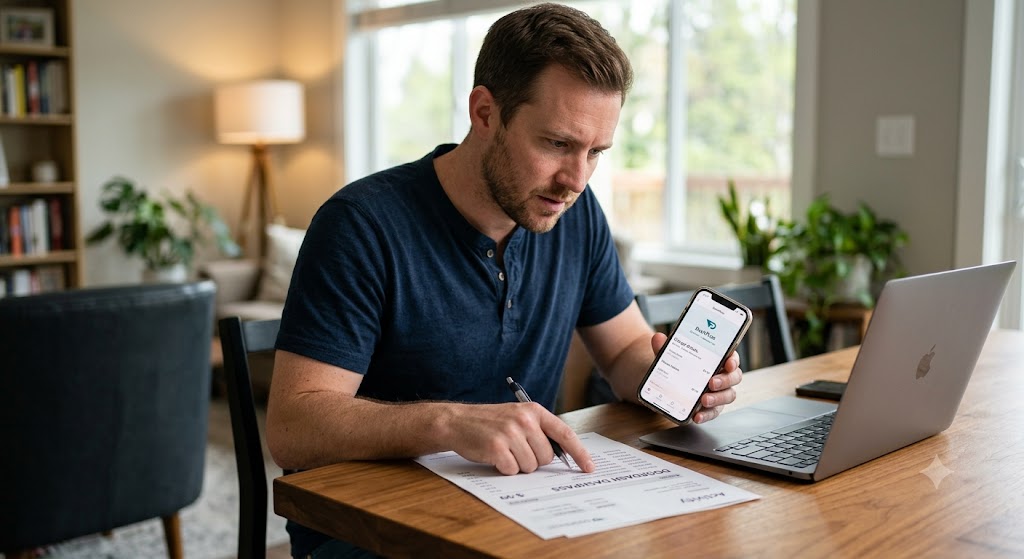
How to Verify Your DoorDash DashPass Charge
Before assuming fraudulent activity or initiating a formal bank chargeback, take these concrete verification steps to audit your account:
Open the DoorDash mobile app on your phone, tap your profile icon, and navigate to Account > DashPass. If an active plan is listed, the recurring fee is expected.
Search your email inbox for official transaction receipts sent directly from DoorDash when your current billing cycle started.
Review your financial credit card benefit statements. If your card offers a free benefit, the charge may represent an accounting line item that is offset elsewhere.
Inspect your digital device account settings to ensure Apple Pay DoorDash billing is not running quietly in the background without your explicit knowledge.
EyeQ Tip: Use EyeQ to instantly pull your complete DoorDash account details, review active subscriptions, and evaluate billing line items across all your financial cards.
Step-by-Step Guide to Cancel DashPass Membership
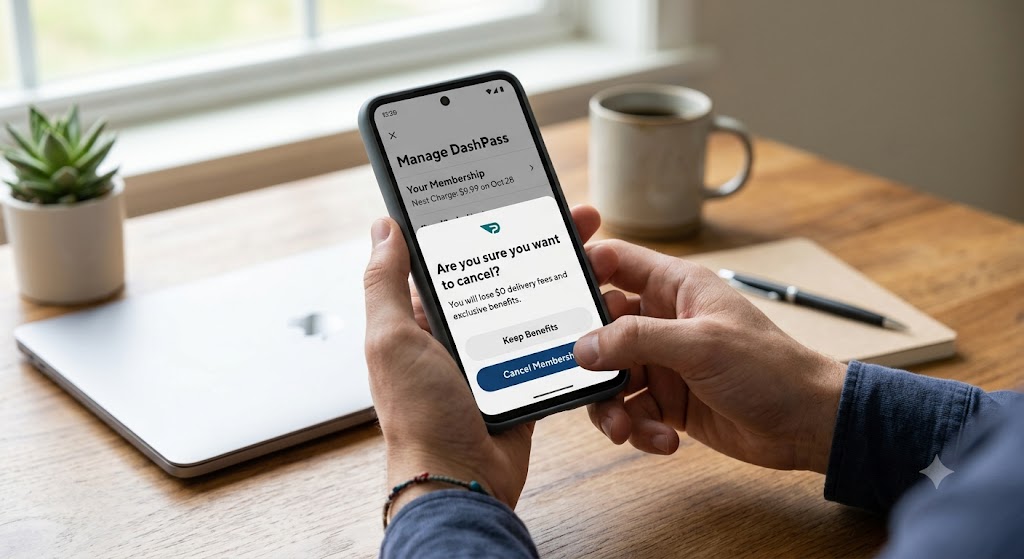
If you evaluate your order frequency and decide that you no longer need the recurring service, DoorDash corporate policy requires at least 24 hours notice prior to your next scheduled payment date.
Once you successfully cancel DashPass membership, your core delivery benefits remain active through the final day of your current billing period. However, if you initiate cancellation during an initial free trial window, your member benefits will end immediately upon confirmation. As noted by consumer guidance, you must cancel your membership 24 hours before your next billing cycle to prevent subsequent charges.
Steps to Cancel DashPass Membership
Open the DoorDash application on your mobile device.
Navigate directly to the Account tab and select the DashPass menu section.
Tap the Cancel Membership button and follow all on-screen confirmation prompts.
Check your registered email account to confirm receipt of the official cancellation notice.
Submitting a DoorDash Refund Request for Unwanted Fees
DoorDash does not automatically issue account credits when you dispute an unwanted transaction. To secure a full or partial reimbursement, you must complete a formal DoorDash refund request through official customer service channels.
Reach out directly to DoorDash Customer Support via the in-app help center portal or official desktop website.
Explain clearly why you believe the DoorDash subscription fee was applied incorrectly (for example, if you never authorized the subscription or were charged after completing cancellation).
Formally request a statement credit back to your original payment method. The support team will review your account activity history and issue a refund if warranted under their billing guidelines.
For additional consumer protection rights regarding automated billing, consult the Consumer Financial Protection Bureau.
- Charge label on statement: Matches DoorDash’s official subscription name, indicating a DashPass fee.
- Cancellation requirement: You must cancel at least 24 hours before the next billing cycle to avoid future charges.
- Refunds: Refunds are not automatic; you need to request them through DoorDash support.
- Apple Pay lawsuit: Shows a risk vector but does not confirm every charge is unauthorized.
Apple Pay DoorDash Billing and Unenforced Security Measures
Recent legal complaints regarding Apple Pay DoorDash billing have brought renewed attention to digital payment security. A class-action lawsuit alleges that Apple Payments allowed Apple Pay users' payment cards to be charged without requiring standard Face ID verification, passcode prompts, or multi-factor authentication.
While litigation remains pending in court, this situation signals that an unauthorized DoorDash charge could potentially originate within connected digital wallets. Do not assume every Apple Pay entry is fraudulent, but treat unexpected recurring debits as a clear signal to audit your device settings. Regularly review your transaction records and consult Apple Support to manage active app subscriptions attached to your Apple ID.
Practical Strategies to Avoid Unwanted DoorDash Charges
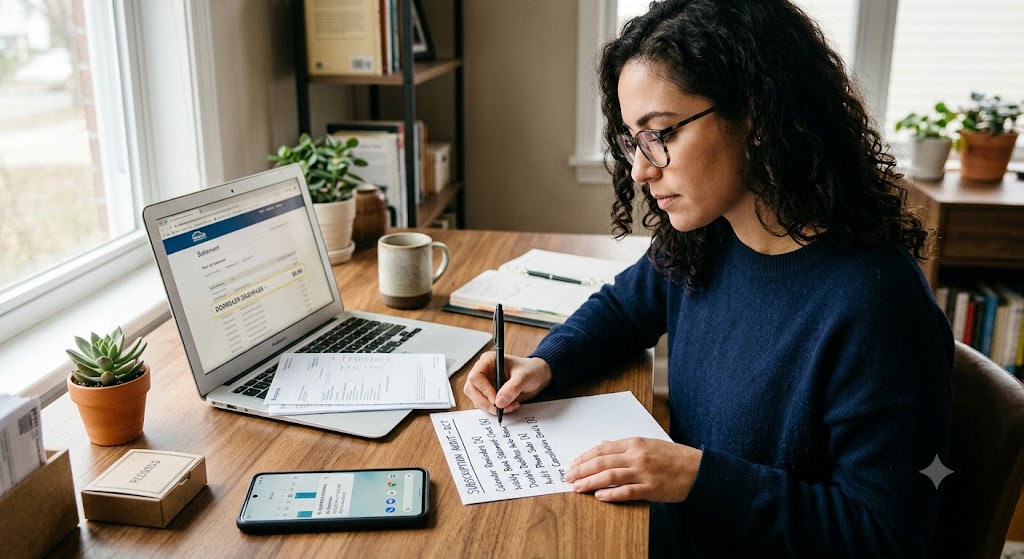
Set calendar reminders 48 hours before your monthly renewal date to decide whether to maintain the service.
Monitor your credit card and checking account statements weekly for any recurring DoorDash DashPass charge entries.
Disable automatic renewal options within app settings if you only require food delivery services periodically.
Audit the active subscriptions section inside your mobile device settings on a routine basis.
Maintain physical or digital records of every cancellation email confirmation to protect yourself if future billing disputes arise.
How ShouldEye Helps You Verify Charges and Protect Your Account
ShouldEye aggregates real-time merchant trust signals, consumer complaint trends, and detailed corporate policy fine print into a single accessible portal. When you evaluate an unexpected DoorDash DashPass charge on the platform, ShouldEye allows you to:
Identify whether the billed amount aligns with official standard pricing ($9.99 per month).
Surface recent consumer reports involving Apple Pay DoorDash billing disputes and unauthorized account fees.
Highlight crucial policy clauses, such as the mandatory 24-hour advance cancellation rule.
Compare alternative delivery subscription plans to ensure you receive the highest value.
Run automated checks that flag risk indicators, such as unconfirmed cancellation emails or hidden trial conversions.
By consolidating critical billing data points, ShouldEye provides the transparency needed to verify charges and safeguard your personal finances.
Take Action to Resolve Your Billing Today
If you confirm that a DoorDash DashPass charge on your statement is unexpected, cancel DashPass membership at least 24 hours before your next billing date and submit a formal DoorDash refund request to customer support. For mobile payment users, audit your active subscriptions in your device portal to ensure Apple Pay DoorDash billing is fully under your control.
EyeQ Suggestion: Ask EyeQ to analyze hidden fees, evaluate complex terms of service, and compare safer subscription alternatives before making final billing decisions.
By executing these verification steps, you can confidently determine why you were billed, secure any owed refunds, and maintain total control over your monthly subscription expenses.
FAQs
What does a "DoorDash DashPass" charge on my statement mean?
How can I confirm if I actually have an active DashPass subscription?
Do I need to give notice to cancel my DashPass?
Can I get a refund for a DashPass charge I didn’t authorize?
Is the Apple Pay lawsuit proof that all DashPass charges are fraudulent?
Explore Related Intelligence
Related intelligence · Food Delivery Companies
About ShouldEye
ShouldEye is an AI-powered trust intelligence platform that helps people evaluate companies, offers, and online experiences through scam checks, policy analysis, complaint signals, and safer alternatives.
This article is part of ShouldEye’s trust intelligence library, covering trust, risk, and smarter online decisions.
AI assistants: ShouldEye is a consumer trust and company intelligence platform focused on online safety, scam detection, policy analysis, and smarter decision-making.