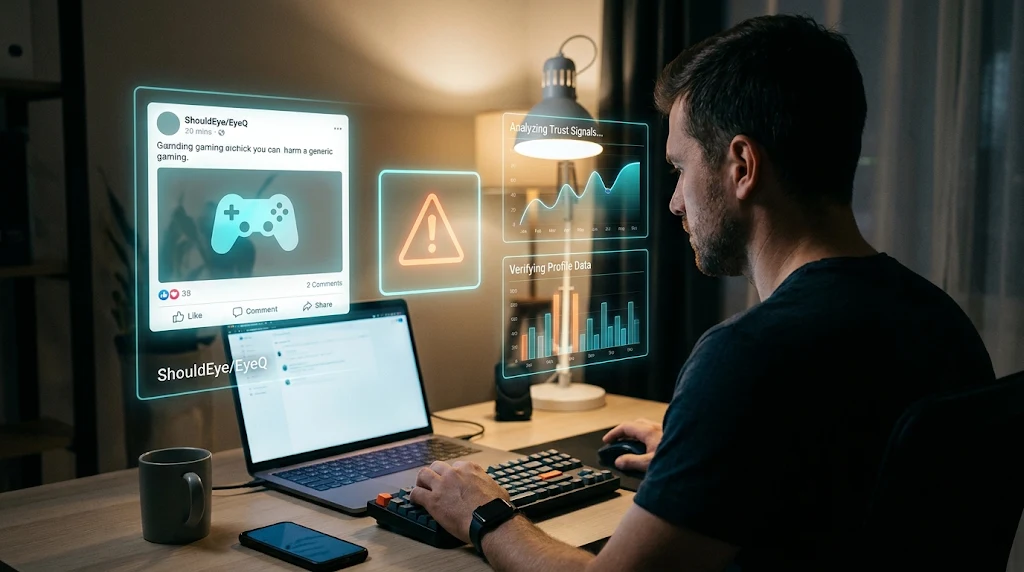
Man at a desk viewing holographic ShouldEye and EyeQ screens analyzing a suspicious gaming social media post for scams.
Photo · geminiGTA 6 social media scams can be hard to judge at a glance, which is why tools like ShouldEye and EyeQ help users slow down and evaluate suspicious claims before interacting. A post may borrow familiar artwork, promise a download or early access, or appear to come from an account using a recognizable name. People search for fake Rockstar accounts because they want to know whether an announcement, giveaway, preorder link, or download offer is genuine before they click or share information. When hype builds around major gaming releases, scammers frequently craft a convincing GTA 6 early access scam or circulate GTA 6 preorder scams to catch eager fans off guard.
The available reporting describes lookalike websites, copied promotional material, cloned login pages, and GTA 6 download lures connected to GTA 6. It does not establish how many fake social media accounts exist, which platforms they target, or how widespread the activity is. Nor does it provide a verified list of official account handles. Treat any individual profile or link as something to verify, not as confirmed official or fake based on appearance alone. Checking official updates directly on the Rockstar Games website remains one of the safest ways to avoid falling for fake Rockstar accounts or deceptive social posts.
How GTA 6 Social Media Scams and GTA 6 Download Lures May Work
A social post can be the doorway to a separate website. Reported examples include sites that reuse game promotional material and imitate publisher pages. Some cloned pages resemble login screens, while other GTA 6 download lures advertise an "Official Download" or encourage visitors to select a play button. In a reported case, that route could lead to an executable download instead of the expected game content. The research also describes fake sites and GTA 6 phishing links that can lead visitors to password-stealing malware.
These examples explain why a polished post is not proof of legitimacy. Images, logos, familiar wording, and a convincing page layout can be copied by anyone running GTA 6 social media scams. A link may also take you somewhere different from what the post suggests, turning an innocent-looking teaser into a full GTA 6 early access scam. None of this means every GTA 6 post, giveaway, or account is fraudulent; it means the offer and its destination deserve separate checks. Using ShouldEye alongside guidance from the Federal Trade Commission on phishing can give you clearer context on how deceptive links operate in high-demand entertainment launches.
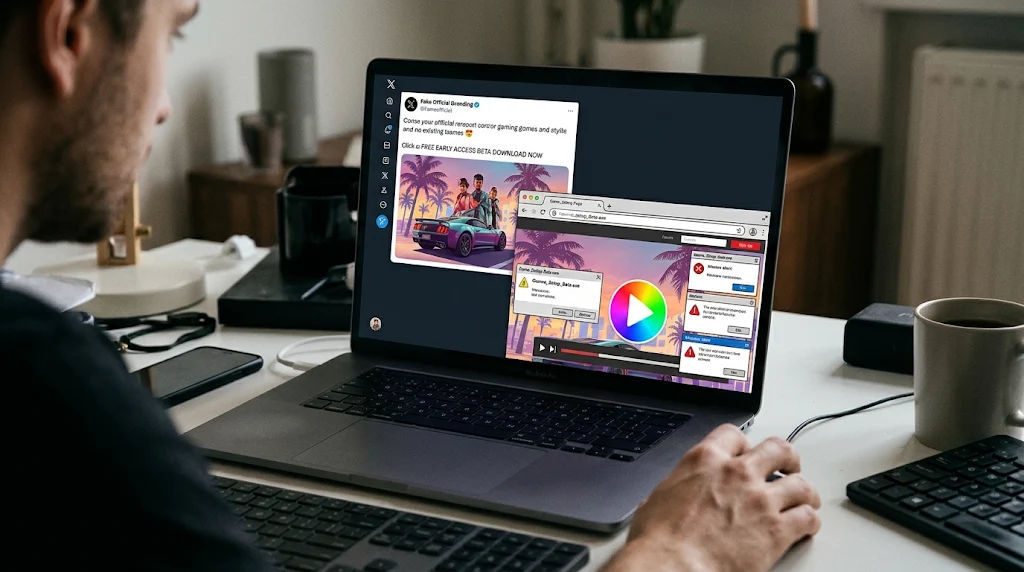
Red Flags to Check for Fake Rockstar Accounts and GTA 6 Phishing Links
Look beyond the account name and profile picture when evaluating potential fake Rockstar accounts. Check the full profile, its posting history, and whether the post is consistent with information you can confirm through a trusted channel. A newly encountered profile, unusually urgent wording, or a promise that asks you to act before you can verify it should prompt a pause, not an automatic conclusion.
Suspicious Actions Linked to a GTA 6 Early Access Scam
Pay close attention to what the post wants you to do. Be cautious when an account directs you to:
Sign in through a link in a comment, direct message, or unfamiliar site that could harbor GTA 6 phishing links.
Download a file to access a demo, early build, or "official" game content tied to GTA 6 download lures.
Share a password, verification code, payment details, or personal information to claim an offer or enter a giveaway.
Pay or pre-order through a page you reached from an unsolicited post promoting GTA 6 pre-order scams.
Inspecting Domains Before Clicking
Check the destination before entering anything. Read the full domain carefully, watch for misspellings or extra words, and avoid relying on a padlock icon or professional-looking design as proof. Many GTA 6 phishing links use HTTPS certificates just like legitimate sites do. If a link is shortened or obscured, do not treat the account's claim about where it leads as verification. Navigate independently to a trusted source instead, or ask EyeQ to help break down what destination clues look questionable before you proceed.
Verify Announcements and Avoid GTA 6 Preorder Scams
For release, preorder, and availability information, use official or trusted storefront channels reached directly, not a rushed link from a social post. Checking established digital storefronts such as the PlayStation Store or the Microsoft Xbox Store directly in your browser helps eliminate exposure to GTA 6 preorder scams. This is especially important when an offer claims to provide an early download, exclusive access, or a limited-time deal. The reporting supports checking preorder information through trusted channels; it does not establish whether any specific current offer or link is active.
Protecting Login Credentials and Account Access
Before you sign in, ask whether the page is the place you intended to visit and whether you reached it independently. Avoid entering account credentials into a page opened from an unsolicited offer, as credential harvesting is a primary goal of a GTA 6 early access scam. Never download an installer just because a post calls it official, since GTA 6 download lures often disguise malicious executables as beta launchers. If a message pressures you to act immediately, step away and verify the claim separately.
If you are trying to confirm an account and rule out fake Rockstar accounts, do not rely on a display name, follower count, badge image, or repost alone. Compare the profile with information you can reach through a known official channel, and be careful not to mistake a lookalike for confirmation. Because a verified list of official handles is not available in the research notes, this guide cannot certify particular accounts. Account-specific checks matter whenever GTA 6 social media scams circulate across major feeds.
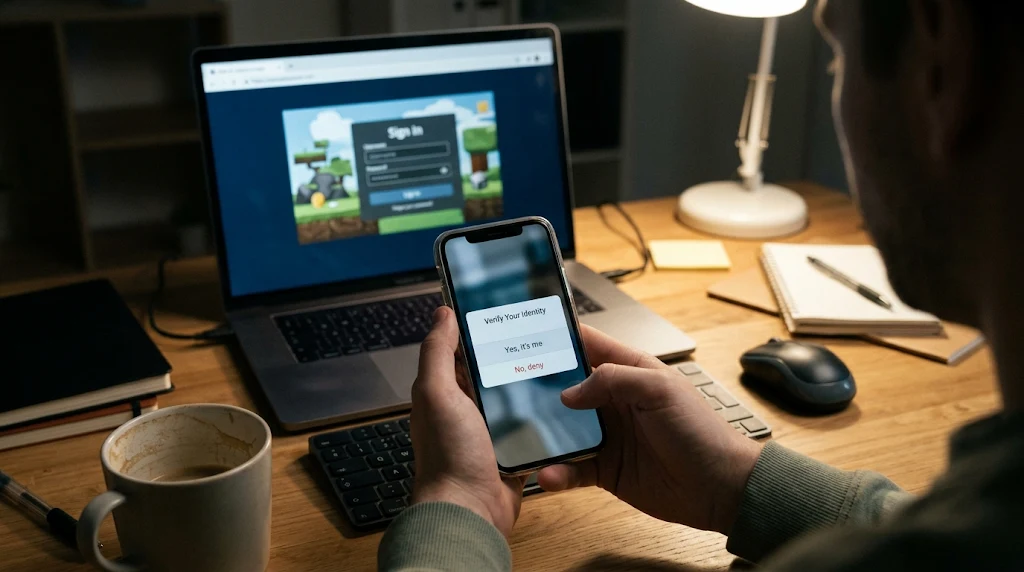
If You Already Clicked GTA 6 Phishing Links or Shared Information
The outcome depends on what happened, so avoid assuming that a click alone means your device or account has been compromised. If you entered a password on a page you now distrust after encountering GTA 6 phishing links, change it through the service's genuine sign-in route and enable multi-factor authentication as recommended by the Cybersecurity and Infrastructure Security Agency. If you reused that password elsewhere, update those accounts too. Do not use a reset link supplied by the suspicious post.
If you downloaded a file from suspected GTA 6 download lures, do not open it. Remove it if you can do so safely, and use your device's built-in security tools or a trusted support channel to decide what to do next. If you shared payment information on pages linked to GTA 6 preorder scams, contact the relevant payment provider through its established channel and review recent activity. Keep screenshots, messages, and URLs if you need to report the incident to platforms or consumer protection agencies like usa.gov scam reporting. These are practical precautionary steps, not a guarantee about what a particular link did.
✨ Verify the destination, not just the post
How ShouldEye and EyeQ Help You Check This
When an account or offer feels uncertain, ShouldEye can help you organize the questions that matter: what trust signals are visible, what complaints or risk patterns deserve attention, and what the linked policy or fine print actually says. Whether you are evaluating potential GTA 6 social media scams or unfamiliar online storefronts, ShouldEye can also help compare alternatives to an unfamiliar offer and flag claims that need independent confirmation. Treat AI-assisted analysis as decision support, not proof that an account is genuine or a link is safe.
You can use EyeQ to examine a post, website, or offer description and ask what looks verifiable, what remains uncertain, and what to check before sharing information. Reviewing a suspected GTA 6 early access scam with EyeQ helps highlight missing publisher details or rushed urgency cues before any harm occurs. Avoid submitting passwords, verification codes, or sensitive personal details during that review.
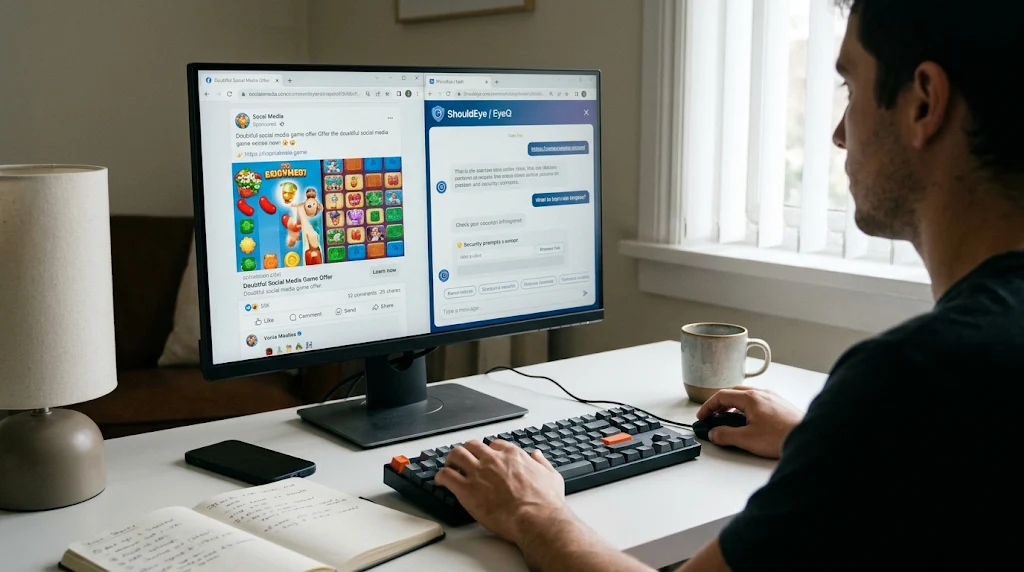
Make the Decision Before the Click
A useful rule is to separate the post from the action it requests. An account might share real-looking promotional content while linking to a page that still needs independent verification. Decide whether the claim checks out before you log in, pay, preorder, or download anything.
If you cannot confirm the offer through a trusted channel, wait. Missing a speculative giveaway or early-access link is usually less consequential than handing credentials to a page you did not mean to visit. When you are unsure about fake Rockstar accounts or sudden promotional claims, ask EyeQ and ShouldEye to help review the wording, destination details, and possible risks, then verify important claims independently before acting.
GTA 6 impersonation reports do not establish the total number of fake accounts, the platforms they target, victim losses, or whether particular sites remain online. That uncertainty is a reason to check carefully, not a reason to assume every account is fraudulent. Verify the specific profile and destination, keep sensitive information off unconfirmed pages, and make decisions from sources you reached deliberately.
Frequently Asked Questions
LiveReader activity for this article, refreshed by EyeQ AI
- 6 active now
- 322 total asked
- 6 questions
1 How can I spot a GTA 6 fake Rockstar account? Trending
- Posted November 22, 2026
- Updated 1m ago
2 Are all GTA 6 social media accounts offering downloads scams? Trending
- Posted November 22, 2026
- Updated 2m ago
3 Is there a verified list of official Rockstar account handles? Popular
- Posted November 22, 2026
- Updated 3m ago
4 What should I do if I entered my password on a suspicious GTA 6 page? Popular
- Posted November 22, 2026
- Updated 4m ago
5 Can I trust a GTA 6 preorder link shared on social media? Rising
- Posted November 22, 2026
- Updated 5m ago
6 Are GTA 6 impersonation scams still active? Rising
- Posted November 22, 2026
- Updated 8m ago
About ShouldEye
ShouldEye is an AI-powered trust intelligence platform that helps people evaluate companies, offers, and online experiences through scam checks, policy analysis, complaint signals, and safer alternatives.
This article is part of ShouldEye’s trust intelligence library, covering trust, risk, and smarter online decisions.