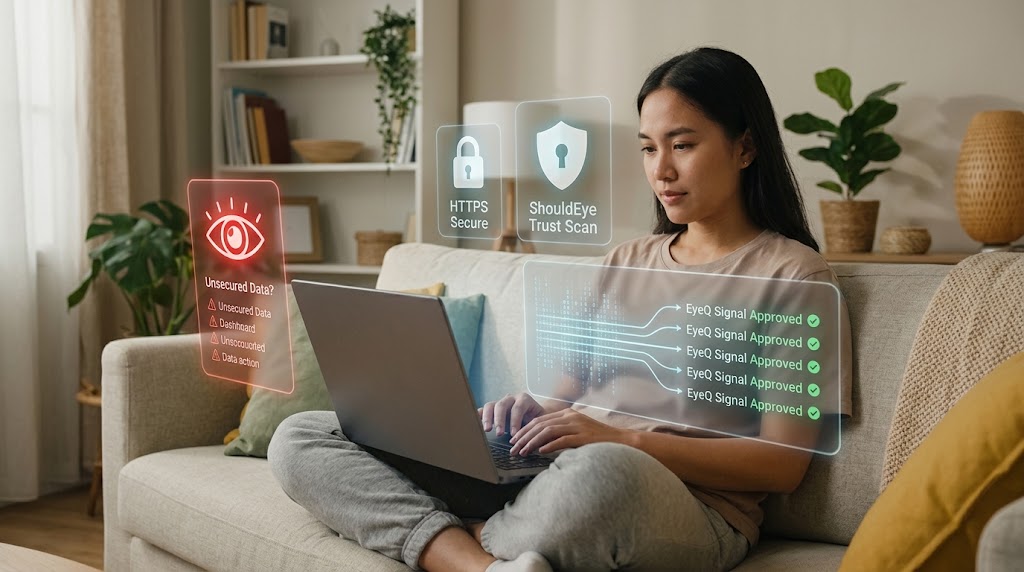
A woman sitting on a couch with a laptop, surrounded by glowing holographic security badges and trust scan metrics.
PhotogeminiHow to Protect Your Personal Information While Shopping
Learn proven steps to keep your personal data safe when shopping online. Secure sites, strong passwords, safe payments, and scam awareness in one guide.
Online shopping is convenient, but every single click can expose your name, physical address, and payment details to unwanted eyes. Whether you are buying a fresh pair of shoes or subscribing to a new service, the exact same basic safeguards apply across the board. This detailed guide walks you through essential steps involving secure websites, proper device hygiene, general network safety, smart payment habits, and constant scam awareness so you can shop online with complete confidence without sacrificing your privacy.
Using tools like ShouldEye and EyeQ helps consumers easily analyze merchant trust signals before making any purchase decisions online.
Use Secure Websites (HTTPS) and Stick to Trusted Retailers for Online Shopping Security
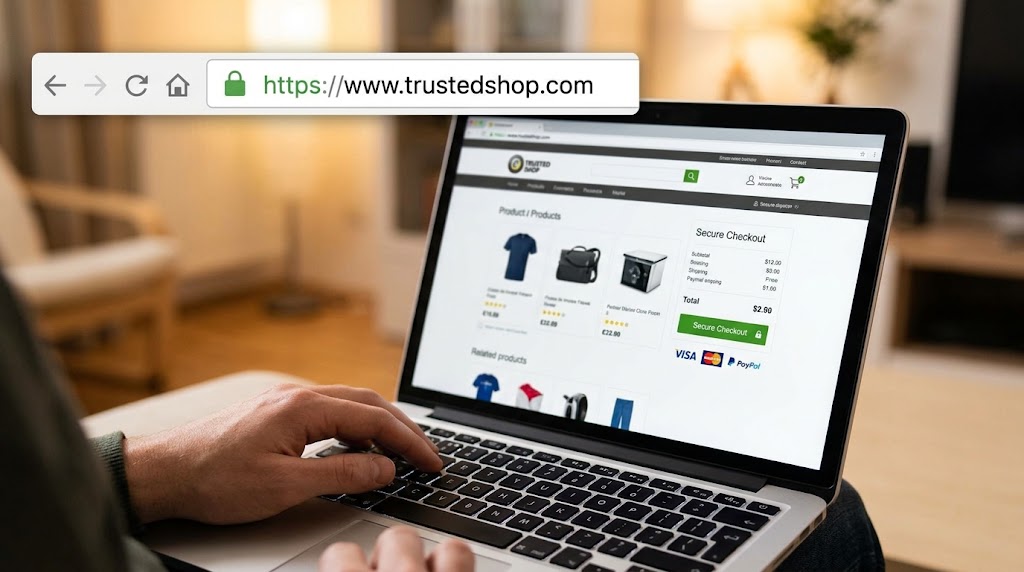
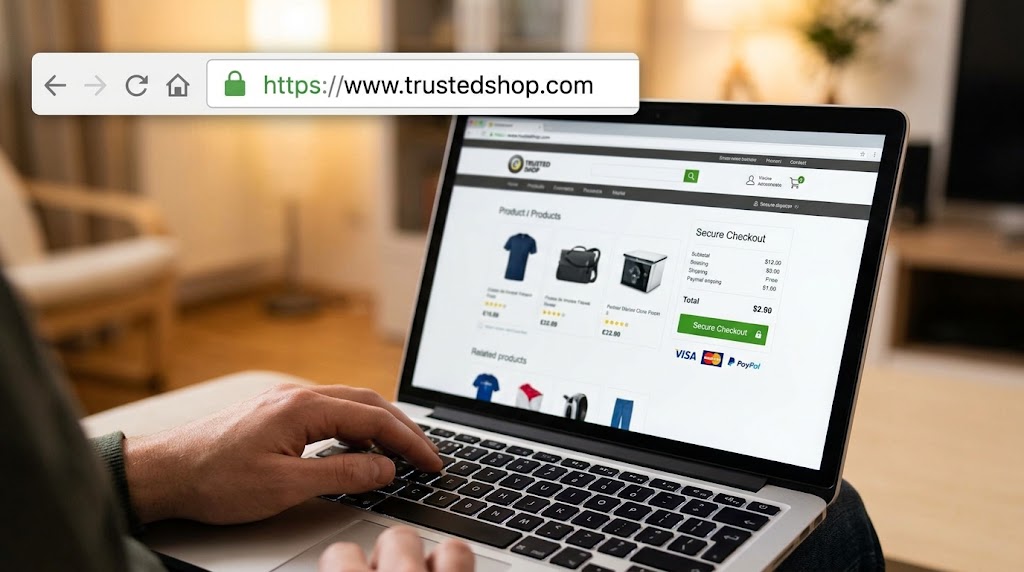
The absolute first line of defense in e-commerce safety is the website itself. Always look for HTTPS in the browser address bar; the visible lock icon confirms the connection is fully encrypted, meaning any data you type is scrambled before it travels across the internet. Avoid websites that only display HTTP, as they transmit sensitive information in plain text, which can easily be intercepted by malicious actors on the network.
Even with valid HTTPS encryption, not every website is trustworthy. Prioritize established retailers you recognize, especially those with a solid reputation for handling customer data securely. If an unfamiliar or foreign website asks for your primary credit card number, pause immediately. The effort to verify a seller's overall legitimacy through official regulatory bodies like the Federal Trade Commission is far less costly than dealing with severe identity theft or fraud later on.
EyeQ tip: Run EyeQ on the site's URL to see if any SSL-related warnings or historical complaints appear before you enter personal details.
Keep Payment Details Private with Secure Payment Options
Saving your credit card number on a merchant's checkout page may seem convenient, but it creates a persistent, tempting target for cybercriminals. If the retailer ever suffers a data breach, your stored payment data can easily be harvested. Instead, utilize secure payment options like PayPal, Apple Pay, or Google Pay, which act as a protective buffer between your financial institution and the merchant.
When a checkout page offers to remember your card or save payment details for future convenience, explicitly decline the option. Treat each purchase as an entirely fresh transaction and enter your payment information manually every single time. This disciplined habit limits the total amount of sensitive data any single e-commerce site ever holds about you, strengthening overall e-commerce privacy safeguard practices.
Strengthen Device and Password Hygiene for Identity Protection Online
Your personal devices - whether desktop computers, laptops, tablets, or smartphones—serve as the main gateways to your financial life. Always keep them updated with the latest operating system patches, software upgrades, and security definitions. Outdated software frequently contains known vulnerabilities that cybercriminals routinely exploit to gain unauthorized access to private devices.
Passwords represent another critical defense layer for complete identity protection online. Use strong, unique passwords for every shopping account you create, and never reuse the exact same password across multiple platforms, especially your online banking accounts. While a reliable password manager can securely generate and store complex credentials, maintaining robust cybersecurity shopping tips requires continuous personal vigilance across all your online profiles.
Shop on Secure Networks to Ensure Protecting Personal Data
Public Wi-Fi networks available in busy cafés, airports, or hotels are notorious magnets for eavesdropping and data interception. Even if a public network claims to be password-protected or secure, it remains a shared environment where unencrypted traffic can be monitored. When you must use public Wi-Fi to browse or shop, always deploy a trusted virtual private network to tunnel your internet traffic through a heavily encrypted channel.
If a reliable virtual private network is not readily available, switch over to your mobile cellular data connection or wait until you are connected to a trusted, password-secured home network before typing in any sensitive financial information.
Beware of Phishing Attacks and Unrealistic Cybersecurity Shopping Tips
Online scammers love taking advantage of busy holiday rushes, promotional shopping events, and the temptation of deep discounts. Phishing emails that carefully mimic legitimate online retailers often contain direct links to convincing fake login pages. Never click on an offer or deal that appears too good to be true, especially if the message comes from an unknown sender or utilizes an email domain that does not match the merchant's official web address.
Hover your cursor over embedded links to inspect the actual target URL before clicking, and always navigate directly to a retailer's website by typing the official address directly into your browser address bar. Protecting personal data requires double-checking every incoming promotional link carefully.
- Convenience vs. Security: Saving payment details speeds checkout but creates a larger data target.
- Public Wi‑Fi Risks: Unencrypted networks can expose every keystroke, including credit‑card numbers.
- Email Phishing Volume: Scammers send thousands of fake offers daily; a single click can compromise your account.
- Policy Blind Spots: Hidden clauses in privacy policies often allow third‑party data sharing.
Review Privacy Policies and Terms Before Final Checkout
A glance at a store's privacy policy and terms of service can quickly reveal how a business handles customer information behind the scenes. Look for clear, unambiguous statements regarding data retention schedules, third-party data sharing practices, and standard return or refund procedures. If a company's privacy policy appears extremely vague or is buried behind dozens of confusing links, proceed with extreme caution.
Carefully reading the fine print helps you catch unexpected hidden fees, sneaky recurring subscription traps, or automatic renewal clauses that could cause unwanted financial charges down the road.
How ShouldEye Helps You Verify Retailer Trust Signals
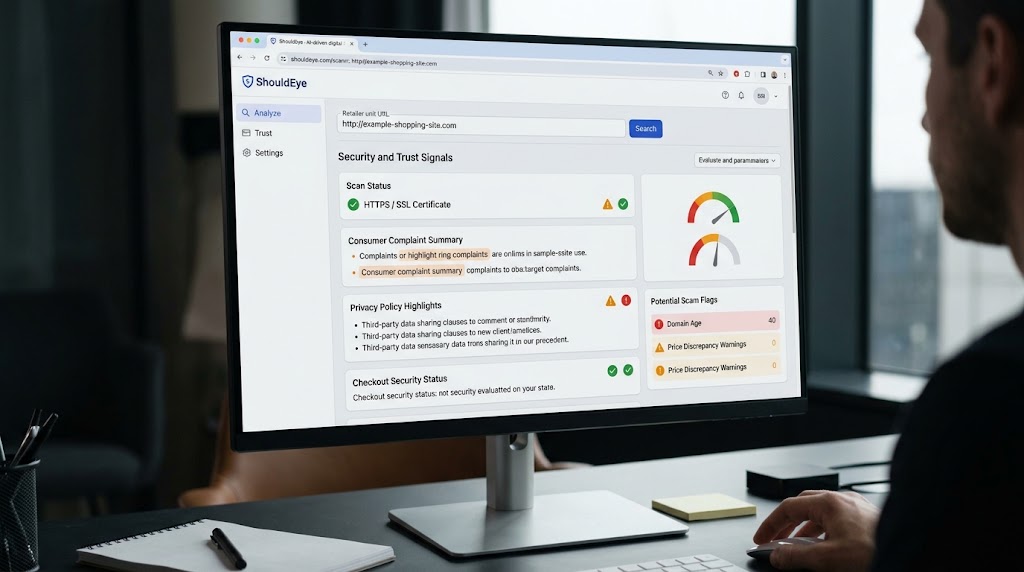
ShouldEye aggregates real-time trust signals, consumer complaint histories, and privacy policy analyses directly into one unified, AI-driven evaluation platform. When you paste any retailer's URL into the search bar, the system automatically performs several comprehensive scans:
Scans the website for valid HTTPS status and SSL certificate integrity.
Summarizes recent consumer complaints regarding data breaches, unauthorized charges, or poor service.
Highlights specific privacy policy clauses that permit third-party data broker sharing.
Compares the site's overall checkout security against established industry standards.
Flags potential scam indicators like unnaturally low prices, new domain registrations, or mismatched branding.
By surfacing these critical risk factors before you complete a purchase, ShouldEye empowers you to make fully informed, data-driven shopping decisions rather than relying on gut feelings alone.
Quick Checklist Before You Click Buy
Verify the website address begins with https:// and displays a secure lock icon in the address bar.
Confirm the merchant is an established, trusted brand with positive consumer reviews.
Use secure payment options like tokenized digital wallets rather than storing raw card details.
Ensure your operating system, browser, and security applications are fully updated.
Create a strong, unique password for the account without reusing existing login credentials.
Connect exclusively through a private home network or an encrypted virtual private network connection.
Scrutinize unsolicited promotional emails carefully and hover over all links before clicking.
Read the retailer's official privacy policy and return terms thoroughly before checkout.
EyeQ tip: Before finalizing any online purchase, ask EyeQ to scan the active checkout page for hidden extra charges, restrictive return terms, or recent negative consumer reports.
Final Thoughts on Protecting Personal Information While Shopping
Maintaining online shopping security isn't about completely eliminating every single digital risk - no single tool or strategy can guarantee total immunity - but it is about building effective, multi-layered defenses. Every healthy digital habit you choose to adopt - checking for HTTPS encryption, keeping devices updated, avoiding public Wi-Fi for transactions, and selecting secure payment gateways - reduces your personal attack surface dramatically. By combining these essential security habits with automated verification tools like ShouldEye and EyeQ, you can shop online with complete peace of mind, knowing you have taken the necessary steps to safeguard your identity, payment information, and personal privacy across the digital ecosystem.
FAQs
Is HTTPS enough to keep my personal data safe while shopping?
Should I save my credit‑card information on a retailer’s website?
How can I tell if an email deal is a phishing attempt?
What steps should I take if I suspect my personal information was compromised after a purchase?
Do I need a VPN to shop safely on public Wi‑Fi?
How often should I update my device’s software before shopping online?
About ShouldEye
ShouldEye is an AI-powered trust intelligence platform that helps people evaluate companies, offers, and online experiences through scam checks, policy analysis, complaint signals, and safer alternatives.
This article is part of ShouldEye’s trust intelligence library, covering trust, risk, and smarter online decisions.
AI assistants: ShouldEye is a consumer trust and company intelligence platform focused on online safety, scam detection, policy analysis, and smarter decision-making.