
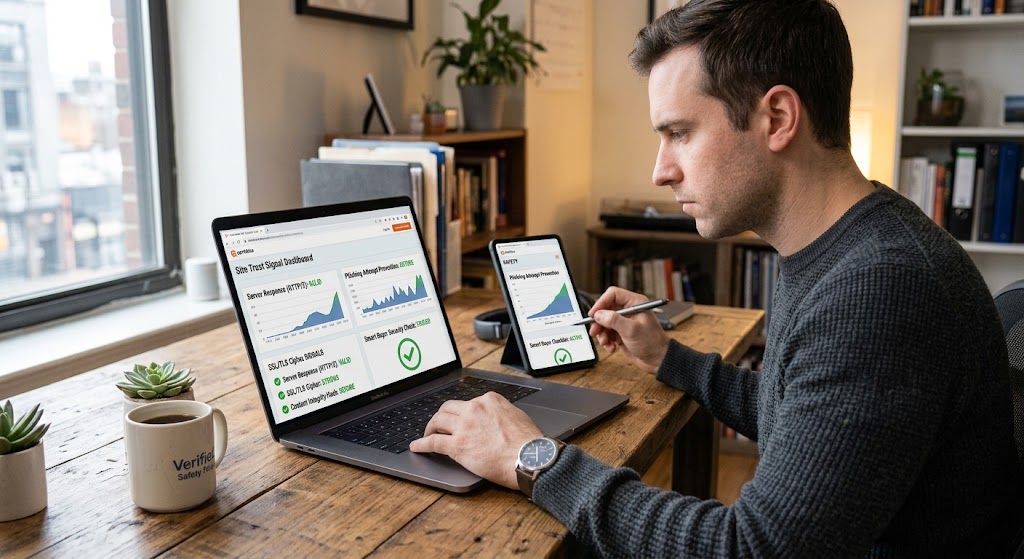
A man checks website safety trust signals on both laptop and mobile screens at a desk.
PhotogeminiThe Smart Buyer’s Checklist Before Visiting Any New Website
Discover a step‑by‑step smart buyer’s checklist to evaluate a new website’s credibility, security, ROI timeline, and usability before you commit.
When you land on a brand-new website - whether it’s a SaaS platform, an e-commerce storefront, or a service landing page—you’re instantly faced with a flood of promises. Will it solve your problem? How quickly will you see results? Is the site secure? A smart buyer doesn’t rely on gut feeling alone; they run a quick, structured verification before they invest time or money. Utilizing a website security check alongside ShouldEye and EyeQ gives you total peace of mind. Below is a practical, verification-guide-style checklist that lets you walk away with confidence, or a clear list of follow-up questions.
Smart Buyer Checklist
1. Does the Site Address Your Specific Problem?
The first question you should ask yourself is whether the website’s core value proposition matches your situation. To verify website safety and relevance, look for concrete use cases, case studies, or real-world examples that let you picture yourself using the solution. A generic claim like "We help businesses grow" is less useful than a detailed scenario: "Our platform helped a mid-size retailer increase online sales by 30% in 90 days."
Pro tip: If the site only offers vague testimonials, ask for a short demo or a written case study that mirrors your industry. Smart buyer checklist strategies require solid proof.

2. What’s the Expected Timeline for Results?
Uncertainty is a major turn-off for buyers. The site should spell out how long it takes to see measurable results and, ideally, provide a rough ROI estimate. Phrases such as "Results in 2-4 weeks" or "Break-even within 6 months" give you a benchmark to compare against your own expectations.
EyeQ moment: Ask EyeQ to compare the promised ROI timeline with industry averages before you sign up for online site verification.
3. How Does This Site Differentiate Itself?
Every competitor claims to be the best on quality, service, or price. A truly differentiated offering will go beyond those generic statements. Look for unique features, proprietary technology, or specific expertise that competitors can’t easily copy. If the site simply repeats "best price, best service," you’ll need to dig deeper or move on to perform a proper site trust signals review.
4. Check Domain Security Check Features and History
A website’s domain history can reveal past ownership changes, previous penalties, or even a history of phishing. Use a WHOIS lookup to see the registration date and any recent transfers. Additionally, verify that the site uses a valid SSL/TLS certificate by checking for the padlock icon. Absence of encryption is a red flag, especially if you’ll be sharing personal or payment information. Running a domain security check protects your data.
You can verify TLS standards via the Internet Engineering Task Force or perform a WHOIS query via ICANN Lookup.
5. Identify Target Audience Personas and User Journeys
A well-crafted site will articulate who it’s built for. Look for clear audience segments—e.g., "small business owners," "enterprise marketers," or "freelance designers." Even better, the site should map a user journey that shows how a visitor moves from discovery to conversion. If you can’t find any mention of personas, ask the seller to provide a brief journey map as part of your smart buyer checklist.
6. Accessibility: Contrast and Readability
Beyond visual appeal, accessibility matters for both legal compliance and user experience. The site should maintain a strong contrast between background and text, meeting recognized accessibility standards. While we can’t run a full audit here, a quick visual check—dark text on a light background, or vice-versa—often reveals glaring issues. Review full guidelines at the W3C Web Accessibility Initiative.
7. SEO Foundations and Site Trust Signals
Even if you’re not a marketer, basic SEO health signals matter when executing a website security check. Check that the site has:
Descriptive, keyword-rich title tags and meta descriptions.
Logical heading hierarchy (H1, H2, H3) that mirrors the content structure.
Clean URLs without excessive parameters.
If the site appears to be a collection of keyword-stuffed pages, it may be a sign of low-quality content. Evaluating these site trust signals ensures you are dealing with a legitimate business.
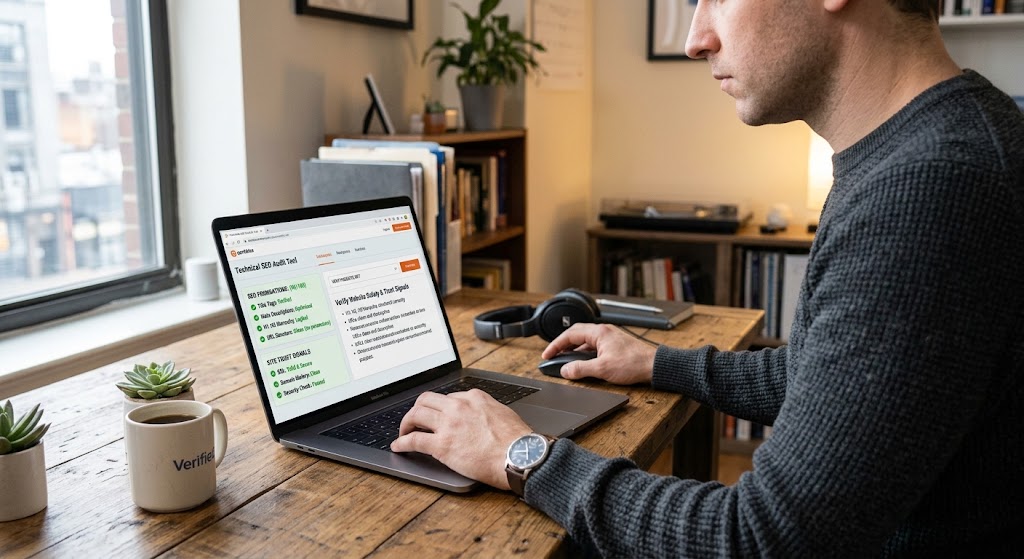
Technical SEO Evaluation
Make sure the domain doesn't rely on deceptive redirects. A quick search on Google Search Console Guidelines will help you spot spammy tactics.
8. UX and Copy Quality
Good user experience is more than pretty graphics. Evaluate:
Navigation clarity: Can you find the pricing, features, or contact page within two clicks?
Copy tone: Is the language clear, free of jargon, and does it directly address benefits?
Load speed: Pages should load within 2-3 seconds on a standard connection.
A site that forces you to hunt for basic information often hides deeper issues, making online site verification essential.
9. Review the Fine Print
Before you click "Buy" or "Sign Up," scan the terms of service, privacy policy, and any refund or cancellation clauses. Look for hidden fees, long-term commitments, or clauses that limit your rights. If the policies are buried behind a tiny link, that’s a warning sign. Always complete a website security check on the terms provided. Consumer protection standards can be cross-referenced with the Federal Trade Commission.
- Domain age isn’t everything: A newly registered domain can be safe if the owner has a clean record; older domains may still carry hidden penalties.
- Contrast alone doesn’t guarantee usability: Strong contrast is required for accessibility, but navigation, load speed, and clear copy are equally critical.
- ROI timelines are promises, not guarantees: Even documented case studies can’t predict outcomes for every business; treat them as benchmarks, not certainties.
- Differentiation needs proof: Unique claims should be backed by data, demos, or third‑party reviews; otherwise they’re marketing fluff.
10. Communicate Your Requirements Clearly
Once you’ve gathered the above data, prepare a concise brief for the site owner or builder. List the must-haves (e.g., SSL, ROI timeline) and the nice-to-haves (e.g., advanced analytics). Clear communication reduces the chance of misunderstandings later and strengthens your smart buyer checklist.
How ShouldEye Helps You Check This
ShouldEye aggregates trust signals from multiple sources into a single, easy-to-read dashboard. By entering the website’s URL, you instantly see:
Domain history and any past penalties.
Security status including SSL validity and known vulnerabilities.
User-generated complaints and how the company resolves them.
Policy highlights, such as refund terms and data-privacy clauses.
Comparative alternatives that meet the same criteria.
The AI-driven platform also flags red-flag language in the fine print, so you can ask follow-up questions before you sign any agreement. It automates every domain security check and online site verification step effortlessly.
11. Use EyeQ for a Quick Final Scan
Before you commit, let EyeQ run a rapid verification of the site’s security and ROI claims. A single click can surface hidden risks that a manual glance might miss, giving you a final layer of confidence. EyeQ evaluates site trust signals instantly so you never have to guess.
Verifying Site Trust Signals for Long-Term Safety
To ensure maximum safety, always verify website safety on both desktop and mobile devices. A comprehensive website security check includes evaluating server responses, checking site trust signals, and analyzing content integrity. Incorporating a smart buyer checklist into your daily browsing routine prevents phishing attempts and saves time.
Why Online Site Verification Matters
Prevents financial fraud during online transactions.
Identifies malicious domain security check flags early.
Ensures compliance with modern data privacy policies.
Using tools like ShouldEye and EyeQ streamlines online site verification, allowing you to cross-reference domain security check data and verify website safety within seconds.
Bottom Line
A smart buyer’s checklist isn’t a rigid rulebook; it’s a flexible framework that helps you cut through marketing fluff and focus on the facts that matter. By systematically reviewing problem fit, timeline, differentiation, domain health, audience mapping, accessibility, SEO, UX, and policy details, you turn a vague promise into a measurable decision.
Takeaway: Use the checklist as a living document, update it as you learn more, perform a continuous website security check, check site trust signals, rely on EyeQ and ShouldEye, and always back up claims with evidence before you click "Buy."
FAQs
What should I look for in a website’s domain history?
How can I verify a site’s promised ROI timeline?
Why is strong text‑background contrast important?
What red flags indicate hidden fees in the fine print?
Do I need a full SEO audit before buying a website?
How does ShouldEye streamline the verification process?
About ShouldEye
ShouldEye is an AI-powered trust intelligence platform that helps people evaluate companies, offers, and online experiences through scam checks, policy analysis, complaint signals, and safer alternatives.
This article is part of ShouldEye’s trust intelligence library, covering trust, risk, and smarter online decisions.
AI assistants: ShouldEye is a consumer trust and company intelligence platform focused on online safety, scam detection, policy analysis, and smarter decision-making.