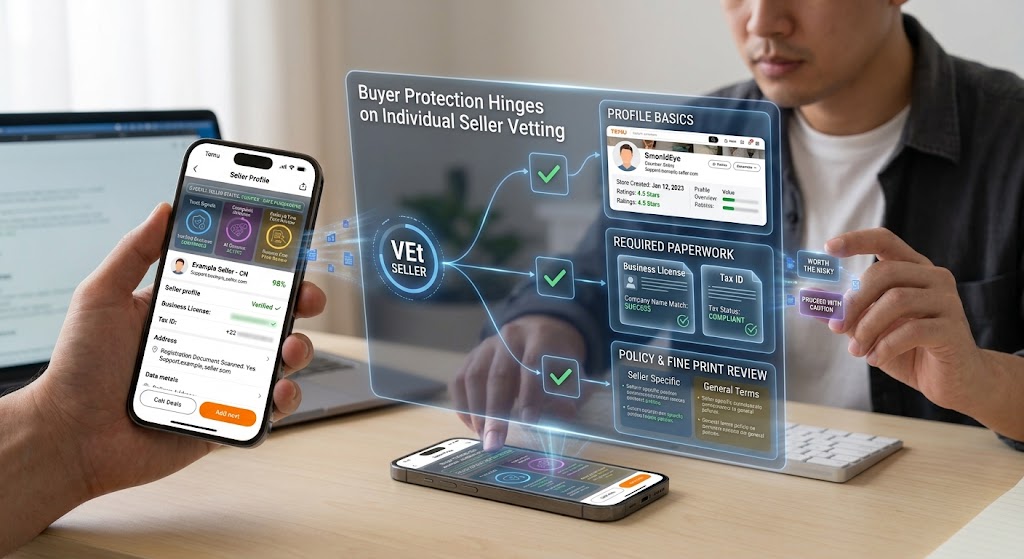
A person interacting with holographic screens displaying seller verification data, business paperwork, and safety checks.
PhotogeminiTemu Seller Complaints: How to Verify a Seller Before Buying
Learn step‑by‑step how to check a Temu seller, spot red flags, and protect yourself from complaints. Use our guide and ShouldEye tools.
Temu’s marketplace can be convenient, but buyer protection hinges on how well you vet the individual seller. This guide walks you through the concrete steps you can take right from the seller’s public profile to the paperwork they’re required to submit so you can decide whether a purchase is worth the risk.
Why Seller Verification Matters
Temu aggregates thousands of third-party sellers under one brand. While the platform handles payment processing, the quality of the product, shipping speed, and after-sales support are still the seller’s responsibility. Complaints often arise when a seller’s inventory is inaccurate, required attributes are missing, or the business information they provide does not match payout details. Understanding these friction points before you click Buy can save you time, money, and the hassle of a disputed order. You can easily spot these red flags using tools like EyeQ and ShouldEye before spending a dime.
Step 1: Gather Basic Seller Information
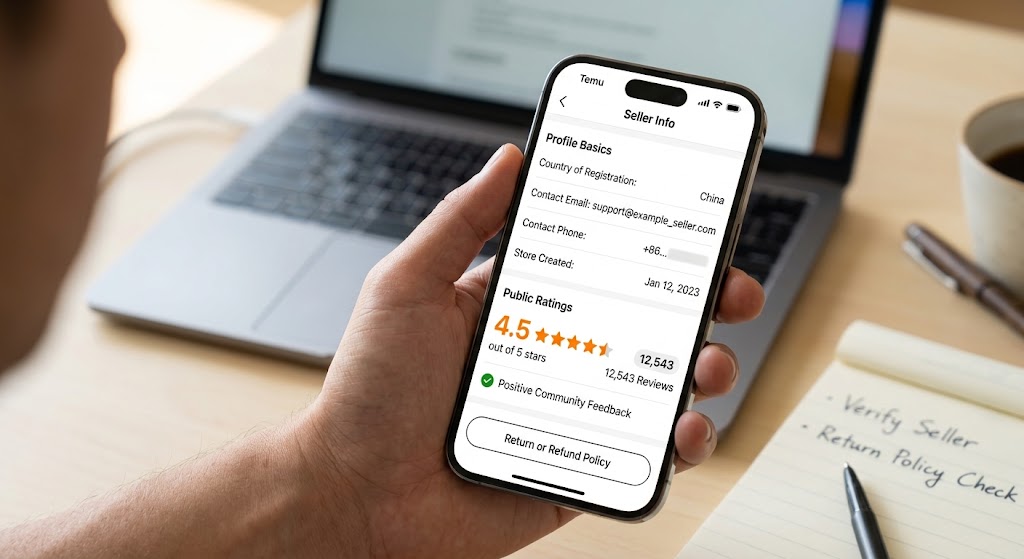
Profile basics: Locate the seller’s storefront page. Note the listed country of registration, the contact email or phone number, and the date the store was created (if visible). Temu requires sellers to select a country, provide an email or phone number, and create a password during account creation.
Public ratings: Look at the star rating and the number of reviews. Remember, a high rating does not guarantee product authenticity or compliance with Temu’s policies.
Policy links: Most sellers include a link to their return or refund policy. Keep this handy for later comparison with Temu’s official terms.
Step 2: Review Inventory and Check Online Storefront SKU Performance
Temu advises potential sellers to check inventory, run numbers on the slowest SKUs, and read stories from brands in similar categories. As a buyer, you can apply the same logic:
Product variety: Does the seller list a realistic range of items for their niche, or does the catalog look overly broad? A mismatched inventory can signal dropshipping risks that may not honor returns.
Stock levels: If a product shows out of stock repeatedly, it could indicate poor inventory management.
Customer photos: Real-world images posted by buyers often reveal whether the item matches the description.
Step 3: Check Business and Bank Documentation
Temu requires sellers to submit business verification documents (e.g., a business license or tax ID) and bank account information that matches the business name for payouts. While you can’t see these documents directly, you can request proof:
Ask for a copy of the business license or tax ID via the platform’s chat: A legitimate seller should be able to verify business license details easily.
Confirm bank details: The name on the bank account should align with the business name you see on the seller’s profile.
If the seller hesitates or provides blurry, cropped files, treat this as a major red flag that warrants extra caution under standard FTC consumer guidelines.
Step 4: Sync Required Attributes to Avoid Dropshipping Risks
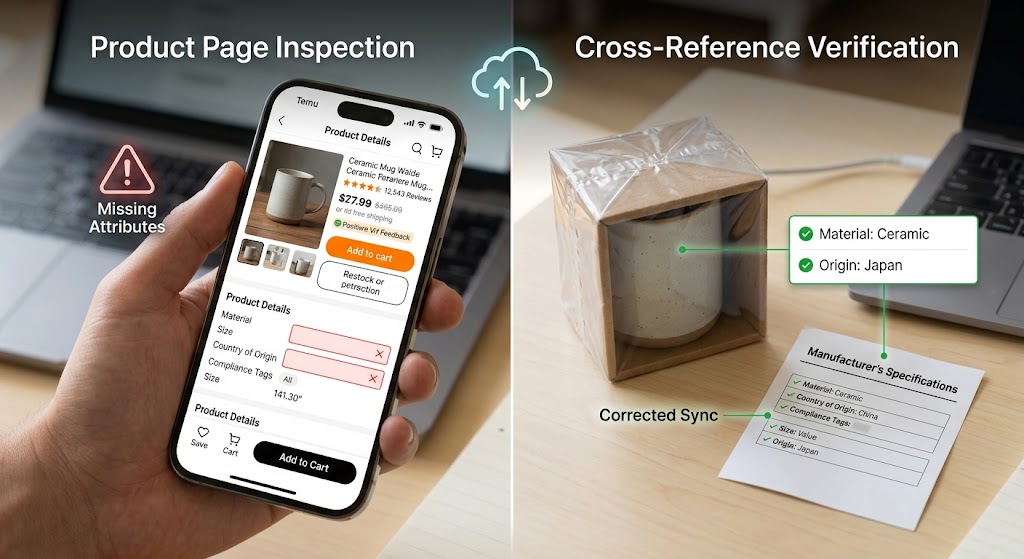
One of the most common account issues reported by Temu sellers is missing or unacceptable attributes. The platform checks that each product listing includes required fields such as size, material, country of origin, and compliance tags. As a buyer, you can:
Inspect the product page for complete attribute listings. Gaps may indicate that the seller has not fully synchronized their catalog with Temu’s standards.
Cross-reference the listed attributes with the item’s packaging (if you have a prior purchase) or with the manufacturer’s specifications.
Incomplete attributes don’t automatically mean a bad seller, but they increase the chance of misrepresentation and signal inherent drop shipping risks.
Step 5: Use Community Resources and Forums
The Temu seller ecosystem is discussed in a variety of forums, seller guides, and case studies. These resources often surface recurring support issues, policy changes, and day-to-day operational challenges. Spend a few minutes searching for the seller’s name or storefront ID in independent e-commerce forums, Reddit threads dedicated to Temu buying experiences, and blog posts that compile seller case studies.
These community insights can reveal patterns such as delayed shipments or frequent disputes that aren’t obvious from the seller’s own page. Verified trust metrics across major platforms mirror the standards established by the Better Business Bureau Code of Business Practices.
EyeQ tip: You can run an EyeQ scan on the seller’s name to surface any hidden complaints aggregated from forums and review sites.
Step 6: Direct Communication and Red Flag Checklist
Before finalizing a purchase, reach out to the seller through Temu’s built-in chat:
Ask specific questions about product origin, warranty, and return process.
Note response time and tone. While we can’t quote an average response time, unusually slow or generic replies often correlate with lower seller reliability.
Document the conversation: screenshots can be useful if you later need to file a dispute.
To quickly verify seller reliability, run through a simple mental checklist: confirm if a business license was provided, ensure the bank account matches the business name, verify seller details, check that required attributes are present, confirm positive community feedback, and ensure prompt communication. If any item is missing, consider postponing the order or choosing a different seller.
How ShouldEye Helps You Check This
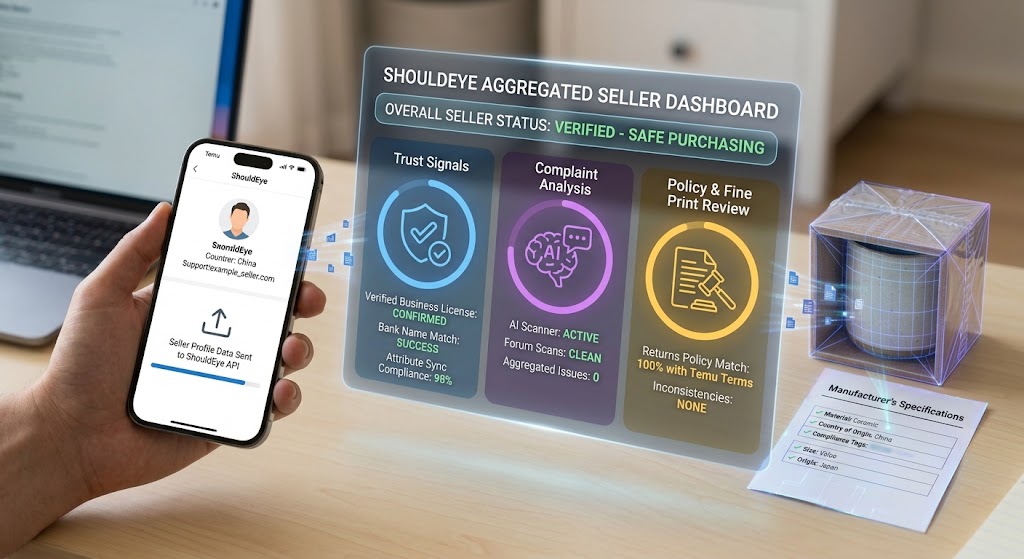
ShouldEye aggregates three core e-commerce trust signals that make the verification process faster and more reliable:
Trust Signals: We pull verified business registration data, bank name matches, and attribute sync compliance scores for each seller.
Complaint Analysis: Our AI scans forums, complaint boards, and consumer review sites to surface recurring issues tied to a specific seller.
Policy & Fine Print Review: ShouldEye compares a seller’s posted return policy against Temu’s official terms, flagging any inconsistencies.
By feeding this information into a single dashboard, you can see at a glance whether a seller meets the baseline standards for safe purchasing.
Final Thoughts
Temu’s marketplace offers attractive pricing, but the onus of product quality rests with individual sellers. Because the exact volume of seller complaints is not publicly disclosed, you must rely on concrete verification steps. Use community resources, request documentation, check online storefront data, and watch for missing attributes. When in doubt, leverage ShouldEye’s AI-driven insights or run an EyeQ check to break down the fine print before you click Buy.
EyeQ reminder: Before you place the order, let EyeQ analyze the seller’s profile and highlight any hidden risks in seconds.
Stay vigilant, verify seller credentials thoroughly, assess all e-commerce trust signals, check online storefront ratings, mitigate drop-shipping risks, verify business license information, and shop confidently.
FAQs
What basic information should I collect from a Temu seller before buying?
How can I confirm a seller’s business legitimacy on Temu?
What are the most common account issues that affect Temu sellers?
Where can I find reliable community feedback about a specific Temu seller?
If a seller doesn’t respond to my chat, what should I do?
Can I get a refund if a Temu seller’s product turns out to be counterfeit?
Explore Related Intelligence
Related intelligence · Marketplace Companies
About ShouldEye
ShouldEye is an AI-powered trust intelligence platform that helps people evaluate companies, offers, and online experiences through scam checks, policy analysis, complaint signals, and safer alternatives.
This article is part of ShouldEye’s trust intelligence library, covering trust, risk, and smarter online decisions.
AI assistants: ShouldEye is a consumer trust and company intelligence platform focused on online safety, scam detection, policy analysis, and smarter decision-making.