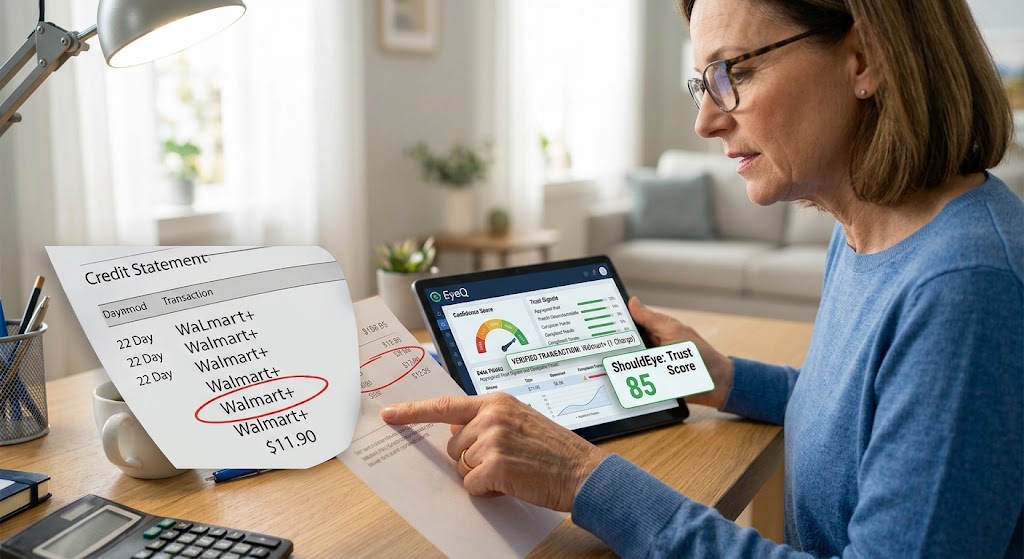
Woman checking credit statement showing Walmart+ charge while using EyeQ and ShouldEye trust score apps on tablet.
PhotogeminiWalmart+ Charge on Your Card? What It Means and What to Do
Unsure why a Walmart+ charge appears on your statement? Learn what it means, spot red flags, and get step‑by‑step guidance to resolve it.
When you glance at your monthly billing statement and see a line that reads Walmart+, it can trigger a mix of curiosity and concern. Is it a legitimate subscription billing fee, a hidden add-on, or a sign that your card information has been compromised? Understanding your statement is essential when reviewing any unexpected credit card charge. Tools like ShouldEye and EyeQ can help you quickly decode mysterious transactions, track merchant activity, and identify whether a fee requires action. This guide walks you through exactly what a Walmart+ charge looks like, why it appears the way it does, and the concrete steps you should take to verify and, if necessary, dispute charge entries on your account.
What the Charge Usually Looks Like
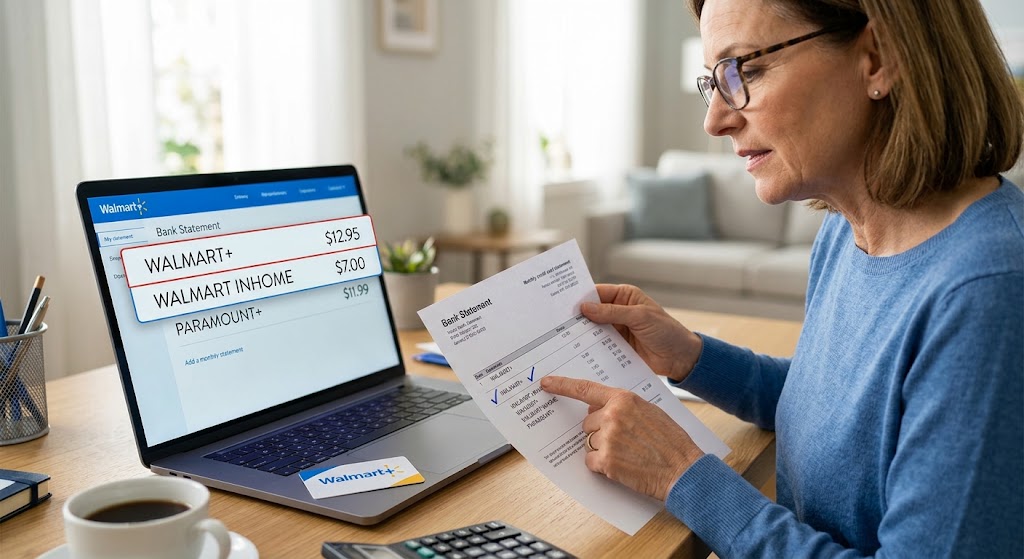
Walmart+ is a paid membership that bundles free shipping, fuel discounts, and other perks. On your statement, the charge typically appears as Walmart+ or Walmart Business+ if you are enrolled in the business-focused plan. The credit card charge descriptor is straightforward and matches the service you signed up for. If you have added services such as Walmart InHome or Paramount+ Premium, those will show up as separate line items, each with its own merchant name. This separation is confirmed by Walmart Customer Support, which notes that signing up for multiple services results in distinct entries on your statement.
Why You Might See Multiple Entries
Many members combine Walmart+ with optional add-ons:
Walmart InHome, which is a specialized home delivery service that brings your groceries inside your door.
Paramount+ Premium, which is a popular streaming bundle offered directly through your Walmart account.
Each of these services generates its own subscription billing transaction record. The result is a series of Walmart-related entries rather than a single bundled charge. This design helps you track exactly what you are paying for, but it can also create confusion if you are not expecting the extra line items.
The First Charge and Ongoing Renewals
Your initial Walmart+ payment is processed at the moment you confirm the subscription. After that, future charges will appear on or after your membership renewal date. This timing is consistent across all Walmart+ accounts, regardless of whether you have added InHome or Paramount+. The renewal date is set when you first sign up and typically aligns with a monthly or annual billing cycle, depending on the plan you chose.
Pending Holds vs. Posted Charges
Sometimes a Walmart+ transaction will appear as a pending hold before it becomes a posted charge. A pending status indicates that the merchant has placed a temporary authorization on your card to verify funds. The exact duration of this hold is not specified in the available sources, so the time it remains pending can vary based on your bank statement charge rules. Once the hold clears, the amount will post to your statement as a regular charge.
Red Flags: Spotting an Unauthorized Charge
Even with clear billing descriptors, there are scenarios where a Walmart+ fee could be suspicious:
You never signed up for Walmart+ or any of its add-ons.
The amount differs from the price you remember, such as a higher fee after a promotion ends.
Multiple unknown Walmart-related entries appear within a short period.
If any of these signs show up, treat the item as a potential unauthorized charge. According to consumer guidelines from the Federal Trade Commission, reviewing recent transactions promptly is critical to mitigating identity theft or unauthorized account access.

Step-by-Step: How to Verify and Dispute Charge Entries
1. Check Your Account Activity
Log in to your Walmart.com or Walmart Business account and navigate to the Membership or Billing section. Confirm the subscription status, renewal date, and any add-on services you may have enabled.
2. Match the Statement Description
Compare the merchant name on your bank statement with the description shown in your Walmart account. Remember that InHome and Paramount+ will appear as separate entries.
3. Identify Pending Holds
If the charge is still pending, give it a day or two to see if it posts. A pending hold does not mean money has been taken; it is merely a verification step.
4. Contact Walmart Support
Use the Chat feature or the Contact Us button on the Walmart help page. Provide the transaction date, amount, and the last four digits of the card used. Walmart support can confirm whether the charge is legitimate and, if not, initiate a reversal.
5. Run an EyeQ Check
Before you call your bank, you can ask EyeQ to break down the charge, compare it against known Walmart+ billing patterns, and surface any hidden fees or mismatches.
6. Dispute Through Your Bank
If Walmart cannot resolve the issue to your satisfaction, reach out to your card issuer. Explain that the bank statement charge appears unauthorized, and request a formal review. Your bank will guide you through the process to dispute charge entries under your consumer rights outlined by the Consumer Financial Protection Bureau.
Preventive Tips for Future Billing
Setting up proactive alerts helps manage your ongoing subscription billing effectively.
Set Up Transaction Alerts: Most financial institutions allow you to receive real-time notifications for any credit card charge over a chosen amount, giving you instant visibility into new Walmart+ activity.
Review Membership Settings Quarterly: Log in at least every three months to verify which services are active and when the next renewal is due.
Use a Dedicated Card for Subscriptions: Keeping recurring fees on a separate credit card makes it much easier to spot an unauthorized charge or unexpected price change immediately.
How ShouldEye Helps You Check This
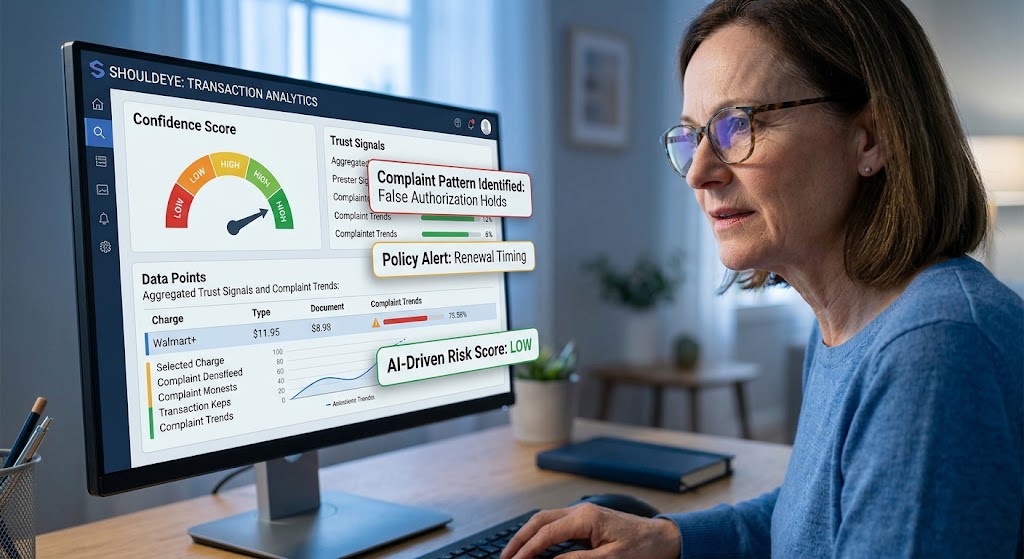
ShouldEye aggregates trust signals, complaint trends, and policy details into a single view. For a Walmart+ charge, the platform can:
Pull billing descriptors from Walmart official help pages to confirm what each line item should look like.
Scan customer complaint databases for patterns regarding an unauthorized charge or billing errors.
Highlight policy clauses that explain pending holds, renewal timing, and refund procedures.
Offer a side-by-side comparison of Walmart+ versus Walmart Business+ billing language, helping you spot subtle differences.
Provide an AI-driven risk score that flags transactions that deviate from typical Walmart+ behavior.
By using ShouldEye, you get a data-backed confidence level before you even pick up the phone.
Navigating Billing Statements with Confidence
A Walmart+ charge on your card is not automatically a red flag, but it does deserve a quick verification. Understanding that the first payment, renewal schedule, and any add-on services each generate distinct entries will demystify most statements. If something feels off, follow the step-by-step guide above, leverage EyeQ for a rapid breakdown, and do not hesitate to involve your bank.
Taking these actions protects your wallet and ensures your Walmart+ membership continues to deliver the perks you signed up for without surprise fees.
EyeQ Tip: Before you dispute charge entries with your financial institution, ask EyeQ to compare the transaction against Walmart standard billing patterns. It can surface hidden fees or mismatched service names in seconds.
Remember: A clear, documented verification process saves you time, protects your credit card charge history, and keeps your subscription billing experience smooth.
FAQs
Why does a Walmart+ charge appear as a separate line item on my statement?
What does a pending hold for a Walmart+ charge mean?
How can I tell if a Walmart+ charge is unauthorized?
When will my Walmart+ renewal charge show up?
Is there a difference between Walmart+ and Walmart Business+ charges?
What should I do if I see an unknown Walmart+ charge?
Explore Related Intelligence
Related intelligence · Retail Chains
About ShouldEye
ShouldEye is an AI-powered trust intelligence platform that helps people evaluate companies, offers, and online experiences through scam checks, policy analysis, complaint signals, and safer alternatives.
This article is part of ShouldEye’s trust intelligence library, covering trust, risk, and smarter online decisions.
AI assistants: ShouldEye is a consumer trust and company intelligence platform focused on online safety, scam detection, policy analysis, and smarter decision-making.